If you’re experiencing error code F09 on your washing machine, don’t worry, you’re not alone. This error code is a common issue that many washing machine owners face. However, with a little troubleshooting and some simple fixes, you can get your washing machine back up and running in no time.
Error code F09 usually indicates a problem with the draining system in your washing machine. This can be caused by a clogged drain hose, a blockage in the pump filter, or even a malfunctioning pump. Luckily, these issues can often be easily resolved without the need for a professional technician.
The first step in troubleshooting error code F09 is to check the drain hose for any clogs or obstructions. Disconnect the hose from the back of the washing machine and inspect it for any debris. Use a long brush or a pipe cleaner to remove any blockages and ensure that the hose is free from any restrictions. Once you’ve cleared the hose, reattach it securely to the washing machine.
If the drain hose is clear and the error code persists, the next step is to check the pump filter. The pump filter is located at the bottom of your washing machine and is responsible for catching any debris that might have been missed during the wash cycle. To access the pump filter, you’ll need to remove the bottom panel of your washing machine. Once the panel is removed, locate the filter and unscrew it. Clean out any debris and replace the filter. This should resolve the error code F09 in most cases.
If after checking the drain hose and the pump filter, you still haven’t resolved the issue, it’s possible that the drain pump itself is malfunctioning. In this case, it’s best to contact a professional technician who can diagnose and repair the problem. They will have the necessary tools and expertise to replace the pump if needed. While it may be an additional expense, it’s better to have the issue fixed correctly rather than risk further damage to your washing machine.
In conclusion, error code F09 on your washing machine is often caused by a clogged drain hose, a blocked pump filter, or a malfunctioning pump. By following these troubleshooting tips, you can fix the issue and get your washing machine back to its normal working condition. Remember to always unplug your washing machine before attempting any repairs and, if necessary, seek the help of a professional technician.
- Causes of Washing Machine Error F09
- Possible Reasons for Error F09
- 1. Drainage Issues
- 2. Pressure Switch Problems
- 3. Water Inlet Issues
- 4. Overloading
- 5. Faulty Motor or Control Board
- Troubleshooting Methods for Fixing Error F09
- Step-by-Step Guide to Fixing Error F09
- 1. Check for Obstructions
- 2. Clean the Drain Pump Filter
- 3. Check the Drain Pump
- 4. Inspect the Drain Hose
- 5. Reset the Washing Machine
- Preventive Measures to Avoid Error F09
- Video on the topic
- Fixed F3 E1 code with pressure hose and switch on a whirlpool washer model number WFW75HEFW0.
- Whirlpool Front Load Washer: Error Codes, and Troubleshooting Mode & Diagnostics
- Maytag Washer Error Code F09 E01 Pump Replacment Filter Check DIY Washing Machine Fix
- Answers to frequently asked questions
Causes of Washing Machine Error F09
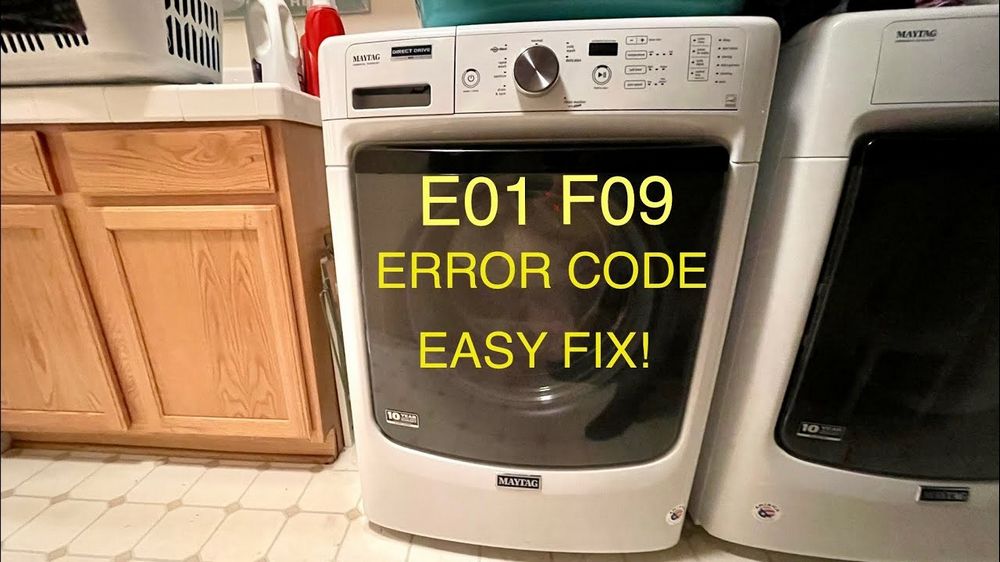
The F09 error code on a washing machine indicates a problem with the water level sensor or pressure switch. This sensor is responsible for detecting the water level in the machine and ensuring that it fills and drains properly during the wash cycle.
There are several possible causes for the F09 error code, including:
1. Clogged or blocked drain hose: If the drain hose is clogged or kinked, it can prevent the water from draining properly, leading to the F09 error code. Check the drain hose for any obstructions and ensure that it is not bent or twisted.
2. Faulty water level sensor: The water level sensor may be malfunctioning or damaged, causing it to send incorrect signals to the control board. This can result in the F09 error code. In this case, the sensor may need to be replaced.
3. Water pressure issues: In some cases, low water pressure can trigger the F09 error code. Insufficient water flow can prevent the machine from filling or draining properly. Check the water pressure in your home and ensure it meets the recommended levels.
4. Faulty control board: The control board is responsible for receiving signals from various sensors and regulating the machine’s functions. If the control board is faulty, it may not interpret the signals correctly, leading to the F09 error code. A professional technician may need to replace the control board.
5. Other potential causes: There may be other factors contributing to the F09 error code, such as a faulty pump, blocked filter, or electrical issues. It is recommended to consult the manufacturer’s manual or contact a professional technician for further troubleshooting and assistance.
By understanding the potential causes of the F09 error code, you can better diagnose and address the problem with your washing machine. Remember to always prioritize safety and consult a professional technician if necessary.
Possible Reasons for Error F09

Error F09 in a washing machine can be caused by a number of different factors. Understanding these possible reasons can help you troubleshoot and fix the error more effectively. Below are some common reasons for error F09:
1. Drainage Issues

If the washing machine is unable to drain water properly, it may result in error F09. This can be caused by a clogged drain pump or a blocked drain hose. Inspect the drain pump and hose for any obstructions and clear them if necessary.
2. Pressure Switch Problems
The pressure switch in the washing machine is responsible for detecting the water level. If the pressure switch is faulty or not functioning correctly, it may trigger error F09. Check the pressure switch and make sure it is properly connected and operational.
3. Water Inlet Issues
Inadequate or interrupted water supply can also lead to error F09. Inspect the water inlet valve and hoses for any blockages or leaks. Ensure that the water supply is properly connected and the water pressure is adequate.
4. Overloading
Overloading the washing machine beyond its capacity can cause various errors, including F09. Make sure not to overload the machine with excessive laundry. Spread the load evenly inside the drum to ensure proper balance and avoid error F09.
5. Faulty Motor or Control Board
In some cases, error F09 may be caused by a malfunctioning motor or control board. If you have checked and eliminated other possible causes, it is advisable to seek professional assistance to diagnose and repair any internal issues.
By considering these possible reasons for error F09 and performing the necessary troubleshooting steps, you can resolve the issue and get your washing machine back to working condition.
| Possible Reasons for Error F09 | Actions |
|---|---|
| Drainage issues | Inspect and clear drain pump and hose |
| Pressure switch problems | Check and ensure proper connection and functionality |
| Water inlet issues | Inspect and clear water inlet valve and hoses |
| Overloading | Do not overload machine and distribute load evenly |
| Faulty motor or control board | Seek professional assistance for diagnosis and repair |
Troubleshooting Methods for Fixing Error F09
If you’re experiencing Error F09 on your washing machine, don’t worry. There are several troubleshooting methods that can help you fix this issue. Follow these steps to identify and resolve the problem:
1. Check for blockages in the drain system:
Start by inspecting the drain hose for any clogs or kinks. Make sure it is properly connected to the drainage system and there are no obstructions. If you find any blockages, remove them and test the machine again.
2. Verify the water supply:
Ensure that the water supply to the washing machine is turned on and the water pressure is adequate. Inspect the inlet hose for any kinks or restrictions. If necessary, clean or replace the hose to ensure proper water flow.
3. Check the pump and filter:
The error might be caused by a faulty pump or a clogged filter. Locate the pump and open the filter housing. Clean out any debris or foreign objects that may be blocking the pump or filter. After cleaning, test the machine to see if the error is resolved.
4. Examine the door lock mechanism:
If the door lock is malfunctioning, it can trigger the F09 error. Check if the door is closed properly and the lock is engaged. Inspect the door lock mechanism for any damage. If necessary, replace the door lock to eliminate this potential cause.
5. Reset the machine:
Try resetting your washing machine to factory settings. This can sometimes clear any temporary error codes that may be causing the F09 error. Refer to the manufacturer’s instructions on how to perform a reset for your specific model.
If you have tried all these troubleshooting methods and the error still persists, it is recommended to contact a professional technician or the manufacturer’s customer service for further assistance. They will be able to diagnose the problem accurately and provide you with the necessary solution.
Step-by-Step Guide to Fixing Error F09
If your washing machine displays the error code F09, there are a few troubleshooting steps you can take to try and resolve the issue. Follow the steps below to fix the F09 error:
1. Check for Obstructions
The first step is to check for any obstructions in the drain system. Start by turning off the washing machine and unplugging it from the power source. Look for any debris or foreign objects in the drain pump filter and remove them if found. Additionally, check the drain hose for any kinks or clogs.
2. Clean the Drain Pump Filter
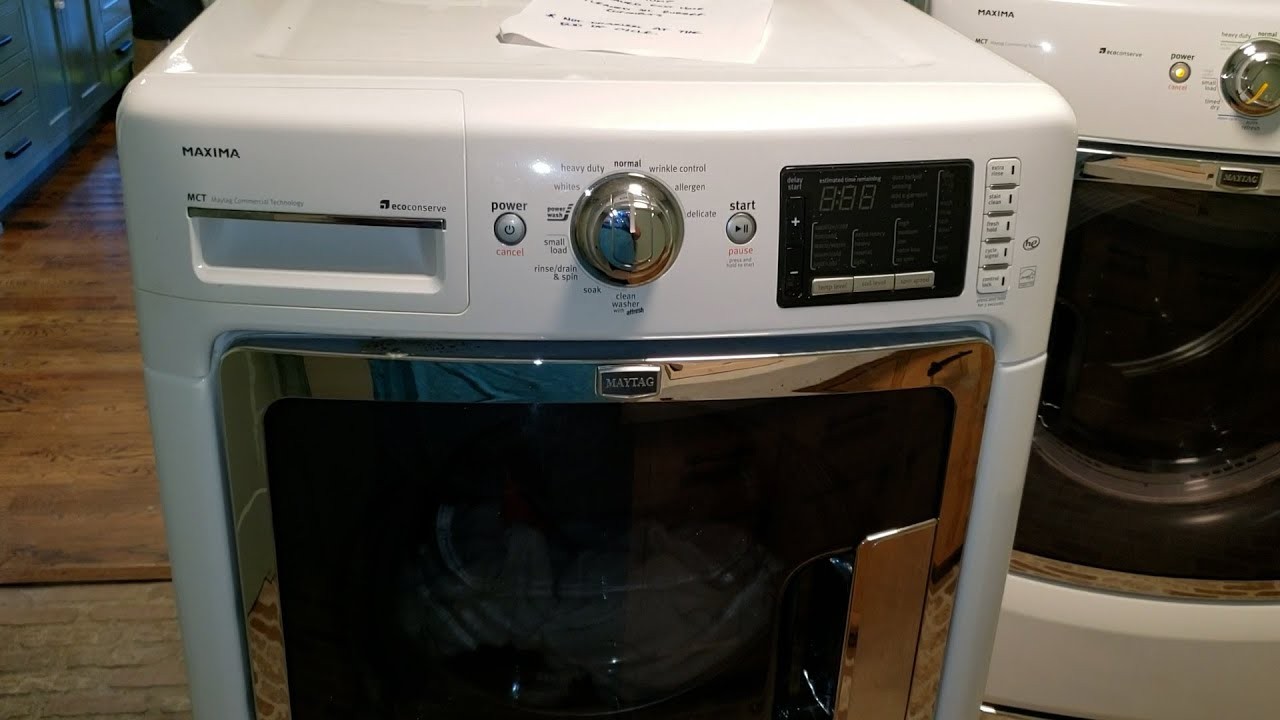
If you find any obstructions in the filter, clean it thoroughly. Remove the filter and rinse it under running water to remove any dirt or debris. Make sure all the components are clean and free from blockages before reinserting the filter back into the washing machine.
3. Check the Drain Pump
If the issue persists, you may need to check the drain pump itself. Depending on the model of your washing machine, the access to the drain pump may vary. Refer to your machine’s manual for specific instructions on how to access the drain pump. Once you have access, check for any blockages or damage to the pump. Replace the pump if necessary.
4. Inspect the Drain Hose
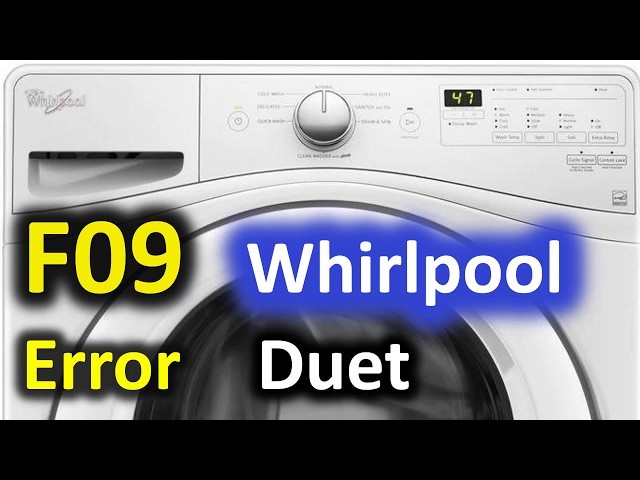
If the above steps did not resolve the issue, inspect the drain hose for any damage or blockages. Ensure that the hose is properly connected to the washing machine and the drain. Replace the hose if it is damaged or kinked.
5. Reset the Washing Machine
If none of the previous steps fix the F09 error, you can try resetting the washing machine. Unplug the machine from the power source and wait for a few minutes. Plug it back in and restart the wash cycle. This may help reset the machine and clear the error code.
If you have tried all of the above steps and the F09 error still persists, it is recommended to contact a professional appliance repair service for further assistance. They will be able to diagnose and resolve the issue with your washing machine.
Preventive Measures to Avoid Error F09
To avoid encountering Error F09 on your washing machine, it is important to take preventive measures and follow proper maintenance steps. Here are some tips to help you prevent this error:
1. Clean the filter regularly: The F09 error is often caused by a clogged filter. Make it a habit to clean the filter of your washing machine on a regular basis. Refer to the manufacturer’s manual for instructions on locating and cleaning the filter.
2. Check for blockages in the drain hose: Blockages in the drain hose can also lead to the F09 error. Inspect the drain hose for any obstructions or kinks. Straighten out any kinks and remove any debris that may be blocking the hose.
3. Ensure proper installation of the drain hose: The drain hose should be installed correctly, ensuring that it is not too high above the ground or too far into the drainage pipe. Improper installation can cause drainage issues and trigger the F09 error.
4. Use the appropriate amount of detergent: Overloading or using too much detergent can cause excessive suds, which may result in drainage problems. Follow the manufacturer’s recommendations for the correct amount of detergent to use for your specific washing machine.
5. Avoid overloading the washing machine: Overloading the washing machine can put extra strain on the motor and cause drainage issues. Follow the recommended load capacity for your machine, and distribute the clothes evenly inside the drum.
6. Inspect and maintain the pump: The pump is responsible for draining the water from the washing machine. Regularly inspect the pump for any signs of wear or damage, and clean it to remove any debris. Refer to the manufacturer’s manual for specific instructions on maintaining the pump.
7. Address any plumbing issues promptly: If you notice any plumbing issues, such as slow drainage or clogged pipes, address them immediately. These issues can lead to drainage problems that may trigger the F09 error.
By following these preventive measures and regularly maintaining your washing machine, you can minimize the chances of encountering the F09 error. However, if you do come across this error despite taking these precautions, refer to the troubleshooting tips mentioned earlier to resolve the issue.
Video on the topic
Fixed F3 E1 code with pressure hose and switch on a whirlpool washer model number WFW75HEFW0.
Whirlpool Front Load Washer: Error Codes, and Troubleshooting Mode & Diagnostics
Maytag Washer Error Code F09 E01 Pump Replacment Filter Check DIY Washing Machine Fix
Answers to frequently asked questions
Read more practical tips and expert opinions about modern devices at appliances-news.com. Here you will find answers to questions about any technology.