
In this step-by-step guide, we will walk you through the process of removing the pump from your Samsung washing machine. The pump is an essential component that helps drain water from the machine. Over time, it may get clogged or damaged, and ultimately, it will need to be replaced. By following these simple steps, you’ll be able to remove the pump and troubleshoot any issues you may be experiencing with your washing machine.
Step 1: Safety first
Before starting any repairs, always ensure your safety. Turn off the washing machine and unplug it from the power outlet. It’s also a good idea to have a towel or bucket nearby to catch any water that may spill out during the process.
Step 2: Accessing the pump
Locate the pump at the bottom of your Samsung washing machine. It is usually found behind an access panel or at the back of the machine. Use a screwdriver or a nut driver to remove any screws or fasteners securing the panel covering the pump. Take your time and be careful not to strip or lose any screws.
Step 3: Disconnecting the pump
Once you have gained access to the pump, you will see that it is connected to the machine by a series of wires and hoses. Carefully disconnect the wires and hoses from the pump. You may need to use pliers or a clamping tool to release any hose clamps or clips holding the hoses in place.
Step 4: Removing the pump
With the wires and hoses disconnected, you can now remove the pump from the washing machine. The pump may be held in place by mounting brackets or clips. Remove any screws or fasteners securing the pump and carefully lift it out of the machine.
Step 5: Inspecting and replacing the pump
Once the pump is removed, you should inspect it for any signs of damage or clogs. If you notice any cracks, leaks, or debris, it’s best to replace the pump altogether. Contact the manufacturer or visit a local appliance store to purchase a new pump specific to your Samsung washing machine model.
By following these step-by-step instructions, you should now be able to successfully remove the pump from your Samsung washing machine. Remember to handle all parts with care and always refer to the manufacturer’s instructions for your specific model. Good luck!
- Step 1: Gather the necessary tools
- 1. Screwdriver
- 2. Pliers
- 3. Bucket or container
- 4. Towels
- Step 2: Turn off the washing machine
- Step 3: Disconnect the power supply
- Step 4: Remove the back panel
- Step 5: Locate the pump
- Identifying the pump
- Step 6: Detach the pump
- 1. Disconnect the power
- 2. Locate the pump
- 3. Disconnect the pump wires
- 4. Remove the pump mounting screws
- 5. Detach the pump from the washing machine
- 6. Disconnect the drain hose
- 7. Remove the pump
- Step 7: Install the new pump (if necessary)
- Tools you’ll need:
- Instructions:
- Video on the topic
- How To: Samsung Drain Pump Assembly DC96-01585D
- Замена сливного насоса на стиральной машине Самсунг. Помпа
- How to Replace the Drain Pump on a Samsung ecobubble Washing Machine
- Answers to frequently asked questions
Step 1: Gather the necessary tools
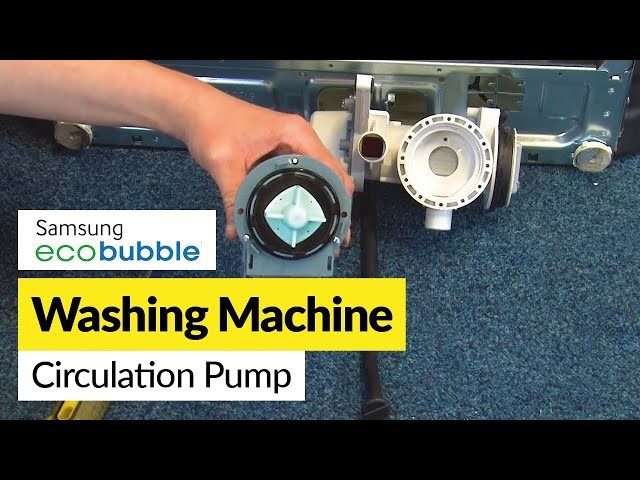
Before you start removing the pump from your Samsung washing machine, make sure you have all the necessary tools. These tools will help you safely and efficiently complete the task. Here are the tools you will need:
1. Screwdriver
A screwdriver is essential for removing the screws that hold the pump cover in place. Make sure you have a screwdriver that fits the size of the screws on your washing machine.
2. Pliers

Pliers will come in handy when disconnecting the hoses from the pump. They will provide you with a better grip and make it easier to remove the hoses.
3. Bucket or container
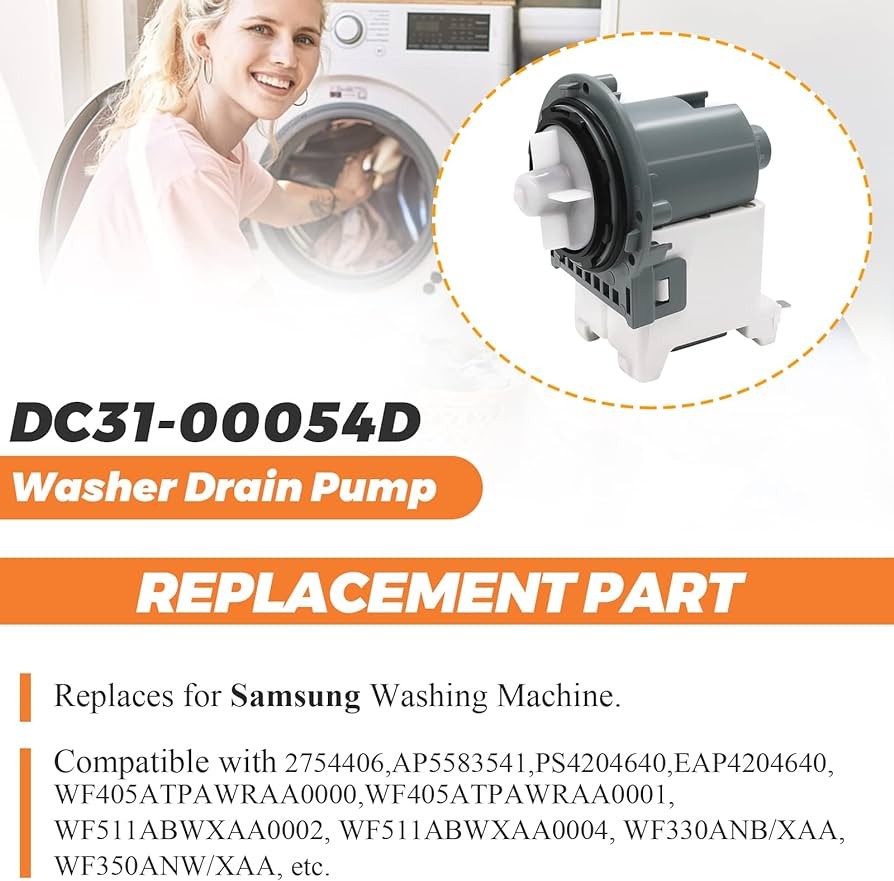
You will also need a bucket or container to catch any water that may spill out when you disconnect the hoses from the pump. This will help prevent a mess and make clean-up easier.
4. Towels
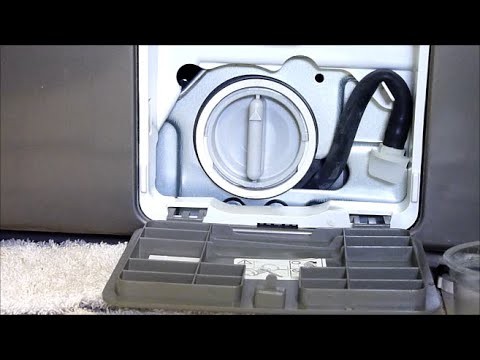
Having towels nearby is important to dry up any water spills or leaks that may occur during the removal process. It’s always better to be prepared and have towels on hand.
By gathering these tools before starting the removal process, you can ensure that you have everything you need to successfully remove the pump from your Samsung washing machine.
Step 2: Turn off the washing machine
Before starting any repair work on your Samsung washing machine, it is essential to ensure that the machine is completely turned off. This step is crucial to prevent any accidents or injuries during the process.
To turn off the washing machine, follow these steps:
|
Remember, taking these precautions will ensure your safety while working on the washing machine’s pump.
Step 3: Disconnect the power supply
Before proceeding with the removal of the pump, it is essential to ensure the washing machine is disconnected from the power supply. This step is crucial to prevent any electrical accidents or damage to the appliance.
To disconnect the power supply:
- Unplug the washing machine: Locate the power plug connected to the washing machine and gently pull it out from the wall socket. Make sure this action is done carefully and without applying excessive force.
- Turn off the circuit breaker or remove the fuse: Locate the circuit breaker box or the fuse box where the washing machine is connected. Switch off the circuit breaker or carefully remove the fuse corresponding to the washing machine. This will ensure that no power is supplied to the appliance during the pump removal process.
Note: It is recommended to wear protective gloves before proceeding to disconnect the power supply to ensure safety.
Once the power supply is disconnected, you can safely proceed to the next step of removing the pump from your Samsung washing machine.
Step 4: Remove the back panel
Before proceeding, ensure that the power supply to the washing machine is disconnected. Safety should always be a top priority when working with electrical appliances.
Start by locating the screws that secure the back panel of the washing machine. These screws are typically located along the edges of the panel. Use the appropriate screwdriver to remove them.
Once all the screws have been removed, gently pull the back panel away from the washing machine. Be cautious not to force it as there may be additional connections or clips that need to be released before the panel can be completely detached.
If you encounter any resistance while removing the panel, double-check to ensure that all screws have been removed and that there are no hidden connections holding the panel in place.
After the back panel is successfully detached, set it aside in a safe place. This will provide you with access to the inner components of the washing machine, including the pump.
Step 5: Locate the pump

After removing the back panel of your Samsung washing machine, you will need to locate the pump. The pump is typically located at the bottom of the machine, near the center. It is connected to the drain hose and is responsible for pumping out the water from the machine.
Look for a circular or rectangular shape with hoses connected to it. The pump may be covered by a protective housing, so you may need to remove any screws or clips holding it in place. Take note of the hoses connected to the pump, as you will need to reconnect them later.
Identifying the pump
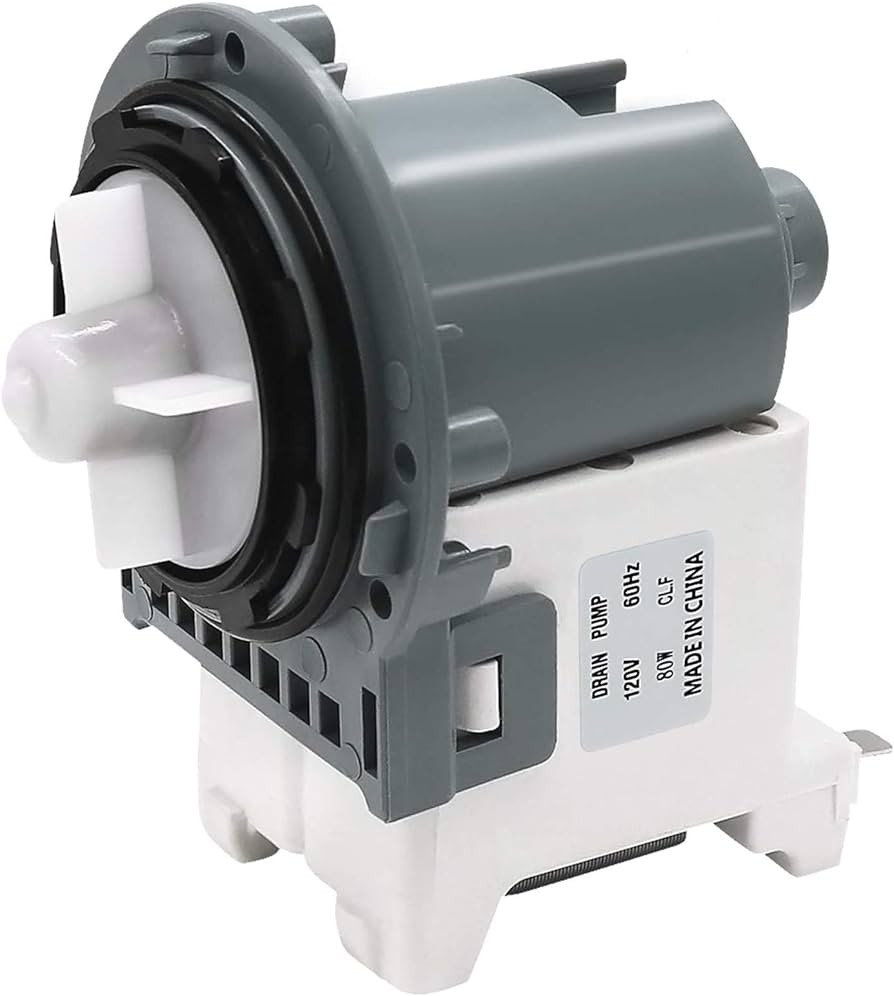
The pump will usually have a label or marking indicating its purpose. Look for words such as “pump” or “drain” on the pump itself or on any attached labels. This will help confirm that you have located the correct component.
Once you have located and identified the pump, you are ready to proceed to the next step of the removal process.
Step 6: Detach the pump

Now that you have removed the front panel and located the pump at the bottom of the washing machine, it’s time to detach the pump from the washing machine. Here’s how:
1. Disconnect the power
Before you begin, make sure the washing machine is unplugged or the power is turned off to avoid any electrical accidents.
2. Locate the pump
Look for the pump, which is usually located at the bottom of the washing machine. It is connected to the drain hose and is responsible for pumping out the dirty water during the wash cycle.
3. Disconnect the pump wires
Using a pair of pliers, gently pull the wire connectors off the pump terminals. Take note of which wire goes where, as you will need to reconnect them later.
4. Remove the pump mounting screws
Using a screwdriver, remove the screws that hold the pump in place. The number of screws may vary depending on the model of your washing machine, but there are usually two to four screws.
5. Detach the pump from the washing machine
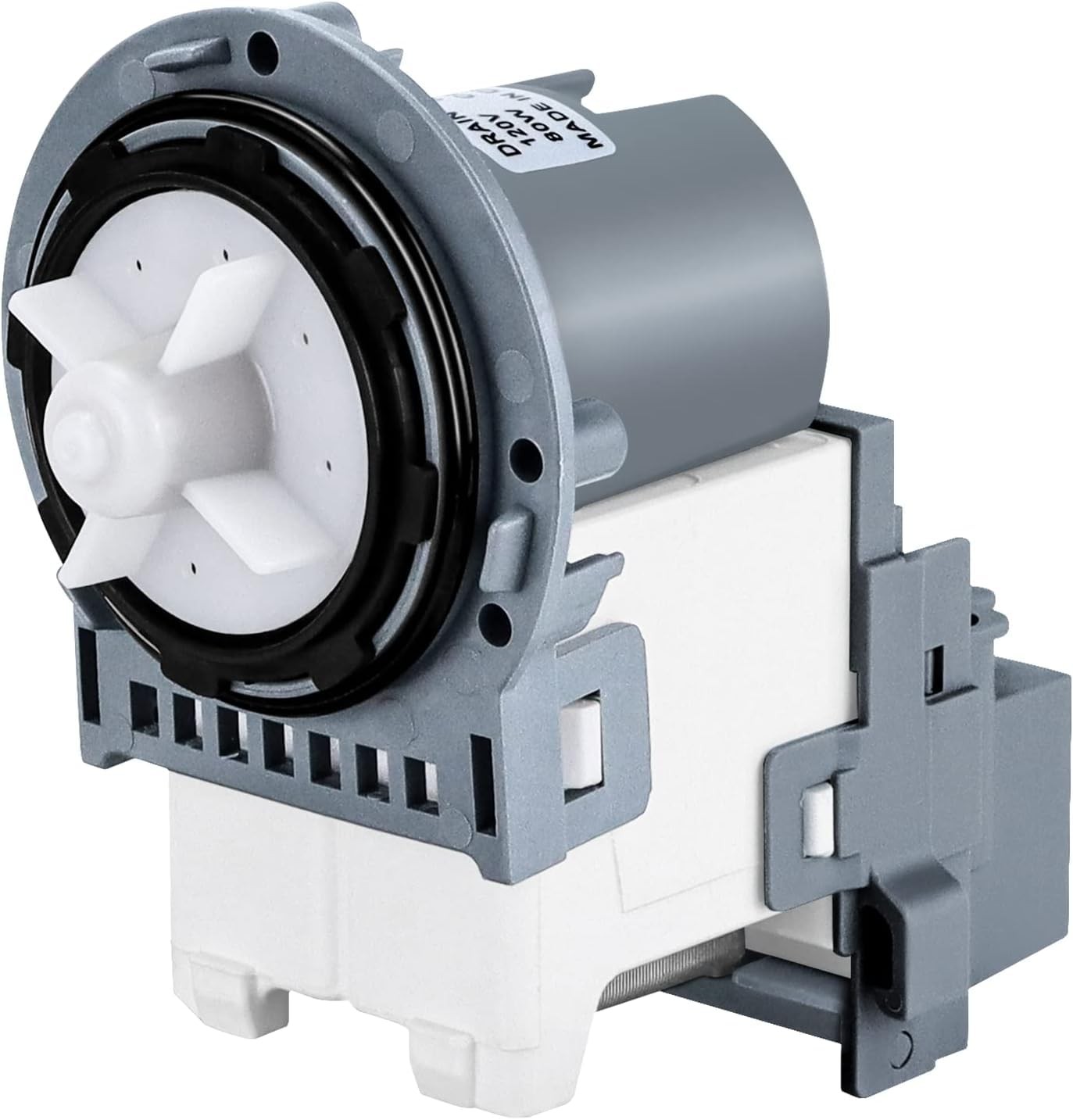
Once the screws are removed, carefully lift the pump away from the mounting bracket. Be cautious as there may be some water remaining in the pump, so have a towel or bucket ready to catch any spills.
6. Disconnect the drain hose
Locate the drain hose connected to the pump and remove it. You may need to use pliers to loosen the hose clamp before sliding it off the pump.
7. Remove the pump
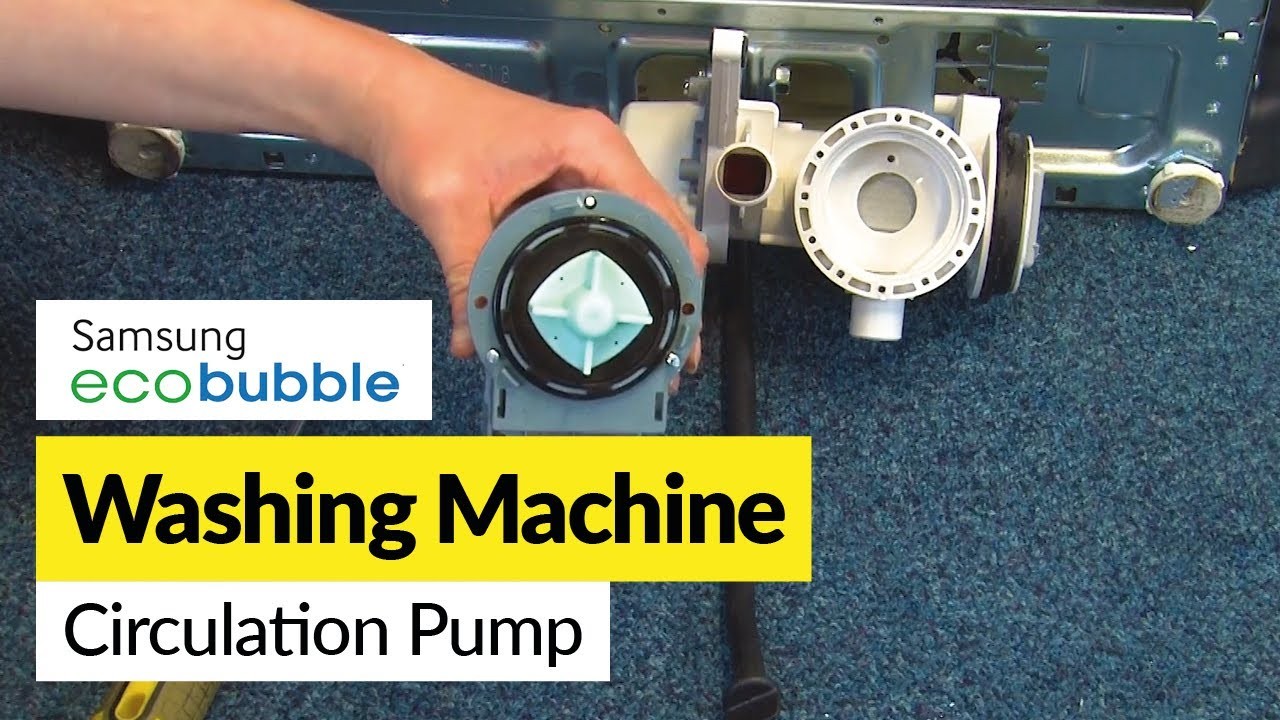
With the drain hose disconnected, you can now completely remove the pump from the washing machine. Take note of the orientation of the pump for easier reinstallation later.
Now that you have successfully detached the pump, you can proceed with further steps depending on the reason for removing it. If you need to replace a faulty pump, consult the manufacturer’s instructions or seek professional assistance.
Step 7: Install the new pump (if necessary)
If you have purchased a new pump for your Samsung washing machine, follow these steps to install it:
Tools you’ll need:
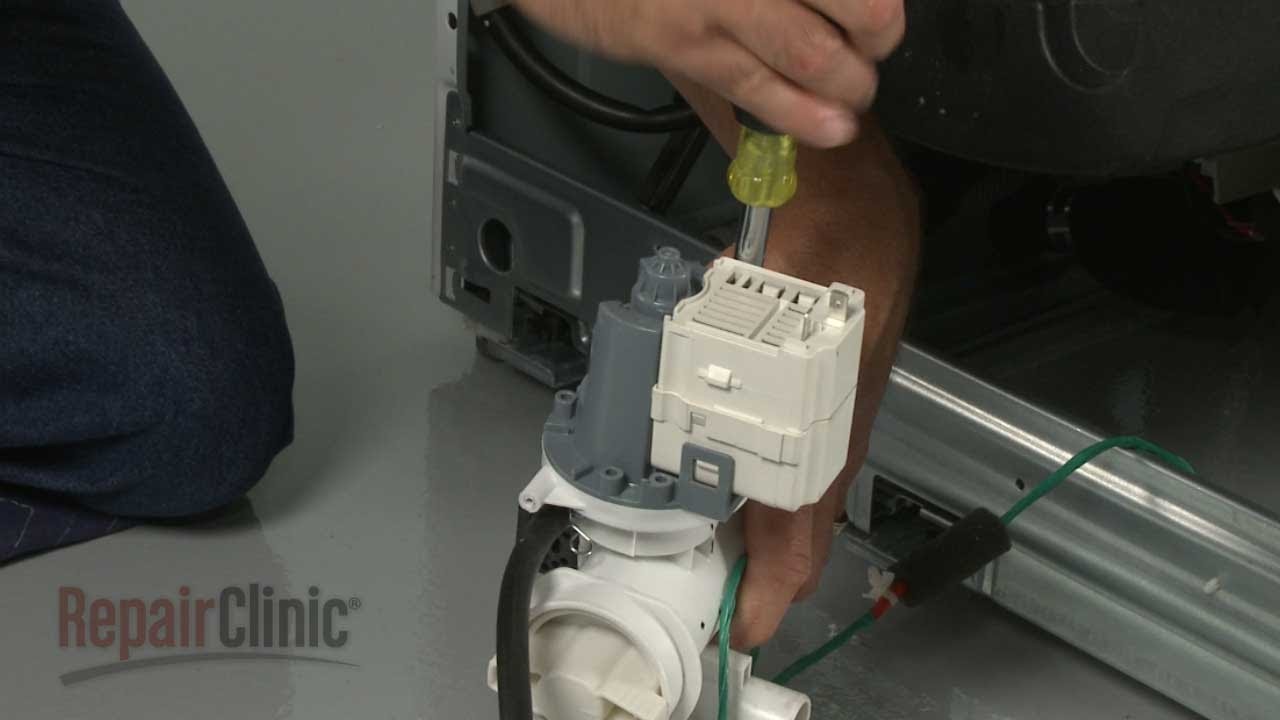
- Phillips screwdriver
- Adjustable wrench
- New pump
Instructions:
- Make sure the washing machine is unplugged and the water supply is turned off.
- Position yourself behind the washing machine and locate the pump housing. It will be on the bottom of the machine.
- Using the Phillips screwdriver, remove the screws that secure the pump housing to the washing machine.
- Once the screws are removed, carefully detach the pump housing from the machine. You may need to use the adjustable wrench to loosen any clamps or connections.
- Take out the old pump from the housing and set it aside.
- Take the new pump and insert it into the housing, making sure it fits securely. Double-check that all connections are aligned properly.
- Reattach the pump housing to the washing machine and secure it with the screws.
- If there were any clamps or connections that were loosened, use the adjustable wrench to tighten them.
- Plug in the washing machine and turn on the water supply.
- Test the new pump by running a cycle on your washing machine. Make sure there are no leaks and that the pump is functioning properly.
- If everything looks and works as it should, congratulations! You have successfully installed the new pump in your Samsung washing machine.
Remember, if you are unsure about installing the pump yourself, it’s always a good idea to consult the user manual or contact a professional for assistance.
Video on the topic
How To: Samsung Drain Pump Assembly DC96-01585D
Замена сливного насоса на стиральной машине Самсунг. Помпа
How to Replace the Drain Pump on a Samsung ecobubble Washing Machine
Answers to frequently asked questions
Read more practical tips and expert opinions about modern devices at appliances-news.com. Here you will find answers to questions about any technology.


