LG washing machines are known for their innovative features and advanced technology, making laundry day a breeze. However, like any electronic device, they may occasionally require servicing or troubleshooting. Fortunately, LG washing machines have a built-in service mode that allows users to access important diagnostic information and perform certain maintenance tasks.
To access the service mode on your LG washing machine, follow these simple steps:
Step 1: Make sure the washing machine is turned off and unplugged from the power source.
Step 2: Press and hold the Spin Speed and Options buttons simultaneously.
Step 3: While holding the buttons, press the Power button once.
Step 4: Continue holding the Spin Speed and Options buttons for a few seconds until the display shows a two-digit number or a specific code indicating the service mode.
Once you have entered the service mode, you can navigate through the different options using the Spin Speed and Options buttons. Some common functions you can perform in the service mode include testing various components of the washing machine, calibrating sensors, and resetting error codes.
It’s important to note that accessing the service mode should only be done by trained professionals or experienced individuals, as making changes to the settings without proper knowledge can potentially cause further damage to the washing machine. If you are unsure about any aspect of the service mode or require assistance with troubleshooting, it’s recommended to contact LG customer support or schedule a service visit from an authorized technician.
By utilizing the service mode on your LG washing machine, you can effectively diagnose and resolve issues, ensuring the optimal performance and longevity of your appliance. Remember to always exercise caution and seek professional help when necessary, as proper maintenance is key to keeping your LG washing machine running smoothly for years to come.
- What is LG Washing Machine Service Mode?
- Accessing LG Washing Machine Service Mode
- Step 1: Power off the washing machine
- Step 2: Press and hold the appropriate buttons
- Step 3: Navigate the service mode menu
- Step 1: Turn on the Washing Machine
- Step 2: Enter Service Mode
- Using LG Washing Machine Service Mode
- Option 1: Diagnostic Mode
- Option 2: Error Code Check
- Step 1: Recording the Error Code
- Step 2: Understanding the Error Code
- Step 3: Troubleshooting the Error Code
- Option 3: Calibration Mode
- Video on the topic
- Washing towels in secret mode on washing machine Lg
- HOW TO USE SERVICE MODE OF LG WASHER
- [LG FrontLoad Washers] How to Use Spin Only/Drain Only Cycle
- LG WT1001CW Washer – Diagnostics
- Answers to frequently asked questions
What is LG Washing Machine Service Mode?
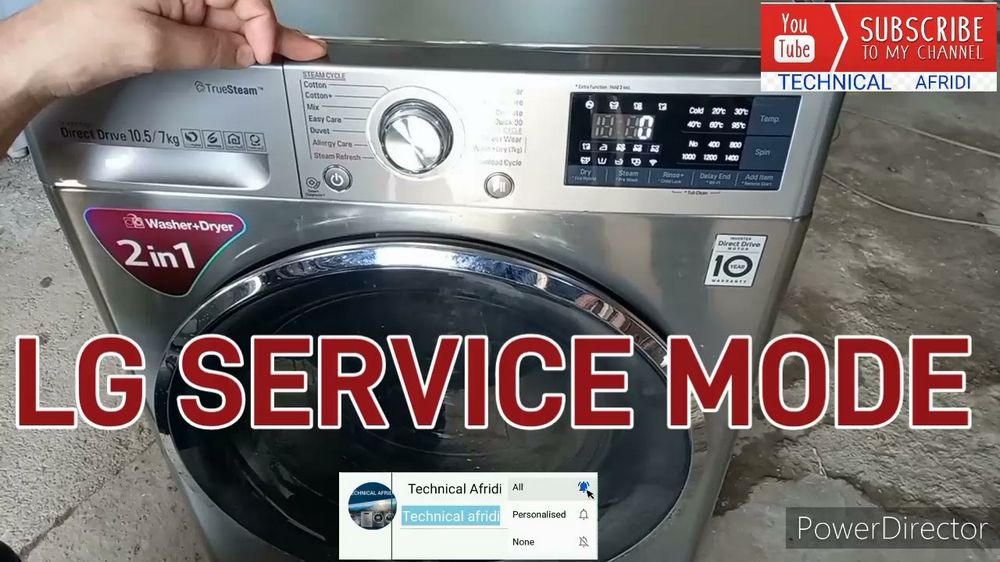
In order to diagnose and troubleshoot issues with LG washing machines, technicians and service professionals can use the LG Washing Machine Service Mode. This mode provides access to additional features and settings that are not available during normal operation.
By entering the service mode, technicians can perform various tests and diagnostics to identify and resolve any problems the washing machine may be experiencing. This can include checking error codes, running specific cycles or functions, and adjusting settings that are not accessible in regular operation.
LG Washing Machine Service Mode is a valuable tool for both repair professionals and users who are comfortable with advanced functions and troubleshooting. However, it is important to note that entering service mode should only be done by trained technicians or individuals who are familiar with the potential risks and proper procedures.
It is worth mentioning that accessing service mode may vary depending on the model and specific features of the LG washing machine. Therefore, it is recommended to consult the user manual or contact LG customer support for detailed instructions on how to enter and use service mode for a particular model.
Important Note: It is generally recommended to avoid attempting to enter the service mode unless there is a specific need for diagnostic or repair purposes. Making changes or adjustments without proper knowledge and understanding can lead to further problems or even damage the washing machine.
Accessing LG Washing Machine Service Mode

LG washing machines offer a service mode that allows technicians or experienced users to diagnose and troubleshoot issues more effectively. The service mode provides access to various diagnostic tests and settings that are not available in the regular user mode.
Step 1: Power off the washing machine
Before accessing the service mode, make sure the washing machine is turned off and unplugged from the power source. This is essential for safety reasons and to prevent any electrical accidents.
Step 2: Press and hold the appropriate buttons
Accessing the service mode requires pressing and holding certain buttons on the washing machine’s control panel. The specific buttons and sequence may vary depending on the model of the LG washing machine.
- Refer to the user manual or service manual provided with your LG washing machine to identify the correct buttons for accessing the service mode.
- In most cases, you may need to press and hold a combination of buttons such as the power button, the temperature button, and the start button.
- Make sure to press and hold the buttons for the specified duration or until the service mode appears on the display. This duration can be anywhere from a few seconds to a minute.
Step 3: Navigate the service mode menu
Once you have successfully entered the service mode, you can navigate through different options and settings using the appropriate buttons on the control panel. The available options may include diagnostic tests, error code displays, calibration settings, and other advanced features.
- Use the navigation buttons or dial to move between options or select specific tests or settings.
- Follow the instructions provided in the user manual or service manual to perform the necessary tests or adjustments.
- Be cautious while making any changes in the service mode, as incorrect settings or adjustments can further damage the washing machine.
Remember that accessing the service mode should only be done by trained technicians or experienced users who have a good understanding of the washing machine’s functioning. If you are unsure about any step or encounter any difficulties, it is recommended to seek professional assistance from LG or a certified service center.
Step 1: Turn on the Washing Machine
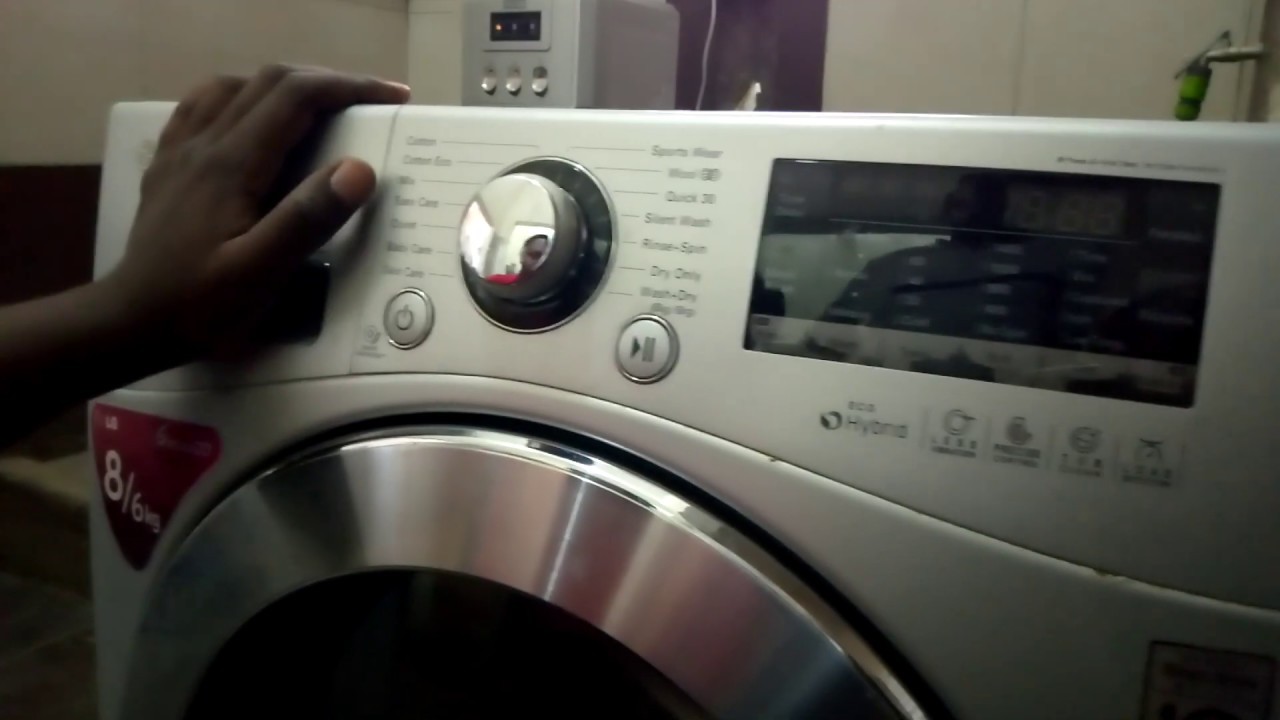
To access the service mode on your LG washing machine, the first step is to turn on the machine. Follow these simple steps:
- Locate the power button on the control panel of your washing machine.
- Press and hold the power button for a few seconds until the machine turns on.
- Once the machine is powered on, you can proceed to the next steps to access and use the service mode.
It is important to note that the specific location and design of the power button may vary depending on the model of your LG washing machine. Refer to the user manual or the control panel of your machine for exact instructions on how to turn it on.
Now that you have turned on the washing machine, you are ready to proceed to the next step and access the service mode to perform maintenance or diagnostic tasks.
Step 2: Enter Service Mode

Once you have ensured that your LG washing machine is powered off, you can proceed to enter service mode. Follow these steps:
| Button Combination | Function |
| Press and hold the SPIN SPEED and SOIL LEVEL buttons simultaneously. | This will allow you to enter service mode. |
| Release the buttons. | Keep in mind that you need to release the buttons within a few seconds. |
Once you have successfully entered service mode, you will see a series of codes or numbers on the display screen. This indicates that you are now in the service mode and can proceed with troubleshooting or making any necessary adjustments to your LG washing machine.
Using LG Washing Machine Service Mode
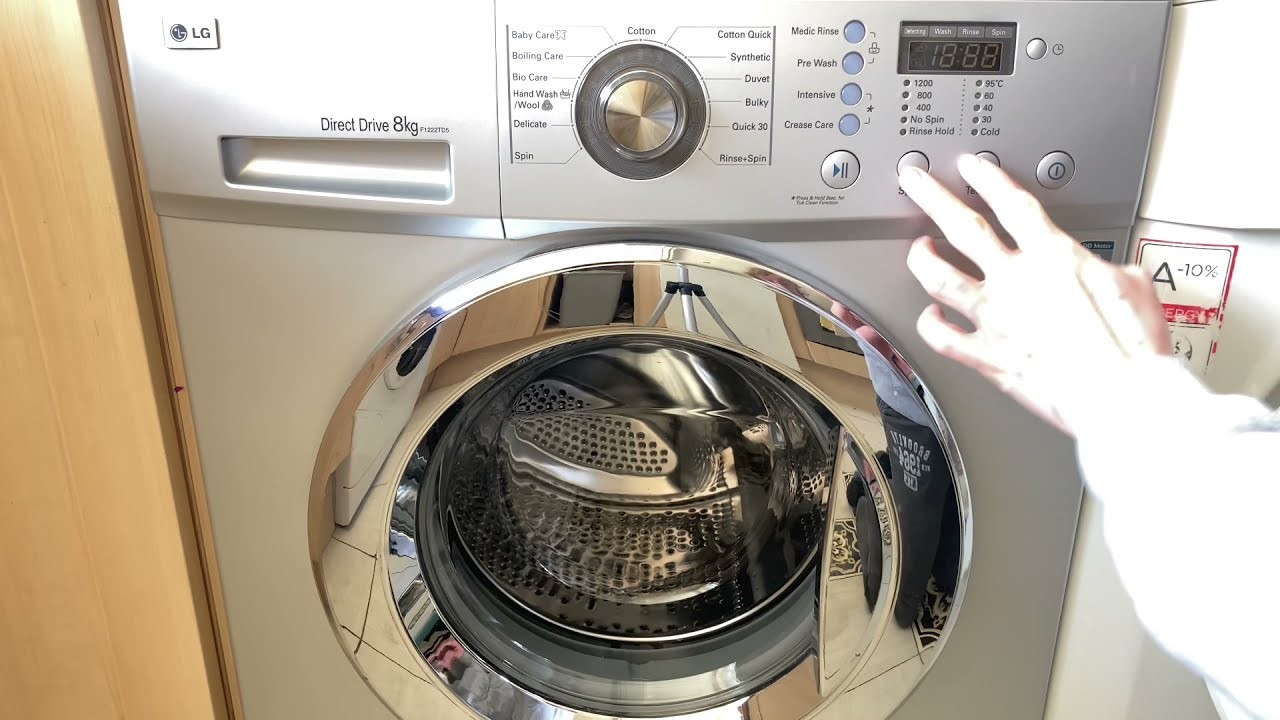
If you have a problem with your LG washing machine, accessing the service mode can help you troubleshoot and diagnose the issue. Here are the steps to enter the service mode on your LG washing machine:
- Disconnect the power supply to the washing machine.
- Wait for a few minutes before proceeding to the next step.
- Press and hold the “Start/Pause” button.
- While holding the “Start/Pause” button, reconnect the power supply.
- Continue to hold the “Start/Pause” button until the display shows the service mode indicator.
Once you have successfully entered the service mode, you can navigate through the different options using the control dial. Here are some common options you may find:
- Error Codes: This option allows you to view any error codes that may be stored in the machine’s memory. This can be helpful in diagnosing specific issues.
- Diagnostic Test: This option allows you to run various diagnostic tests on different components of the washing machine, such as the motor or water inlet valve. These tests can help you identify any faulty parts.
- Calibration: This option enables you to calibrate different sensors and settings in the washing machine, ensuring optimal performance.
- Factory Reset: This option allows you to restore the washing machine to its factory default settings, erasing any customized settings or preferences.
It’s important to note that the service mode is intended for trained technicians and professionals. If you’re not familiar with the inner workings of your washing machine, it’s recommended to seek professional help to avoid causing further damage. Use the service mode responsibly and always refer to the user manual for specific instructions and guidelines.
By accessing the service mode on your LG washing machine, you can gain valuable insight into its operation and troubleshoot any issues more effectively. Remember to exercise caution and follow the recommended procedures to ensure safety and prevent damage to your appliance.
Option 1: Diagnostic Mode
In order to access the Diagnostic Mode on your LG washing machine, follow the steps below:
- Make sure that the washing machine is turned off.
- Press and hold the “Wash/Rinse+Temp.” button.
- While holding the button, turn on the washing machine.
- Release the button once the washing machine is turned on.
You are now in the Diagnostic Mode. This mode allows you to diagnose any issues with your LG washing machine and access detailed information about its functions and performance.
To navigate through the different options in the Diagnostic Mode, use the “Wash/Rinse+Temp.” button to scroll up or down. Use the “Spin Speed” button to select an option.
Once you have selected an option, the washing machine will display relevant information or perform a specific test. This can help you troubleshoot any problems with your washing machine and determine the necessary steps for repair or maintenance.
When you are finished using the Diagnostic Mode, simply turn off the washing machine to exit the mode and return to normal operation.
Option 2: Error Code Check
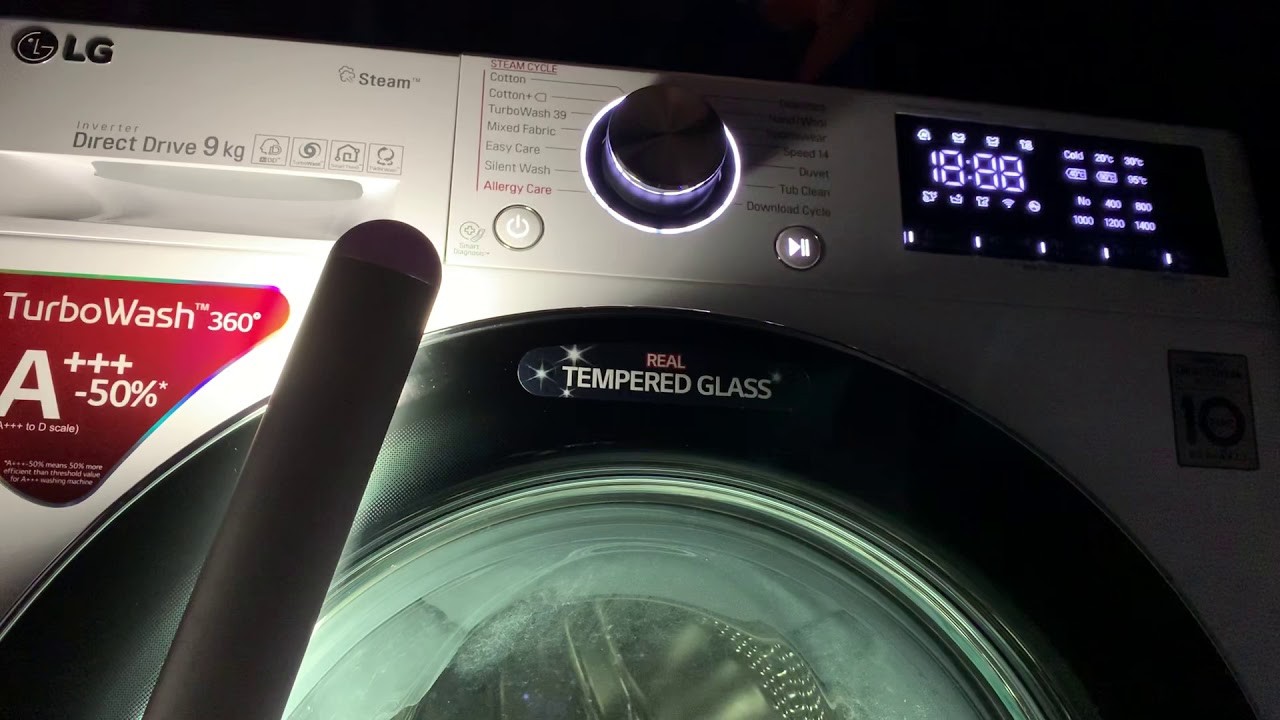
If your LG washing machine is displaying an error code on the control panel, it can help you diagnose and troubleshoot the issue. The error code is a combination of letters and numbers that indicate a specific problem with your machine. Here’s how you can check the error code:
Step 1: Recording the Error Code
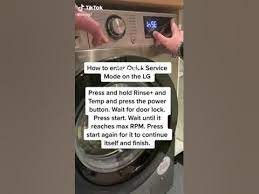
When your machine displays an error code, it’s important to write it down or take a picture of the control panel. This will help you remember the code and provide accurate information when seeking assistance or searching for solutions online.
Step 2: Understanding the Error Code

Once you have the error code, you can refer to the LG washing machine manual or search for the specific code online to understand what it means. Each error code corresponds to a different issue, such as a water inlet problem, a drainage issue, or a motor malfunction. Understanding the error code will give you a better idea of what might be causing the problem.
Note: Error codes can vary depending on the model and make of your LG washing machine. Be sure to consult the user manual or check the manufacturer’s website for a comprehensive list of error codes specific to your machine.
Step 3: Troubleshooting the Error Code
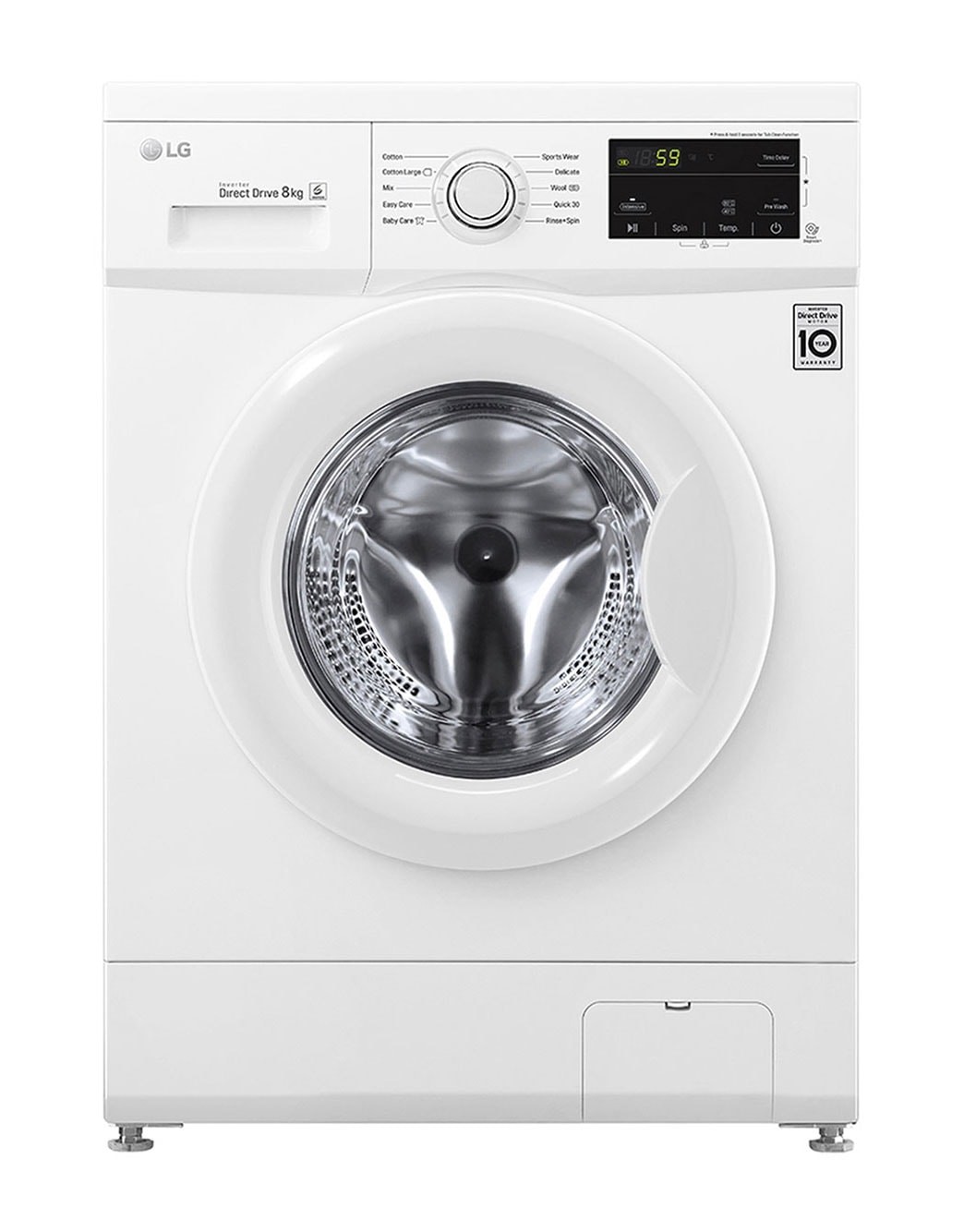
Once you’ve identified the error code and the corresponding issue, you can begin troubleshooting the problem. Some error codes can be easily resolved by performing simple maintenance tasks, such as cleaning the filter or checking the water supply. If the issue persists, it’s recommended to contact LG customer support or a professional technician for further assistance.
Remember to always refer to the user manual and follow the manufacturer’s instructions when troubleshooting or performing maintenance tasks on your LG washing machine.
Option 3: Calibration Mode
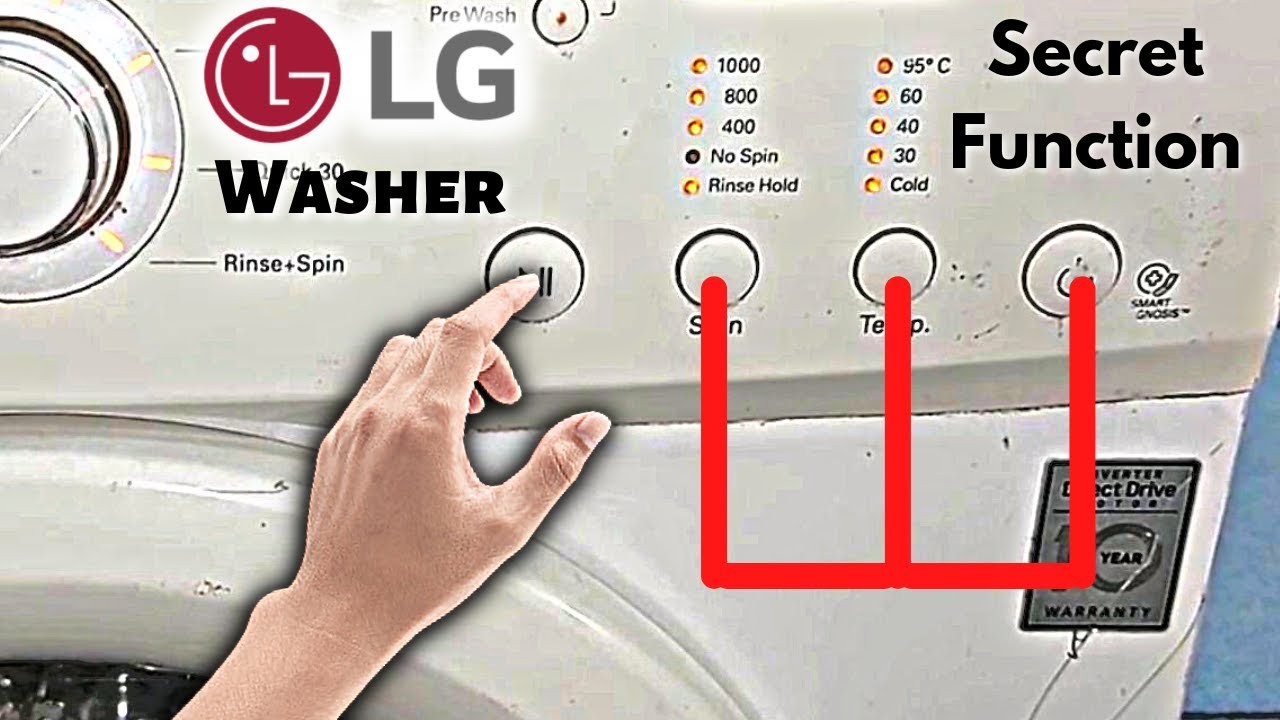
To access the Calibration Mode on your LG washing machine, follow these simple steps:
- Make sure that the washing machine is in standby mode.
- Press and hold the “Wash” button for about three seconds.
- While still holding the “Wash” button, press and release the “Power” button.
- The washing machine will enter Calibration Mode, and the display will show the current calibration settings.
- Use the up and down arrows on the control panel to adjust the calibration settings as needed.
- Once you have made the necessary adjustments, press the “Start” button to save the new calibration settings.
Calibration Mode allows you to fine-tune your LG washing machine’s performance. By adjusting the calibration settings, you can optimize the machine’s operation for your specific needs and preferences. It is recommended to consult your LG washing machine’s user manual for more detailed information on calibration settings and their effects on the machine’s performance.
Note: Accessing and using Calibration Mode should be done with caution, as incorrect adjustments can affect the washing machine’s performance. It is advisable to contact a qualified technician if you are unsure about making any calibration changes.
Take advantage of the Calibration Mode feature on your LG washing machine to ensure that it operates at its best and delivers optimal cleaning results.
Video on the topic
Washing towels in secret mode on washing machine Lg
HOW TO USE SERVICE MODE OF LG WASHER
[LG FrontLoad Washers] How to Use Spin Only/Drain Only Cycle
LG WT1001CW Washer – Diagnostics
Answers to frequently asked questions
Read more practical tips and expert opinions about modern devices at appliances-news.com. Here you will find answers to questions about any technology.