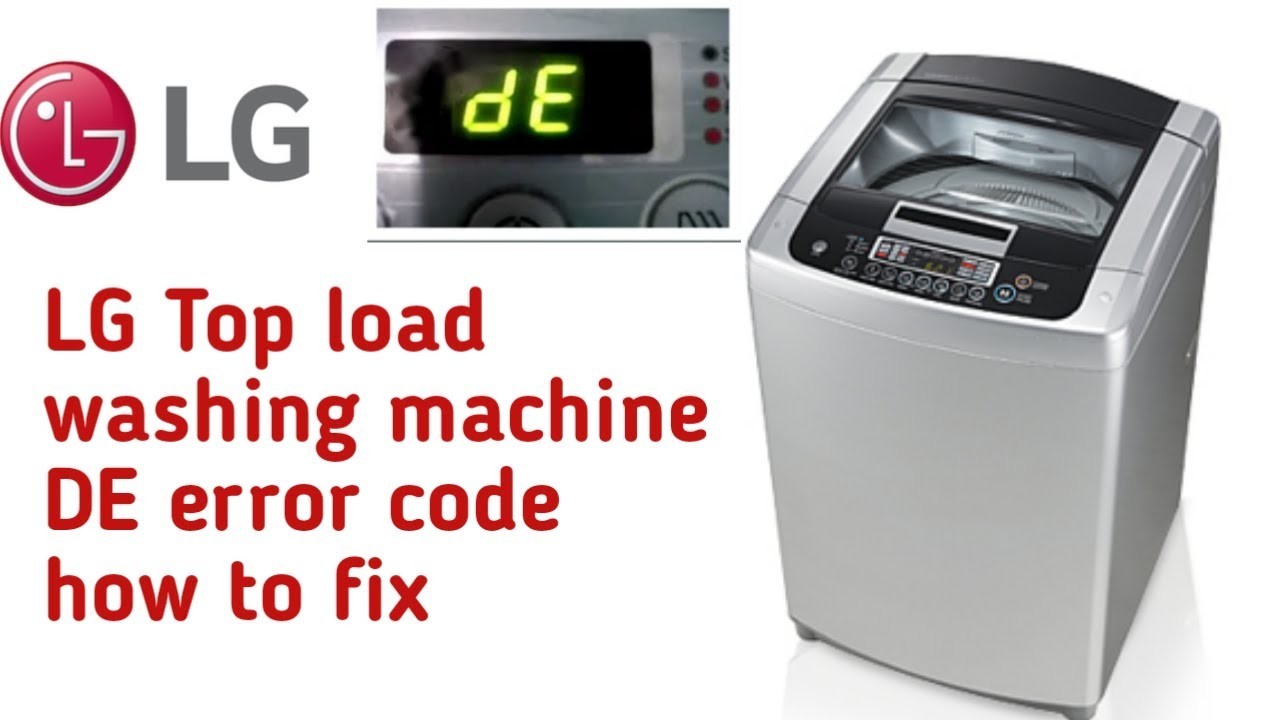
If you have an LG washing machine and you’re seeing the error code DE, don’t worry, you’re not alone. The DE error code stands for “door error” and it usually indicates that the door of the washing machine is not properly closed. This can prevent the machine from starting or operating correctly. However, with a few simple troubleshooting steps, you can easily fix this error and get your machine running smoothly again.
Step 1: Check the door latch
The first thing you should do when you see the DE error code is to check the door latch. Make sure the door is securely closed and that there are no obstructions preventing it from closing properly. Sometimes, small items or clothing can get caught in the door mechanism, preventing it from closing all the way. Remove any obstructions and try closing the door again.
If the door latch appears to be damaged or broken, you may need to replace it with a new one. Contact LG customer support or a professional technician for assistance.
Step 2: Reset the machine
If the door is closed properly and there are no obstructions, the next step is to reset the machine. Unplug the washing machine from the power source for about 5 minutes and then plug it back in. This will reset the machine’s control panel and can often resolve minor issues, including the DE error code.
If resetting the machine doesn’t work, you may need to move on to the next step.
Step 3: Check the door switch assembly
In some cases, the DE error code may be caused by a malfunctioning door switch assembly. To check this, you’ll need to access the back of the machine. Disconnect the washing machine from the power source and remove the back panel. Locate the door switch assembly and check for any loose connections or damaged wires. If you find any issues, you may need to replace the door switch assembly or have it repaired by a professional.
By following these troubleshooting steps, you should be able to fix the DE error code on your LG washing machine. However, if the problem persists, it’s always best to consult the manufacturer’s manual or contact customer support for further assistance.
- Identifying LG Washing Machine Error Code DE
- Possible Causes of LG Washing Machine Error Code DE
- Troubleshooting LG Washing Machine Error Code DE
- Understanding the Error Code
- Possible Causes of the DE Error Code
- Troubleshooting Steps for the DE Error Code
- Possible Causes of LG Washing Machine Error Code DE
- 1. Door Misalignment
- 2. Door Latch or Lock Failure
- 3. Door Sensor Issue
- 4. Wiring or Control Board Problem
- Troubleshooting Steps for LG Washing Machine Error Code DE
- 1. Check the Door
- 2. Inspect the Door Lock Assembly
- 3. Reset the Washing Machine
- 4. Check the Wiring Connections
- 5. Contact Customer Support
- Preventing LG Washing Machine Error Code DE
- Video on the topic
- LG Washer OE Error Code – LG Washer Not Draining Fix – LG Washer Drain Pump Replacement Tutorial
- LG Washing Machine De error code how to replace door interlocks
- DE error code fix without replacing door switch
- Error Codes on an LG Washing Machine
- LG Front Load Washer LE Error code Repair Tutorial How To Fix
- Answers to frequently asked questions
Identifying LG Washing Machine Error Code DE
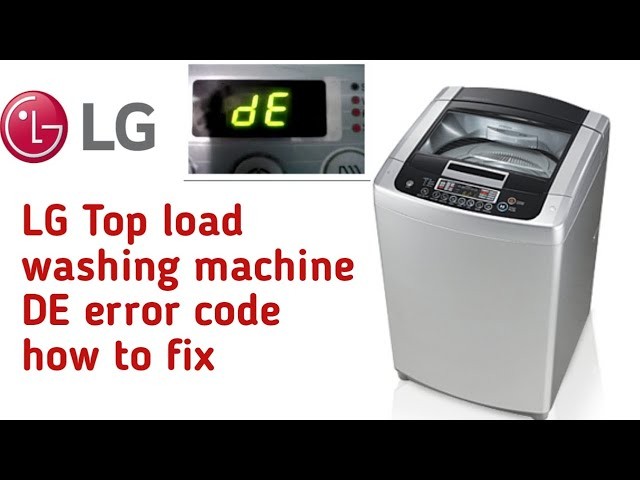
When your LG washing machine displays the error code DE, it means that there is a problem with the door lock mechanism. This error code is displayed when the door of the machine is not properly closed or when the machine is unable to detect that the door is closed.
Possible Causes of LG Washing Machine Error Code DE
There are several potential causes for the DE error code on your LG washing machine:
- The door of the machine is not fully closed or is not closed properly.
- The hook of the door lock is damaged or broken.
- The door lock switch or assembly is faulty.
- There is a problem with the control board or wiring.
In order to identify the exact cause of the DE error code, you can perform a few troubleshooting steps.
Troubleshooting LG Washing Machine Error Code DE
Here are some steps you can take to troubleshoot the DE error code on your LG washing machine:
- First, make sure that the door of the machine is fully closed and clicked into place. Open the door and close it again firmly to ensure it is properly closed.
- Inspect the hook of the door lock to check for any damage or breakage. If you notice any issues, you may need to replace the door lock mechanism.
- Check the door lock switch or assembly for any signs of malfunction. This can be done using a multimeter to test for continuity. If the switch is faulty, it should be replaced.
- Examine the control board and wiring connections for any loose or damaged wires. Tighten any loose connections or replace any damaged wires if necessary.
If you have tried these troubleshooting steps and the DE error code persists, it is recommended to contact a professional technician or LG customer support for further assistance. They will be able to diagnose and fix the problem with your LG washing machine.
| Error Code | Cause | Solution |
|---|---|---|
| DE | Door lock mechanism issue | Check door closure, inspect hook, test switch, examine wiring |
Understanding the Error Code
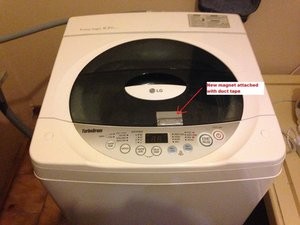
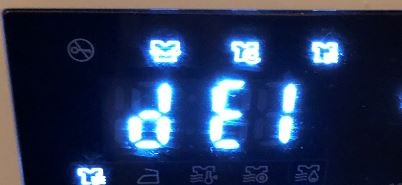
When your LG washing machine displays the error code DE, it indicates a problem with the door lock mechanism. The error code stands for “Door Error” and may appear on the control panel in different variations such as DE, dE, or dE1.
This error code occurs when the washing machine is unable to detect that the door is properly closed and locked. It can happen due to various reasons, including a faulty door lock assembly, a malfunctioning door switch, or an issue with the control board.
To troubleshoot the error code DE effectively, it is important to understand the possible causes and take the necessary steps to resolve the issue.
Possible Causes of the DE Error Code

There are several potential causes for the DE error code on your LG washing machine:
- The door is not completely closed or latched.
- The door lock mechanism is malfunctioning or broken.
- The door switch is not working correctly.
- There is a problem with the control board that detects the door’s status.
- There may be an issue with the wiring or connections related to the door lock assembly.
Understanding these possible causes will help you identify the source of the problem and take appropriate action to fix it.
Troubleshooting Steps for the DE Error Code

To resolve the DE error code on your LG washing machine, you can follow these troubleshooting steps:
- Ensure that the door is fully closed and properly latched. Double-check for any obstructions that may prevent the door from closing completely.
- Inspect the door lock assembly and check for any visible signs of damage or wear. Replace the door lock assembly if necessary.
- Test the door switch using a multimeter to determine if it is functioning correctly. If the door switch is faulty, it will need to be replaced.
- Reset the control board by unplugging the washing machine from the power source for a few minutes. Then, plug it back in and see if the error code persists.
- Inspect the wiring and connections related to the door lock assembly. Ensure that they are secure and undamaged. Repair or replace any faulty wiring or connections as needed.
If you have followed these troubleshooting steps and the error code DE still appears on your LG washing machine, it is recommended to contact a professional technician or LG customer support for further assistance. They will be able to provide you with more specific guidance and help resolve the issue.
Remember to always refer to your LG washing machine’s user manual for additional information and troubleshooting instructions related to the DE error code.
Possible Causes of LG Washing Machine Error Code DE
The LG washing machine error code DE indicates a door error, which means there is a problem with the door latch or lock mechanism. Here are some possible causes for this error code:
1. Door Misalignment

In some cases, the door may become misaligned, preventing it from closing properly. This can happen if the machine is moved or if something is blocking the door’s path. Check to make sure the door is properly aligned and clear of any obstructions.
2. Door Latch or Lock Failure
The door latch or lock mechanism may be faulty or worn out, preventing the door from locking properly. If this is the case, the latch or lock mechanism may need to be replaced.
3. Door Sensor Issue
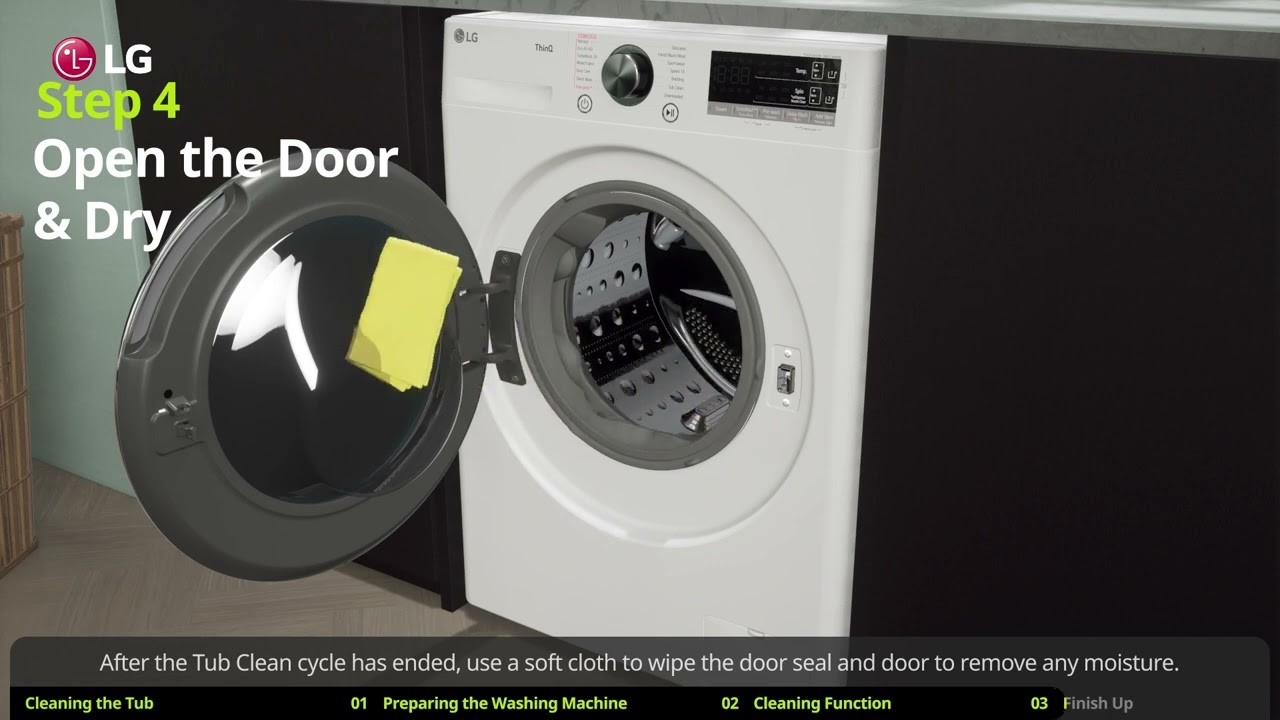
The door sensor is responsible for detecting whether the door is closed or not. If the sensor is malfunctioning, it may not register that the door is closed and can trigger the DE error code. The sensor may need to be adjusted or replaced.
4. Wiring or Control Board Problem
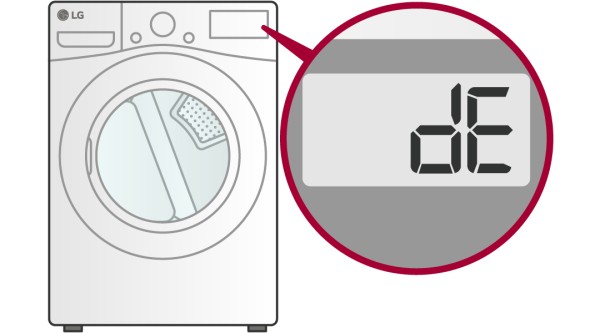
In some cases, the DE error code may be caused by a wiring or control board issue. If there is a problem with the wiring or the control board that communicates with the door latch or lock mechanism, it may trigger the DE error code. A professional technician may need to diagnose and repair this issue.
If you are experiencing the LG washing machine error code DE, try troubleshooting the above possible causes. If the issue persists, it may be best to contact a professional technician for further assistance.
Troubleshooting Steps for LG Washing Machine Error Code DE

The DE error code on an LG washing machine indicates that the door is not properly closed or there is a problem with the door latch. This error code can prevent the washing machine from starting or cause it to stop mid-cycle. Follow these troubleshooting steps to resolve the DE error code on your LG washing machine:
1. Check the Door
Make sure that the washing machine door is closed properly. Open and close the door again to ensure it is latched securely. If the door is not closing properly, check if there is any obstruction or damage preventing it from closing. If necessary, clean the door gasket and remove any debris that may be interfering with the closure.
2. Inspect the Door Lock Assembly

The DE error code can also indicate a problem with the door lock assembly. Inspect the door lock for any signs of damage or wear. If the door lock is damaged, it may need to be replaced. Contact an authorized LG service technician for assistance with replacing the door lock assembly.
3. Reset the Washing Machine
Try resetting the washing machine to clear the error code. Unplug the machine from the power source for about one minute, then plug it back in. Press the power button to turn on the washing machine and check if the DE error code is still displayed. If the error code persists, proceed to the next step.
4. Check the Wiring Connections
Ensure that all wiring connections to the door lock assembly are secure. Unplug the machine and open the control panel to access the wiring. Inspect the connections and make sure they are tightly connected. If any wires are loose or disconnected, reconnect them securely. Close the control panel and plug the machine back in.
5. Contact Customer Support
If you have followed all the troubleshooting steps and the DE error code still appears, it is recommended to contact LG customer support or schedule a service appointment. They can provide further assistance and determine if a professional repair is necessary.
By following these troubleshooting steps, you should be able to resolve the DE error code on your LG washing machine and get it running smoothly again.
Preventing LG Washing Machine Error Code DE
To prevent the LG washing machine error code DE from occurring, it is important to follow some basic maintenance and usage guidelines. By taking the following steps, you can reduce the likelihood of encountering this error:
1. Proper Loading:
Ensure that you load the washing machine correctly, distributing the clothes evenly inside the drum. Overloading the machine can strain the motor and cause the door to not close properly, triggering the error code DE.
2. Check the Door Hinge:
Regularly inspect the door hinge for any signs of damage or wear. If you notice any issues, such as a loose door or difficulty in closing it, it is important to address them promptly to prevent the error code DE from occurring.
3. Clean the Door Seal:
Regularly clean the door seal to prevent any debris or residue from interfering with the door’s closing mechanism. Use a mild detergent and a soft cloth to clean the seal thoroughly, ensuring that it is free from any blockages.
4. Avoid Excessive Force:
Avoid slamming the door shut or applying excessive force when closing it. This can cause damage to the door latch or the locking mechanism, leading to the error code DE. Instead, gently close the door until you hear it click into place.
5. Regular Maintenance:
Perform routine maintenance on your LG washing machine, such as cleaning the detergent dispenser, checking and cleaning the filter, and ensuring that the machine is level. A well-maintained machine is less likely to encounter errors like the DE code.
By following these preventive measures, you can minimize the occurrence of the LG washing machine error code DE and ensure smooth and efficient washing cycles.
Video on the topic
LG Washer OE Error Code – LG Washer Not Draining Fix – LG Washer Drain Pump Replacement Tutorial
LG Washing Machine De error code how to replace door interlocks
DE error code fix without replacing door switch
Error Codes on an LG Washing Machine
LG Front Load Washer LE Error code Repair Tutorial How To Fix
Answers to frequently asked questions
Read more practical tips and expert opinions about modern devices at appliances-news.com. Here you will find answers to questions about any technology.