
Getting an Error H20 message on your Indesit washing machine can be frustrating, as it typically indicates a problem with the water supply. However, there’s no need to panic just yet. With a few troubleshooting tips, you can often resolve the issue and get your washing machine up and running again in no time.
Check the water supply: The first step in troubleshooting Error H20 is to ensure that there is an adequate supply of water reaching your washing machine. Make sure the water taps are turned on fully and that there are no kinks or obstructions in the hoses. If necessary, try connecting the machine to a different water source.
Inspect the water inlet valve: The water inlet valve is responsible for controlling the flow of water into your washing machine. If it becomes clogged or damaged, it can trigger an Error H20 message. Check the valve for any signs of blockage or wear and tear. If necessary, replace the valve to resolve the issue.
Clean the filters: Over time, debris and sediment can accumulate in the filters of your washing machine, restricting the flow of water and triggering an Error H20. Locate the filters and remove them for cleaning. Use a brush or a soft cloth to remove any dirt or debris, then rinse them thoroughly before reattaching them.
Remember, if you’re unsure about any aspect of troubleshooting Error H20 in your Indesit washing machine, it’s always best to consult the manufacturer’s manual or contact a professional technician for assistance.
- Check Water Supply
- 1. Check the water faucet
- 2. Inspect the water hoses
- 3. Test the water pressure
- Inspect Inlet Valve
- Clean the Filter
- Verify Water Pressure
- Examine the Pressure Switch
- Call for Professional Help
- Benefits of Professional Help
- Video on the topic
- How to fix H20 Error simple tips
- ✨ FRONT LOAD WASHER WON’T SPIN — FIXED IN 8 MINUTES ✨
- Front-Load Washer Won’t Fill — Washing Machine Troubleshooting
- Hotpoint H2o Repair
- Craftsman Compressor Drain Valve Replacement + Borescope Tank Inspection
- Answers to frequently asked questions
Check Water Supply

When you encounter error H20 on your Indesit washing machine, the first step is to check the water supply. This error code indicates a problem with the water supply, which could be due to various reasons.
1. Check the water faucet

Make sure that the water faucet supplying water to the machine is fully open. Sometimes, the water supply may be reduced or completely shut off, resulting in the H20 error.
2. Inspect the water hoses
Check the water hoses connected to the back of the machine to ensure they are not kinked or damaged. Any blockages or leaks in the hoses can disrupt the water supply and trigger the error code.
| Issue | Solution |
|---|---|
| Kinked hose | Straighten the hose to remove any kinks or bends. |
| Blocked filter | Remove the hose from the machine and clean the filter to remove any debris. |
| Leak | Replace the hose or repair any leaks. |
If the water supply appears to be fine and there are no issues with the hoses, you may need to check the water pressure. Low water pressure can also trigger the H20 error on your Indesit washing machine.
3. Test the water pressure
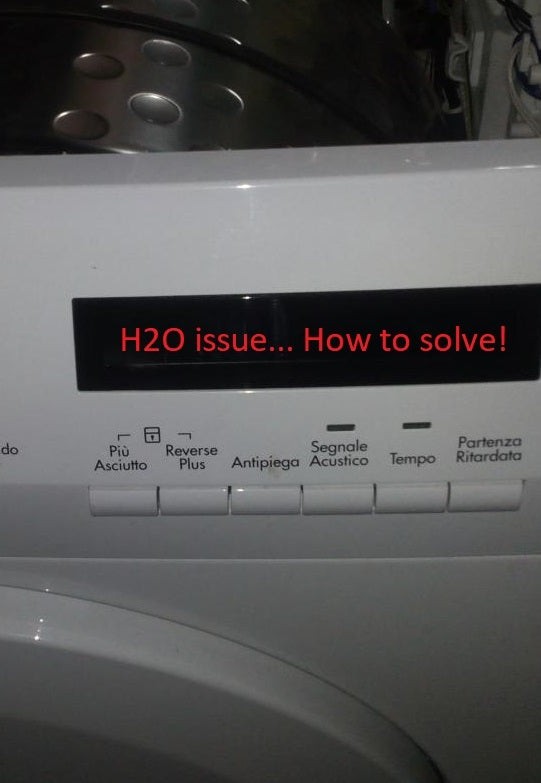
To test the water pressure, turn off the water supply and disconnect the hoses from the machine. Place the disconnected hoses in a bucket or sink and turn on the water supply. If the water flows freely and with good pressure, the issue may lie within the machine. However, if the water pressure is low, you may need to contact a plumber to address the issue.
By checking the water supply, ensuring the hoses are not damaged, and testing the water pressure, you can effectively troubleshoot and resolve the H20 error on your Indesit washing machine.
Inspect Inlet Valve
The inlet valve is responsible for letting water into the washing machine. If the valve is not functioning properly, it can cause the H20 error to occur. To inspect the inlet valve:
- Turn off the machine: Ensure that the washing machine is unplugged and turned off before proceeding with any inspection or repair.
- Locate the inlet valve: The inlet valve is usually located at the back of the washing machine near the water supply hose.
- Check for blockages: Look for any debris or blockages that may be preventing water from entering the machine. Clean the valve if necessary.
- Test the valve: Use a multimeter to test the inlet valve for continuity. A lack of continuity indicates a faulty valve that needs to be replaced.
- Replace the valve: If the inlet valve is found to be faulty, it will need to be replaced. Consult the user manual or contact a professional technician for assistance.
If the inlet valve is not the cause of the H20 error, you may need to inspect other parts of the washing machine or seek professional help for further troubleshooting and repair.
Clean the Filter
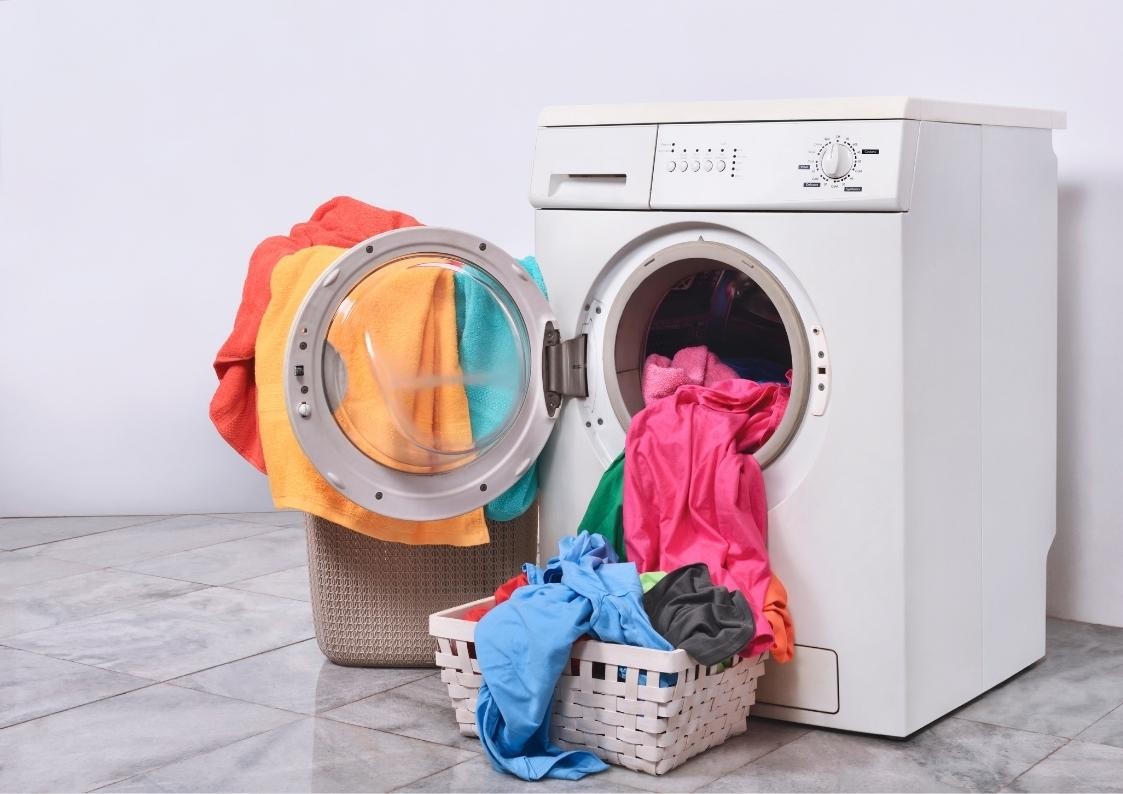
If you are experiencing error code H20 on your Indesit washing machine, it may be due to a clogged filter. The filter prevents debris from entering the water pump and causing a blockage. Over time, this filter can become dirty, leading to error messages and improper water flow.
To clean the filter, you’ll need to locate it on your washing machine. Typically, it is located at the front of the machine, near the bottom. Refer to your user manual for specific instructions on finding and accessing the filter for your particular model.
Once you’ve located the filter, follow these steps to clean it:
- Turn off the washing machine: Before attempting any maintenance or cleaning, ensure that the washing machine is turned off and unplugged from the power source.
- Remove the filter: Use a screwdriver or your hand to remove the panel covering the filter. Be careful not to damage the filter housing.
- Clean the filter: Carefully remove the filter and rinse it under running water to remove any dirt, lint, or other debris. Use a soft brush or toothbrush to gently scrub away stubborn grime.
- Inspect the filter housing: While the filter is removed, take a moment to inspect the filter housing for any signs of damage or blockages. Clean or repair as needed.
- Reinstall the filter: Once the filter is clean and the housing is clear, insert the filter back into its housing and secure the cover panel.
- Turn on the washing machine: Plug the washing machine back in and turn it on. Run a test cycle to ensure that the error code H20 no longer appears.
Cleaning the filter regularly can help prevent future errors and keep your Indesit washing machine running smoothly. Aim to clean the filter every few months or as needed, depending on your usage and the type of laundry you wash.
Note: If you continue to experience error code H20 after cleaning the filter, it may be indicative of a more serious issue. In such cases, it is recommended to contact a professional technician or the manufacturer’s customer service for further assistance.
Verify Water Pressure

Another common cause of the H20 error in Indesit washing machines is low water pressure. If the water pressure is too low, the machine may struggle to fill up properly, triggering the error code.
To check the water pressure, follow these steps:
- Turn off the washing machine and disconnect it from the power supply.
- Locate the water inlet hoses, which are usually at the back of the machine.
- Check if the hoses are kinked or bent. Straighten them if necessary.
- Inspect the hoses for any visible signs of damage, such as cracks or leaks. Replace the hoses if needed.
- Make sure the water taps are fully turned on and that there are no blockages in the pipes.
- Verify that the water supply to your house is not experiencing any issues. Contact your water supplier if necessary.
If you have verified that the water pressure is adequate and the hoses are in good condition, and you are still getting the H20 error, there may be a problem with the water inlet valve or the pressure switch. In this case, it is recommended to contact a professional technician for further assistance.
It is important to address the H20 error promptly as prolonged issues with water supply can lead to damage to your washing machine and affect its performance.
| Issue | Possible Solution |
|---|---|
| Low water pressure | Check hoses for kinks or damage, ensure water taps are fully turned on, and verify water supply to the house. |
| Faulty water inlet valve | Contact a professional technician for repairs or replacement. |
| Faulty pressure switch | Contact a professional technician for repairs or replacement. |
Examine the Pressure Switch
The pressure switch, also known as the water level switch, is responsible for determining the water level inside the washing machine. If the pressure switch is not functioning properly, it can result in the H20 error in your Indesit washing machine.
To examine the pressure switch, follow these steps:
- Unplug the washing machine from the power source to ensure your safety.
- Locate the pressure switch, which is usually located at the top of the machine.
- Check the pressure switch for any visible damage or signs of wear.
- Inspect the hose connected to the pressure switch for any blockages or kinks.
- If any damage or blockages are found, replace the pressure switch or clear the hose accordingly.
Once you have examined and fixed any issues with the pressure switch, plug in the washing machine and run a test cycle to see if the H20 error is resolved. If the error persists, further troubleshooting may be required.
Call for Professional Help
If you have tried all the troubleshooting tips mentioned above and still cannot fix the H20 error in your Indesit washing machine, it may be time to call for professional help. Sometimes, the issue with your washing machine may require specialized knowledge or tools that only a professional repair technician can provide.
By calling a professional, you can ensure that the problem is properly diagnosed and resolved. They will have the necessary expertise to quickly identify the cause of the error and recommend the best course of action to fix it. Additionally, professional technicians may have access to spare parts that may be needed to replace any faulty components in your washing machine.
Remember to provide the technician with as much information as possible about the error and the troubleshooting steps you have already taken. This will help them make a more accurate diagnosis and save time during the repair process.
Benefits of Professional Help
There are several benefits to calling for professional help with fixing the H20 error in your Indesit washing machine:
- Expertise: Professional repair technicians have extensive knowledge and experience working with washing machines. They will be able to quickly identify the cause of the error and provide an effective solution.
- Efficiency: Professionals have access to specialized tools and equipment that can help them diagnose and fix the problem more efficiently. This can save you both time and money in the long run.
- Warranty: If your washing machine is still under warranty, it is recommended to contact the manufacturer or an authorized service center for repair. This will ensure that the warranty remains valid and you do not void it by attempting to fix the issue yourself.
Overall, calling for professional help is often the best solution when you are unable to fix the H20 error in your Indesit washing machine on your own. They will have the necessary expertise, tools, and resources to get your washing machine back up and running smoothly.
Remember to research and choose a reputable repair service provider to ensure quality service and reliable repairs.
Video on the topic
How to fix H20 Error simple tips
✨ FRONT LOAD WASHER WON’T SPIN — FIXED IN 8 MINUTES ✨
Front-Load Washer Won’t Fill — Washing Machine Troubleshooting
Hotpoint H2o Repair
Craftsman Compressor Drain Valve Replacement + Borescope Tank Inspection
Answers to frequently asked questions
Read more practical tips and expert opinions about modern devices at appliances-news.com. Here you will find answers to questions about any technology.


