
If you own an Atlant washing machine, you may encounter various error codes during its operation. One of the most common errors is f9, which can be quite frustrating. This error usually indicates a problem with the drainage system or the water level sensor. However, it can also be caused by other factors. In this article, we will explore the possible causes of the f9 error in an Atlant washing machine and provide solutions to help you resolve the issue.
Possible Causes of the f9 Error
1. Clogged or blocked drainage system: The f9 error often occurs when there is a blockage in the drainage system. This can be caused by debris, lint, or foreign objects that have accumulated over time. A clogged drainage system prevents the water from being pumped out, leading to the f9 error.
2. Faulty water level sensor: The water level sensor is responsible for detecting and regulating the water level in the washing machine. If it malfunctions, it may send incorrect signals to the control board, triggering the f9 error. This can be due to a faulty sensor or a wiring issue.
3. Overloaded machine: Overloading the washing machine with too many clothes can cause the f9 error. When there are too many clothes in the drum, it can put excessive strain on the motor and other components, leading to issues with drainage or water level detection.
Solutions for the f9 Error
1. Check the drainage system: Start by inspecting the drainage hose for any blockages. Remove any debris, lint, or foreign objects that may be obstructing the flow of water. Ensure that the drainage hose is properly connected and not kinked. If necessary, clean the filter to remove any accumulated dirt or lint.
2. Test the water level sensor: If the drainage system is clear, the next step is to check the water level sensor. You can do this by manually filling the washing machine with water and observing if the sensor detects the water level correctly. If not, you may need to replace the sensor or check for any wiring issues.
3. Reduce the load: If overloading is causing the f9 error, reduce the number of clothes in the washing machine. Follow the manufacturer’s guidelines for maximum load capacity to avoid straining the motor and other components.
By following these troubleshooting steps, you should be able to resolve the f9 error in your Atlant washing machine. If the problem persists, it is recommended to contact a professional technician for further assistance.
- Error f9: Overview
- Possible causes of error f9:
- Possible solutions for error f9:
- Causes of Error f9 in Atlant washing machine
- 1. Clogged or blocked drain pump
- 2. Faulty drain pump motor
- Solutions for Error f9 in Atlant washing machine
- Preventing Error f9 in Atlant washing machine
- 1. Clean the filter regularly
- 2. Avoid overloading the machine
- 3. Use the recommended detergent
- 4. Check the drain hose
- 5. Perform regular maintenance
- Video on the topic
- Whirlpool Duet Washer F9 E1 error code
- ✨ FRONT LOAD WASHER WON’T SPIN — FIXED IN 8 MINUTES ✨
- Easy! How to Fix Whirlpool Washer WTW7120 Error F9E1 – Failed Drain Pump
- Washer Not Working – The Most Common Fix
- Quick Fix: LF Code or No water
- Answers to frequently asked questions
Error f9: Overview
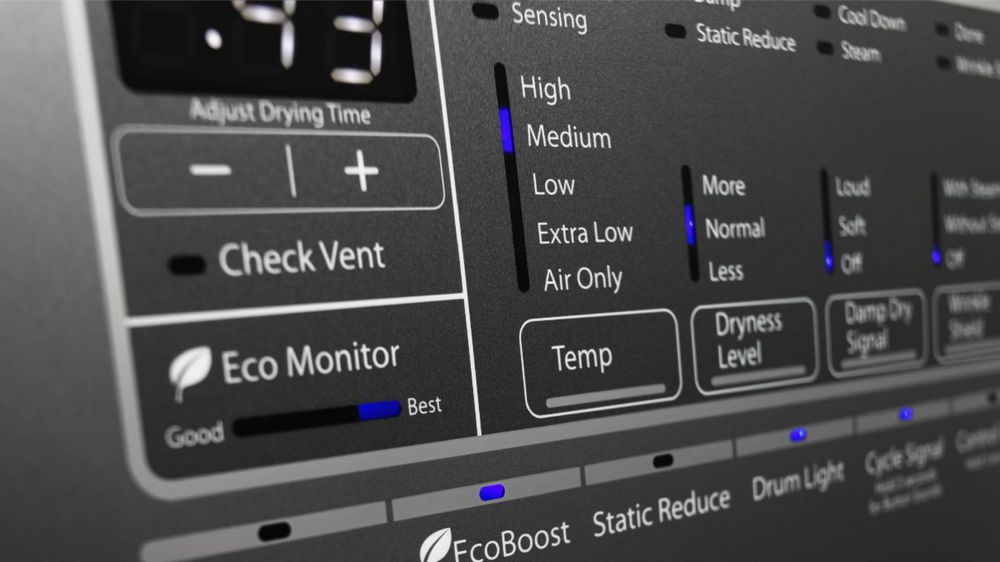
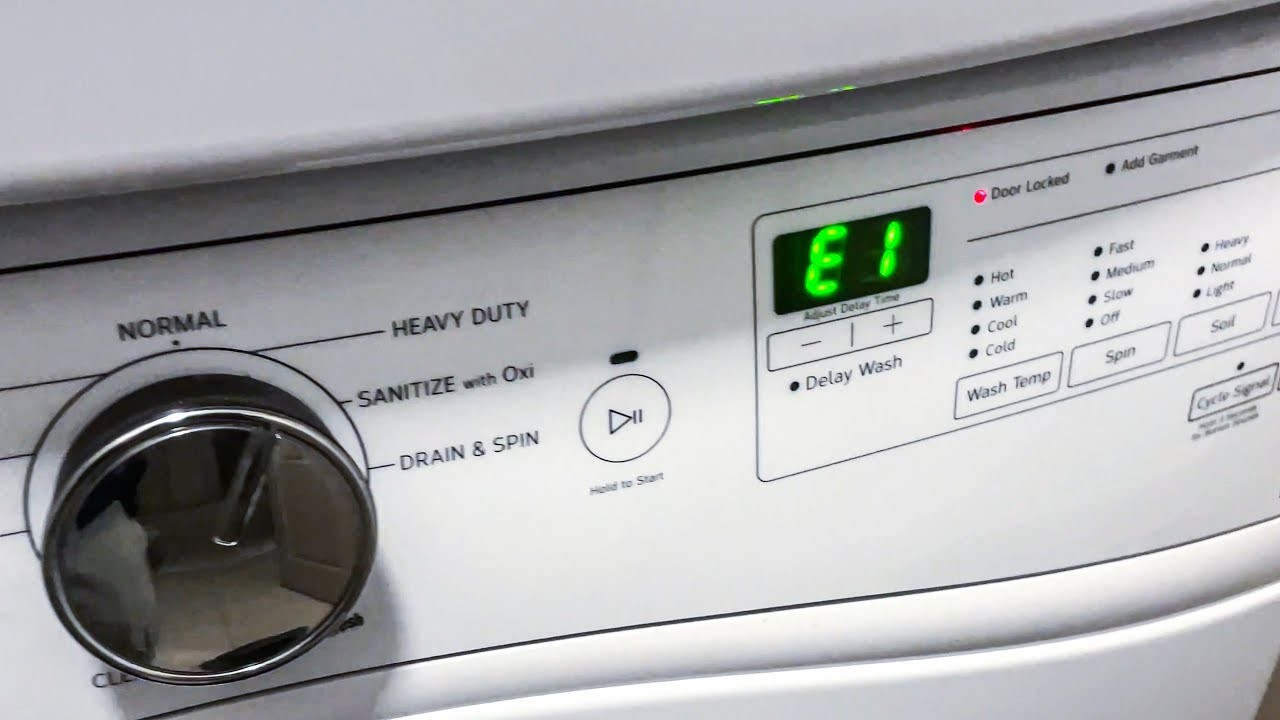
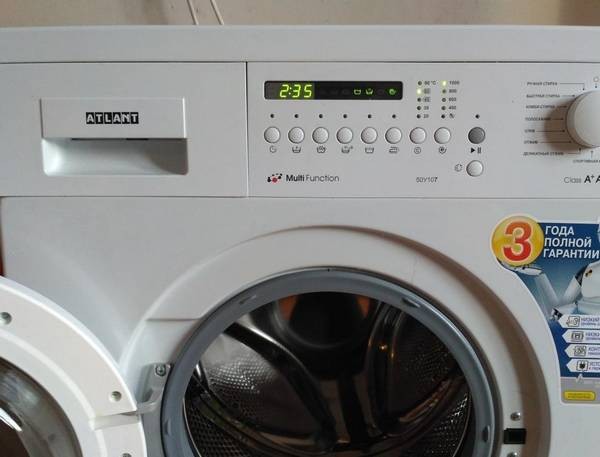
Error f9 is a common issue that can occur in Atlant washing machines. It is often identified by the error code “f9” displayed on the machine’s control panel. This error indicates a problem with the water inlet system of the washing machine, preventing it from filling with water properly.
When error f9 occurs, it is important to determine the cause and take appropriate action to resolve it. This issue can be caused by a variety of factors, such as a faulty water inlet valve, blocked filters, or issues with the water supply.
Possible causes of error f9:
- Faulty water inlet valve: If the valve is not functioning correctly, it may not allow water to enter the washing machine.
- Blocked filters: Accumulated dirt and debris can clog the filters, restricting water flow into the machine.
- Water supply issues: Problems with the water supply, such as low water pressure or a closed shut-off valve, can result in error f9.
Possible solutions for error f9:
To resolve error f9, you can try the following steps:
- Check the water inlet valve: Ensure that the valve is not defective or clogged. If necessary, clean or replace the valve to restore proper water flow.
- Clean the filters: Remove any accumulated dirt or debris from the filters to ensure they are not blocking the water flow. Refer to the washing machine’s manual for instructions on how to clean the filters.
- Check the water supply: Ensure that the water supply to the washing machine is not interrupted. Check for any issues with the water pressure or shut-off valve and address them accordingly.
If the above solutions do not resolve the error f9, it is recommended to contact a professional technician or the manufacturer for further assistance. They will be able to diagnose the problem accurately and provide the necessary repairs or replacements.
It is important to address error f9 promptly to avoid further damage to the washing machine and ensure its optimal performance.
Causes of Error f9 in Atlant washing machine
The Error f9 in Atlant washing machine is an indication of a problem or malfunction in the machine. There can be several reasons for this error to occur:
1. Clogged or blocked drain pump
One of the most common causes of Error f9 is a clogged or blocked drain pump. This can happen due to the accumulation of debris, such as lint, hair, or small objects, in the pump. When the drain pump is blocked, it cannot effectively drain the water from the machine, leading to the error code f9.
2. Faulty drain pump motor
Another possible cause of Error f9 is a faulty drain pump motor. If the motor is not functioning properly, it may not be able to drain the water from the machine, resulting in the error code.
| Cause | Solution |
|---|---|
| Clogged or blocked drain pump | Clean the drain pump and remove any debris blocking the pump. |
| Faulty drain pump motor | Replace the drain pump motor with a new one. |
If you encounter Error f9 in your Atlant washing machine, it is recommended to check and address these potential causes to resolve the issue. If you are unsure about how to proceed, it is advisable to consult a professional technician for assistance.
Solutions for Error f9 in Atlant washing machine

Error f9 in an Atlant washing machine indicates a problem with the water supply. Here are some possible solutions to fix this error:
1. Check the water supply: Make sure that the water supply is turned on and that there is sufficient water pressure. Check if there are any kinks or blockages in the water hoses.
2. Clean the water inlet filters: Over time, the water inlet filters can get clogged with dirt and debris, limiting the water flow. To clean the filters, turn off the water supply, disconnect the hoses, and carefully remove the filters. Rinse them under running water until they are clean and free from any debris. Reattach the filters and hoses properly.
3. Inspect the water inlet valve: The water inlet valve controls the water flow into the washing machine. If it is faulty or damaged, it can cause error f9. Carefully examine the valve for any signs of damage or blockages. If necessary, replace the valve with a new one.
4. Reset the washing machine: Sometimes, a simple power reset can resolve error f9. Turn off the washing machine and unplug it from the power outlet. Wait for a few minutes, and then plug it back in and turn it on. Check if the error has cleared.
If none of the above solutions work, it is recommended to contact a professional technician or the customer support of Atlant for further assistance. They will be able to diagnose and fix the issue accurately.
Preventing Error f9 in Atlant washing machine

To prevent the occurrence of Error f9 in your Atlant washing machine, it is important to take certain precautions and follow recommended maintenance practices. By following these steps, you can reduce the chances of encountering this error and ensure smooth operation of your washing machine:
1. Clean the filter regularly
One common cause of Error f9 is a clogged filter. Make it a habit to clean the filter regularly to prevent any blockages. Refer to the user manual for instructions on how to locate and clean the filter.
2. Avoid overloading the machine
Overloading the washing machine can cause strain on the motor and other components, leading to errors like f9. Be mindful of the maximum load capacity specified by the manufacturer and avoid exceeding it.
3. Use the recommended detergent
Using the wrong type or excessive amount of detergent can create excessive foam, which can lead to Error f9. Always use the detergent recommended by the manufacturer and follow the recommended dosage guidelines.
4. Check the drain hose
Ensure that the drain hose is not kinked, bent, or blocked. A blocked or improperly connected drain hose can cause drainage issues and result in Error f9.
5. Perform regular maintenance
Regularly clean the drum, rubber seals, and other parts of the washing machine to prevent the buildup of dirt, lint, and debris. This will help maintain optimal performance and minimize the occurrence of errors.
By following these preventive measures, you can ensure that your Atlant washing machine operates smoothly and minimize the occurrence of Error f9. If the error still persists, it is advisable to contact a professional technician for further assistance.
Video on the topic
Whirlpool Duet Washer F9 E1 error code
✨ FRONT LOAD WASHER WON’T SPIN — FIXED IN 8 MINUTES ✨
Easy! How to Fix Whirlpool Washer WTW7120 Error F9E1 – Failed Drain Pump
Washer Not Working – The Most Common Fix
Quick Fix: LF Code or No water
Answers to frequently asked questions
Read more practical tips and expert opinions about modern devices at appliances-news.com. Here you will find answers to questions about any technology.


