If you own an LG Direct Drive 6 washing machine, you may have encountered some errors during its use. These errors can be frustrating and may prevent your laundry from getting washed properly. However, with the right knowledge and troubleshooting steps, you can easily fix these common errors and get your machine back up and running in no time.
One of the most common errors is the “OE” error, which indicates a drainage problem. This error usually occurs when there is a clog in the drain hose or the filter is blocked. To fix this error, first, check the drain hose for any blockages and remove them if necessary. Then, clean the filter by turning it counterclockwise and removing any debris. Once the hose and filter are clear, restart the machine and the error should be resolved.
Another common error is the “LE” error, which indicates a problem with the motor. This error can occur if the motor is overloaded or if there is a problem with the wiring. To fix this error, first, remove some items from the machine to reduce the load. If the error persists, check the wiring connections at the motor and make sure they are secure. If necessary, consult the user manual or contact a professional for further assistance.
The “dE” error is another common error that indicates a problem with the door. This error can occur if the door is not closed properly or if there is an issue with the door lock. To fix this error, first, make sure the door is closed securely. If the error persists, check the door lock for any obstructions or damage. If necessary, replace the door lock to resolve the error.
By understanding these common LG Direct Drive 6 washing machine errors and how to fix them, you can save yourself time and frustration. Remember to always refer to the user manual for specific instructions and guidelines. If the problem persists or you are unsure of how to resolve an error, it is always best to contact a professional for assistance.
- Common LG Direct Drive 6 Washing Machine Errors
- Error Code IE: Water Inlet Issue
- 1. Check the water supply:
- 2. Check the water pressure:
- 3. Clean the water inlet filter:
- Error Code UE: Unbalanced Load
- 1. Pause the machine
- 2. Open the door
- 3. Adjust the load
- 4. Close the door and resume
- Error Code OE: Drainage Problem
- Possible Causes
- How to Fix
- Video on the topic
- Diagnostic Mode, Error Codes & Troubleshooting on a LG Washer by a Factory Technician
- Error Codes on an LG Washing Machine
- LG washing machines Error Code CL What is and how to turn OFF
- How to fix LG Washing Machine IE Error Code
- Answers to frequently asked questions
Common LG Direct Drive 6 Washing Machine Errors
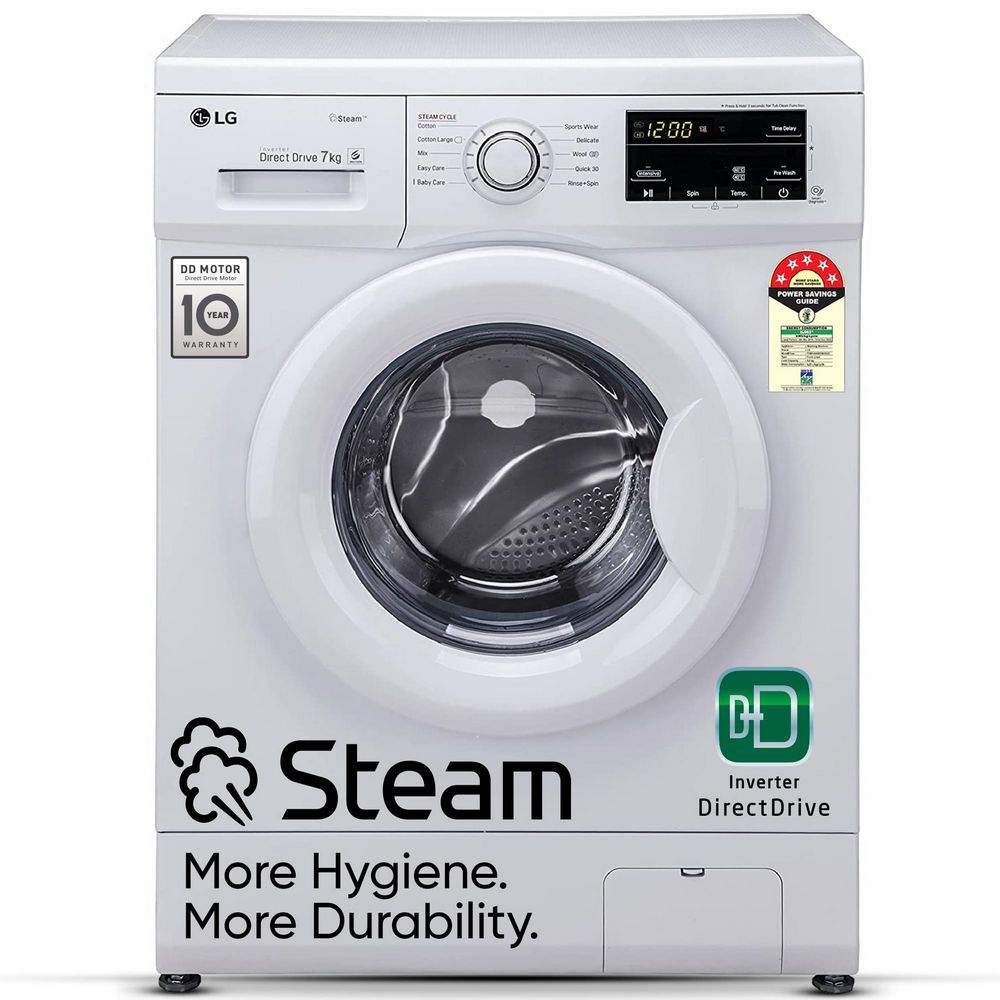
When it comes to your LG Direct Drive 6 washing machine, you may encounter a number of errors that can disrupt the normal functioning of your appliance. Fortunately, many of these errors can be easily identified and resolved, helping you get your washing machine back up and running in no time.
Here are some of the most common LG Direct Drive 6 washing machine errors and how to fix them:
- Error Code 1E: This error indicates a water inlet problem. To fix it, check if the water tap is fully open and ensure that the water pressure is sufficient. You should also clean the filter in the water inlet valve if it is clogged.
- Error Code OE: This error occurs when there is a drain problem. Start by checking the drain hose for any clogs or kinks. If the hose is clear, the problem may lie with the drain pump, which may need to be cleaned or replaced.
- Error Code UE: This error indicates an unbalanced load. Stop the washing machine and redistribute the items in the drum to ensure an even distribution of weight. If the error persists, you may need to remove some items and try again.
- Error Code LE: This error is often caused by an issue with the motor or the motor rotor position sensor. To resolve it, unplug the washing machine and let it sit for a few minutes. Then, plug it back in and restart the cycle. If the error persists, you may need to contact a professional for further assistance.
- Error Code PE: This error indicates a problem with the pressure sensor. Check the water level in the washing machine and ensure that it is not too high or too low. If the water level is within the proper range, the pressure sensor may need to be replaced.
These are just a few examples of the errors you may encounter with your LG Direct Drive 6 washing machine. Remember to always consult the appliance’s user manual for specific instructions on troubleshooting and fixing these errors. By understanding and addressing these common errors, you can keep your washing machine running efficiently and effectively.
Error Code IE: Water Inlet Issue
If your LG Direct Drive 6 washing machine is displaying an error code IE, it indicates a problem with the water inlet. This error code typically occurs when there is a lack of water entering the machine or if the water pressure is too low.
To fix this issue, there are several troubleshooting steps you can follow:
1. Check the water supply:
- Ensure that the water supply to the machine is turned on.
- Check if there are any kinks or blockages in the water hose.
- Inspect the water supply valve to ensure it is fully open.
- Try connecting the machine to a different water source to see if the issue persists.
2. Check the water pressure:
- Verify that the water pressure in your household meets the minimum requirements specified by the machine’s manufacturer.
- If the water pressure is too low, consider contacting a plumber to address any issues with your home’s water supply system.
3. Clean the water inlet filter:

- The water inlet valve may be clogged with debris, affecting the water flow. Locate the filter near the water inlet valve and remove it for cleaning.
- Rinse the filter thoroughly to remove any dirt or buildup that may be causing the blockage.
- Once cleaned, reinsert the filter and ensure it is properly secured.
If the error code IE persists after following these steps, it is recommended to contact a professional technician or LG customer support for further assistance. They will be able to diagnose the issue accurately and provide appropriate solutions to resolve the water inlet problem.
Error Code UE: Unbalanced Load

If your LG Direct Drive 6 washing machine shows an error code UE, it means that the load inside the drum is unbalanced. This can occur when the laundry is distributed unevenly or when there is too much laundry in the drum.
When the load is unbalanced, the washing machine will attempt to redistribute the laundry to achieve balance. If it is unable to do so, it will stop and display the UE error code. This is a safety feature to prevent damage to the machine and ensure efficient washing.
To fix the UE error code, follow these steps:
1. Pause the machine
Press the pause button to stop the washing machine. This will allow you to manually redistribute the load.
2. Open the door
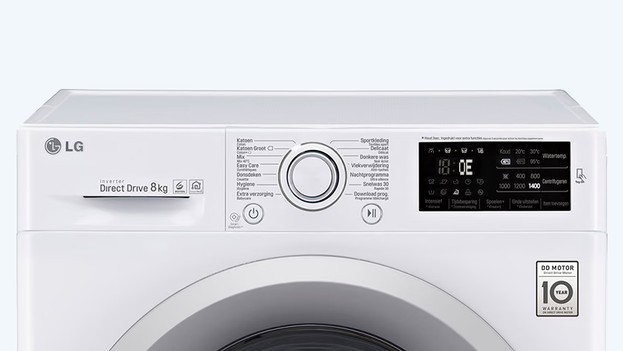
Open the door of the washing machine to access the drum and the laundry inside.
3. Adjust the load

Check for any large items or heavy pieces of laundry that may be causing the imbalance. Remove these items and set them aside. Then, carefully rearrange the remaining laundry to distribute the weight evenly.
Make sure that the load is distributed evenly throughout the drum. Avoid placing all the heavy items on one side or overloading the drum with too much laundry.
4. Close the door and resume

Once you have adjusted the load, close the door of the washing machine securely. Press the start button to resume the wash cycle.
Note: If the error code UE persists after adjusting the load, repeat the process and make sure that the laundry is distributed as evenly as possible.
By following these steps, you can resolve the error code UE on your LG Direct Drive 6 washing machine and ensure a balanced load for efficient and effective washing.
Error Code OE: Drainage Problem
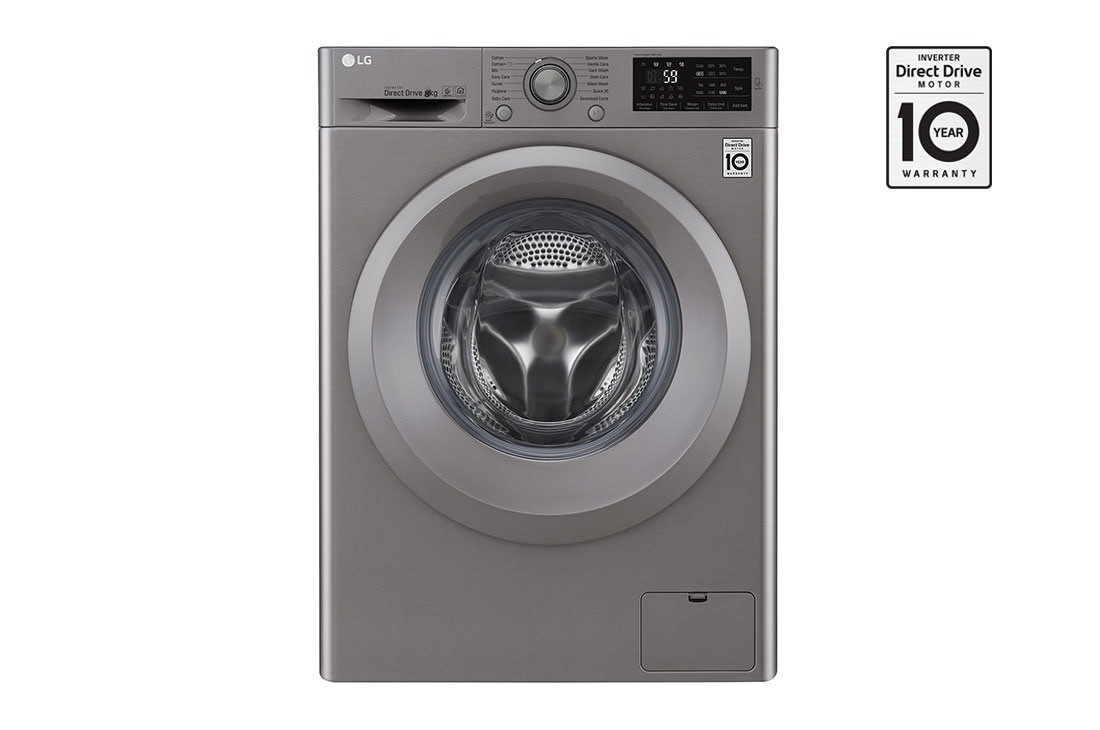
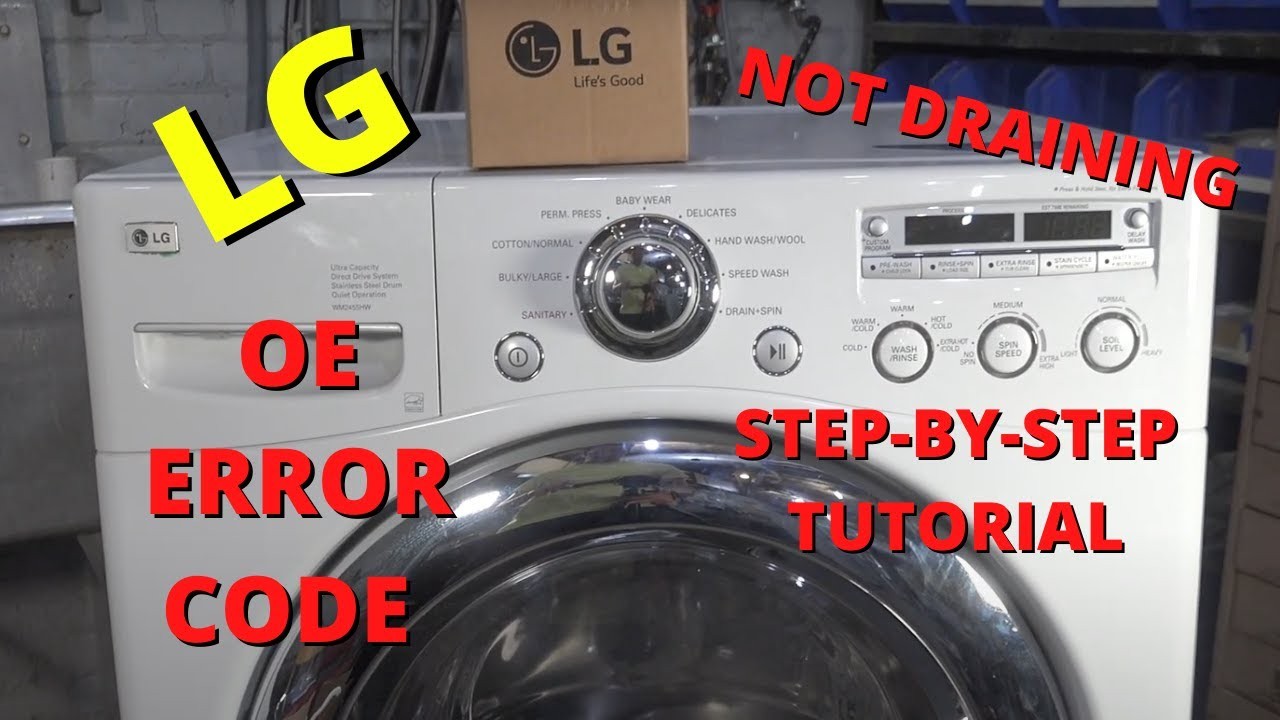
If you receive an error code OE on your LG Direct Drive 6 washing machine, it indicates a drainage problem. This error occurs when the washer is unable to drain the water properly from the drum.
Possible Causes
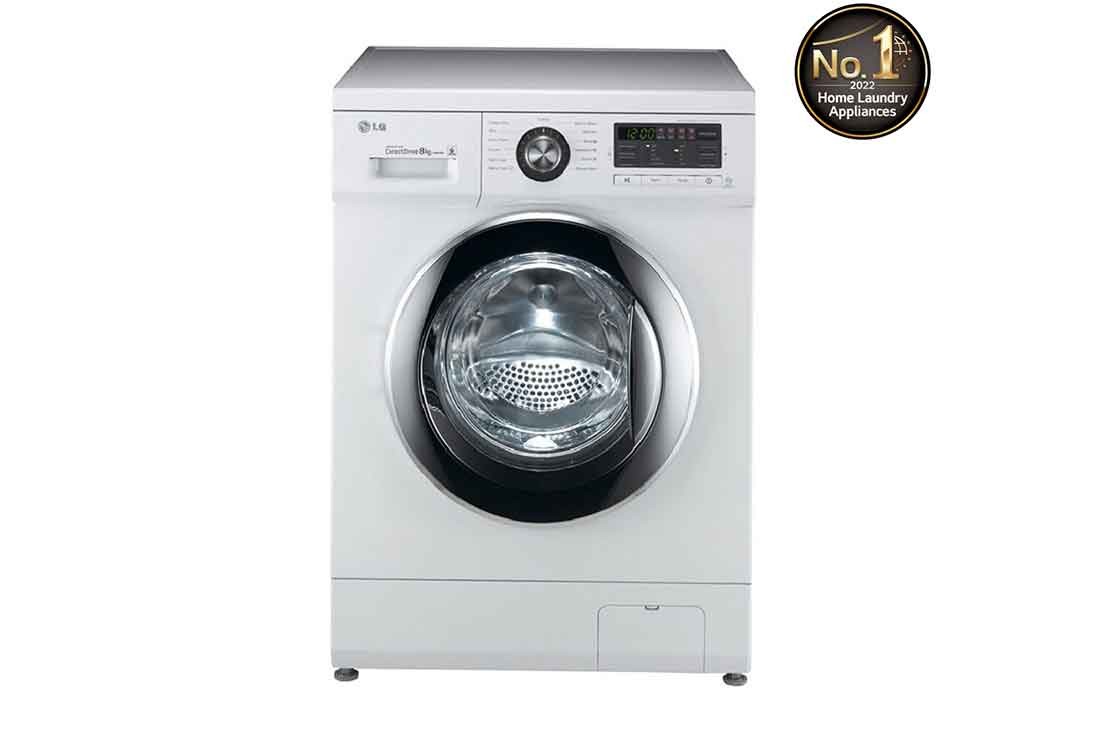
There are several reasons why you may be experiencing this error:
- Blocked drainage hose or pump filter: Over time, debris such as lint, coins, or small objects can clog the drainage system, preventing proper water flow.
- Kinked or bent drainage hose: If the hose is not properly aligned or bent, it can restrict water flow, causing drainage issues.
- Issues with the drain pump: A faulty or damaged drain pump can hinder the machine’s ability to drain water effectively.
- Drainage system obstruction: A clog or blockage in the plumbing system or household drain can cause water backup and trigger the OE error code.
How to Fix
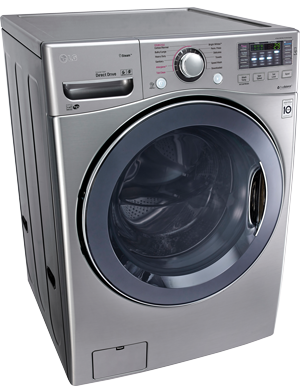
To resolve the OE error code and restore proper drainage, follow these steps:
- Check the drainage hose and pump filter for any blockages. Remove any debris and clean the filter if necessary. Make sure the hose is not kinked or bent.
- Inspect the drain pump for any signs of damage or malfunction. Replace the pump if needed.
- Ensure that the plumbing system and household drain are free from obstructions. Clear any blockages if found.
- If the issue persists, try resetting the machine by unplugging it from the power source for a few minutes, then plugging it back in. This may help to clear any temporary glitches.
- If none of the above steps resolve the problem, it is recommended to contact a professional technician or the LG customer support for further assistance.
Regular maintenance, such as cleaning the pump filter and checking the drainage hose, can help prevent the OE error code from occurring in the future. Remember to follow the manufacturer’s instructions and guidelines for proper care and maintenance of your LG Direct Drive 6 washing machine.
| Error Code | Cause | Solution |
|---|---|---|
| OE | Drainage problem | Check for blockages in the drainage hose and pump filter. Inspect and replace the drain pump if necessary. Clear any obstructions in the plumbing system. Reset the machine if needed. Contact a professional if the problem persists. |
Video on the topic
Diagnostic Mode, Error Codes & Troubleshooting on a LG Washer by a Factory Technician
Error Codes on an LG Washing Machine
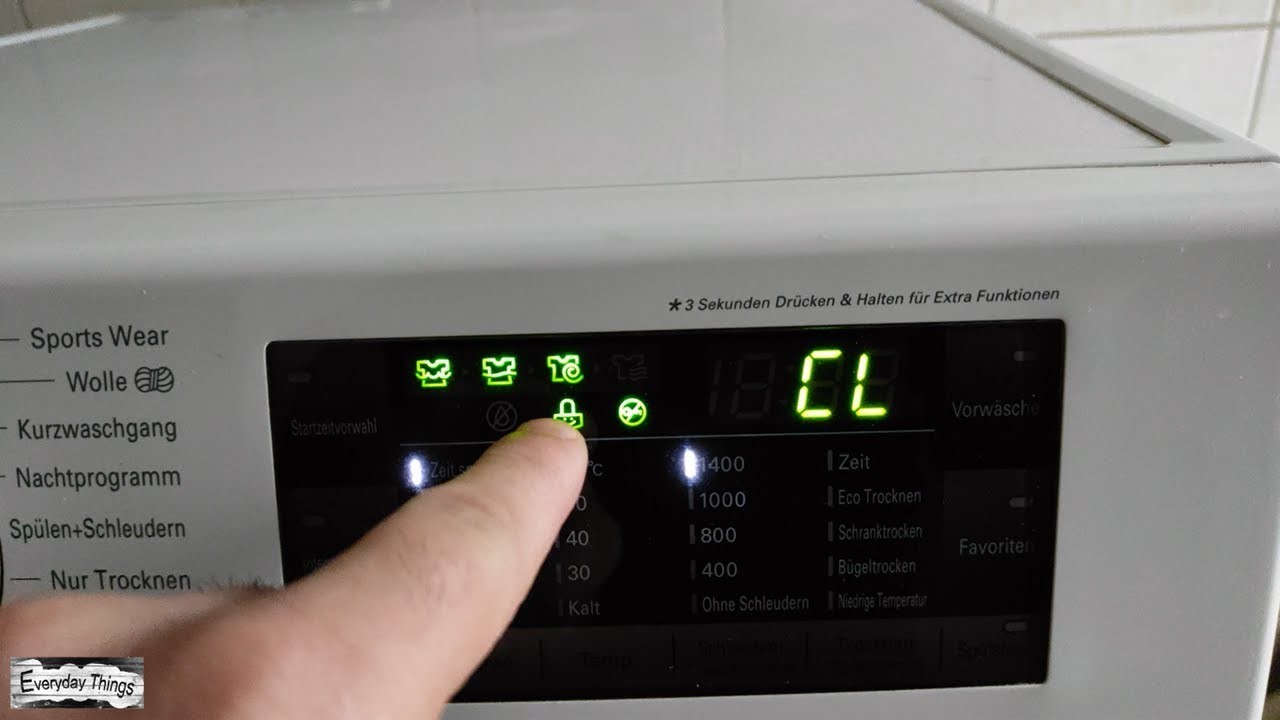
LG washing machines Error Code CL What is and how to turn OFF
How to fix LG Washing Machine IE Error Code
Answers to frequently asked questions
Read more practical tips and expert opinions about modern devices at appliances-news.com. Here you will find answers to questions about any technology.