
When it comes to turning off an LG washing machine, there are a few simple steps you can follow to ensure that the machine is safely and completely powered down. Whether you need to stop the machine mid-cycle or simply want to turn it off after it has finished, knowing how to properly shut down your LG washing machine is essential.
Step 1: Stop the Machine
If you need to stop the machine in the middle of a cycle, the first step is to press the “Pause” button on the control panel. This will temporarily halt the washing machine’s operation and allow you to make any necessary adjustments or cancel the cycle altogether. If you want to turn off the machine after it has completed a cycle, skip to step 3.
Step 2: Adjust or Cancel the Cycle (Optional)
Once you have paused the machine, you can now adjust the settings or cancel the cycle if needed. To adjust the settings, use the control panel to modify the temperature, spin speed, or other options. If you want to cancel the cycle, press the “Cancel” or “Stop” button. This will stop the machine and drain any remaining water.
Step 3: Unplug the Machine
After you have either stopped the machine mid-cycle or it has completed the cycle, the next step is to unplug the washing machine from the power source. This will completely shut off the machine and prevent any potential accidents or damage. Simply pull the plug out of the wall socket to disconnect the machine from power.
Following these steps will ensure that your LG washing machine is safely turned off and ready for the next use. Remember to always consult the user manual for specific instructions regarding your machine, as different models may have slight variations in the shutdown process.
- Prepare for Turning Off the LG Washing Machine
- 1. Unplug the Machine
- 2. Turn Off the Water Supply
- Locate the Power Button on the LG Washing Machine
- Press and Hold the Power Button
- Wait for the LG Washing Machine to Shut Down
- Unplug the Power Cord from the Outlet
- Confirm that the LG Washing Machine is Off
- 1. Check the control panel
- 2. Unplug the machine
- Turn Off the Water Supply to the LG Washing Machine
- Take Safety Precautions Before Servicing the LG Washing Machine
- 1. Disconnect the power supply
- 2. Turn off the water supply
- Video on the topic
- [LG Washers] How To Reset An LG Washer
- How to Clean your LG Front Load Washing Machine 2026|| 7 Key steps||PetiteMama
- LG Top Load Washer with TurboWash Technology WT7300CW Review & Demo (2026)
- [LG Front Load Washers] Navigating The Control Panel On Your Washer – WM6700
- [LG FrontLoad Washers] How to Use Spin Only/Drain Only Cycle
- Answers to frequently asked questions
Prepare for Turning Off the LG Washing Machine
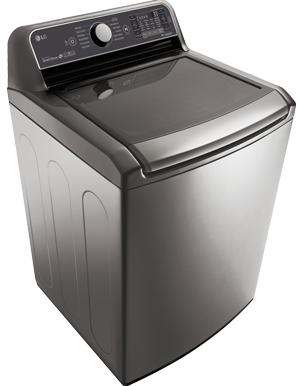
Before turning off your LG washing machine, there are a few important steps to take in order to ensure a safe and efficient shutdown. Follow these steps to prepare for turning off your LG washing machine:
1. Unplug the Machine
The first step in preparing to turn off your LG washing machine is to unplug it from the power source. This will help prevent any electrical accidents or damage while you work on the machine.
2. Turn Off the Water Supply
Next, locate the water supply valves connected to the back of the washing machine. Turn them off by rotating the knobs clockwise. This will prevent any water from entering the machine while it is not in use.
By following these simple steps to prepare for turning off your LG washing machine, you can ensure a safe and efficient shutdown that will help maintain the longevity of your machine.
Locate the Power Button on the LG Washing Machine

Before you can turn off your LG washing machine, you need to know where the power button is located. The location of the power button may vary depending on the model of your LG washing machine, but it is typically located on the front panel of the machine.
To locate the power button, look for a button with a power symbol or the word “Power” on it. It is often positioned near the control panel or display screen. Some LG washing machines have a dedicated power button, while others may have a combination of buttons that include the power function.
If you’re having trouble locating the power button, check the user manual or the manufacturer’s website for specific instructions or diagrams that show the location of the power button on your particular model of LG washing machine.
Press and Hold the Power Button

To turn off your LG washing machine, you will need to locate the power button, usually located on the front panel of the machine. Once you have located the power button, follow these steps:
- Ensure that the washing machine is not in the middle of a cycle. If it is, allow the cycle to finish or use the appropriate buttons to cancel the current cycle.
- With the machine’s display powered on, press and hold the power button for a few seconds. This will initiate the shutdown process.
- If your LG washing machine has a digital display, you may see a countdown timer or an indicator light to confirm that the machine is turning off.
- Once the display has turned off completely, release the power button.
After following these steps, your LG washing machine will be successfully turned off. Remember that it is important to let the washing machine complete its cycles and cool down properly before attempting to turn it off.
Wait for the LG Washing Machine to Shut Down

Once you have finished using the LG washing machine and have performed all necessary steps to turn it off, you will need to wait for the machine to completely shut down before attempting to open the door or make any further adjustments.
During this time, it is important to exercise caution and not rush the process. The machine may still be running some final cycles or draining remaining water, so prematurely opening the door may result in water spillage or damage to the machine.
To ensure that you wait for the LG washing machine to shut down properly, follow these steps:
- Check the display panel or control panel for any remaining indicators or lights that may be signaling the machine’s running status.
- If there are any remaining indicators or lights, allow the machine to complete any outstanding cycles or processes. This may include draining leftover water or spinning the drum to remove excess moisture from the clothes.
- Once the display panel or control panel no longer shows any active indicators or lights, the machine has likely finished its shut down sequence.
- Take a few moments to ensure that there are no unusual or concerning sounds coming from the machine. If you hear any unusual noises or notice any issues, it may be necessary to contact LG customer support for assistance.
- After confirming that the machine has shut down completely and there are no concerning sounds, it is safe to open the door and remove your laundry.
- If you need to make any further adjustments to the machine or perform maintenance tasks, refer to the user manual or contact LG customer support for guidance.
By patiently waiting for the LG washing machine to shut down, you can ensure the safety of both yourself and the machine.
Unplug the Power Cord from the Outlet

Before attempting to turn off your LG washing machine, it is important to ensure that the power is completely disconnected. To do this, you will need to unplug the power cord from the outlet.
Locate the power cord at the back of your LG washing machine. It is typically connected to the back panel near the top. Gently pull the plug out of the outlet to disconnect the power supply.
This step is crucial for your safety and to prevent any potential electrical issues while turning off the washing machine. By unplugging the power cord, you can be certain that the machine will not turn on unexpectedly while you are working on it.
Confirm that the LG Washing Machine is Off
Before you proceed with turning off your LG washing machine, it is important to confirm that it is completely powered off. This will ensure your safety and prevent any damage to the machine.
To confirm that the LG washing machine is off, follow these steps:
1. Check the control panel
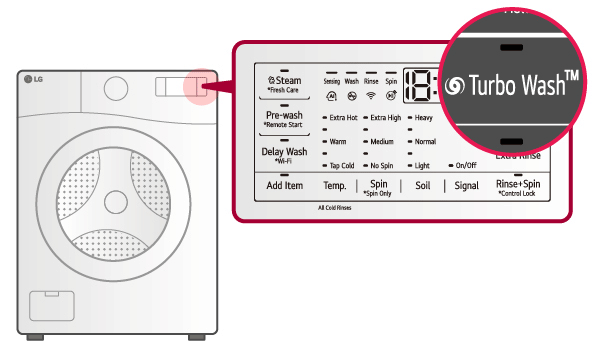
Take a quick look at the control panel of the washing machine and make sure that all the lights and indicators are turned off. If any lights are still on, it means that the machine is still powered on.
2. Unplug the machine
If the control panel lights are off, the next step is to unplug the washing machine from the power source. This will completely cut off the power supply to the machine.
By confirming that the LG washing machine is off before proceeding with any maintenance or troubleshooting, you can avoid any unnecessary accidents or malfunctions. Always prioritize your safety when dealing with electrical appliances.
Turn Off the Water Supply to the LG Washing Machine
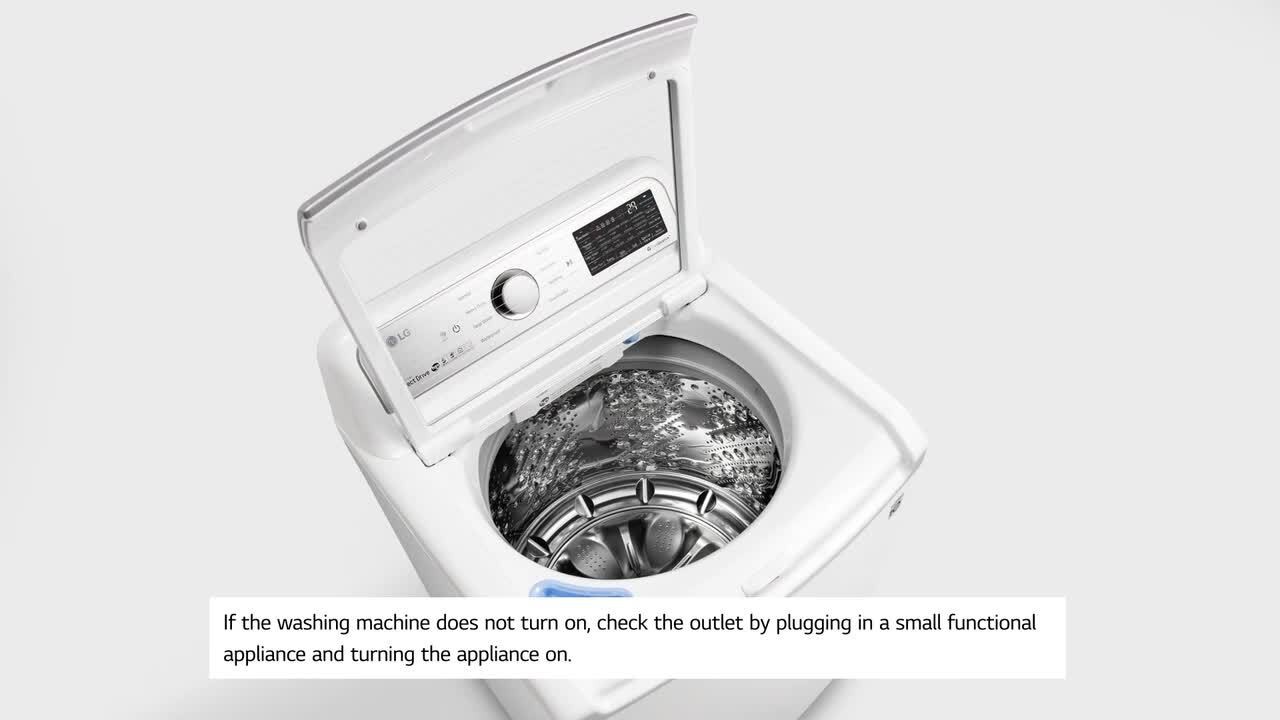
To ensure that your LG washing machine is safely turned off, one of the first steps is to turn off the water supply. This is an important precaution to prevent any potential leaks or damage to your machine.
Here are the steps to follow:
- Locate the water valves: Look for the water valves that are connected to the washing machine. These are typically found on the wall behind the machine or in a nearby utility room.
- Turn off the hot water valve: Rotate the valve handle clockwise until it is fully closed. This will shut off the hot water supply to the washing machine.
- Turn off the cold water valve: Rotate the valve handle clockwise until it is fully closed. This will shut off the cold water supply to the washing machine.
- Verify water supply is off: To make sure the water supply is completely turned off, you can try running a faucet or another appliance that uses water. If no water comes out, then the supply is successfully turned off.
By following these steps to turn off the water supply, you can have peace of mind knowing that your LG washing machine is safely powered down and ready for maintenance or repairs.
Note: It is always a good idea to refer to your LG washing machine’s user manual for specific instructions regarding turning off the water supply and other important maintenance tasks.
Take Safety Precautions Before Servicing the LG Washing Machine

Servicing your LG washing machine can be a simple and cost-effective way to keep it running smoothly, but it’s important to take the necessary safety precautions before starting any work. By following these steps, you can minimize the risk of injury and ensure a safer servicing experience:
1. Disconnect the power supply
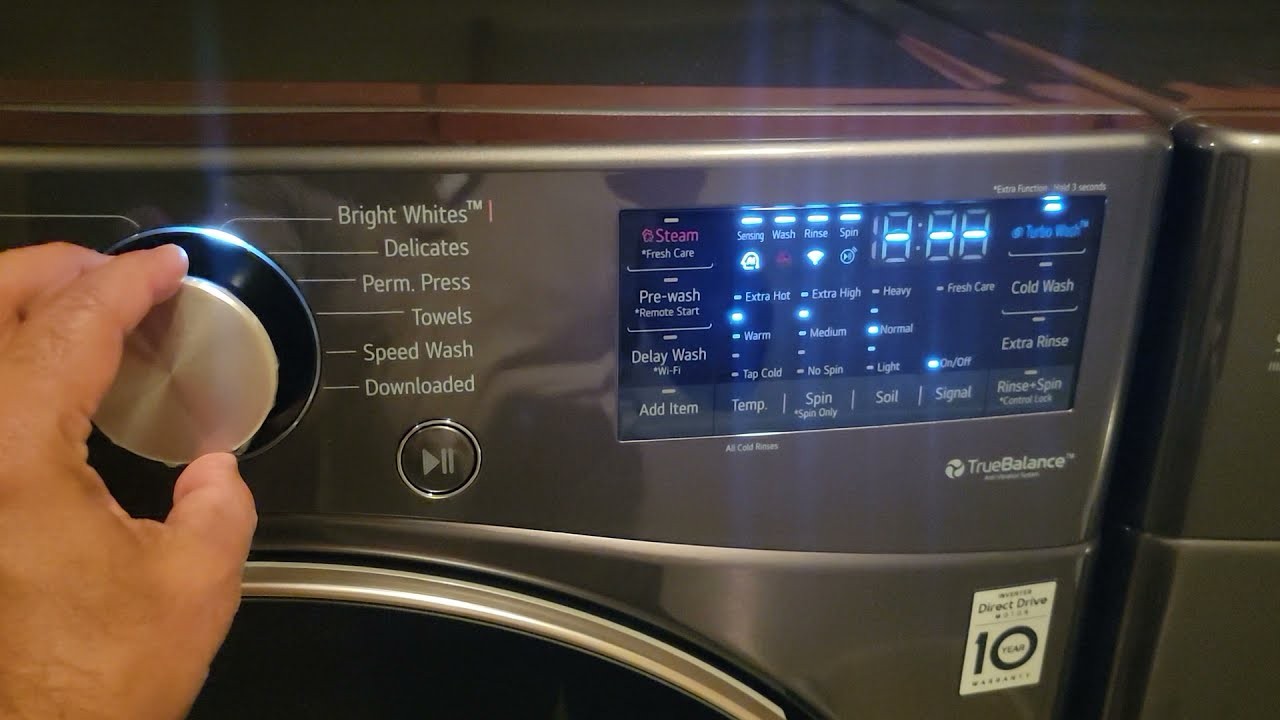
Before servicing your LG washing machine, always disconnect the power supply to avoid any electrical shock or injury. Unplug the power cord from the wall outlet or switch off the circuit breaker that supplies power to the washing machine.
2. Turn off the water supply
In addition to disconnecting the power supply, it’s essential to turn off the water supply to the washing machine. This will prevent any water leakage or flooding during the servicing process. Locate the water shutoff valve behind the machine and turn it off by rotating it clockwise.
Remember, safety should always be your top priority when servicing any electrical appliance. By following these safety precautions, you can ensure a smooth and worry-free servicing experience for your LG washing machine.
Video on the topic
[LG Washers] How To Reset An LG Washer
How to Clean your LG Front Load Washing Machine 2026|| 7 Key steps||PetiteMama
LG Top Load Washer with TurboWash Technology WT7300CW Review & Demo (2026)
[LG Front Load Washers] Navigating The Control Panel On Your Washer – WM6700
[LG FrontLoad Washers] How to Use Spin Only/Drain Only Cycle
Answers to frequently asked questions
Read more practical tips and expert opinions about modern devices at appliances-news.com. Here you will find answers to questions about any technology.


