The Samsung washing machine error N2 is a common issue that many users encounter. This error code indicates a problem with the water supply to the washing machine, specifically, that the water pressure is too low or the water is not entering the machine properly. If you see this error code displayed on your Samsung washing machine, there are a few steps you can take to troubleshoot and resolve the issue.
One possible cause of the N2 error is a clogged or blocked water inlet valve. The water inlet valve is responsible for letting water into the machine, and if it becomes blocked, the water pressure may be insufficient or non-existent. To check if this is the issue, you can inspect the inlet valve for any signs of blockage or debris. If you find any, cleaning or replacing the valve may solve the problem.
Another potential cause of the N2 error is a low water pressure from the main water supply. If the water pressure in your area is low, it may not be sufficient to supply water to the washing machine properly. In this case, you can try adjusting the water pressure in your home or contacting your water utility company to inquire about the issue. Installing a water pressure booster may also help resolve the problem.
If the above steps do not solve the N2 error, it is recommended to contact a professional technician for further assistance. They have the knowledge and expertise to diagnose and repair more complex issues with the Samsung washing machine. In some cases, they may need to replace certain parts or perform more extensive repairs to fix the error code and restore the proper functioning of the machine.
In conclusion, the Samsung washing machine error N2 is typically caused by low water pressure or a blockage in the water inlet valve. By checking for blockages, adjusting water pressure, or seeking professional help, you can troubleshoot and resolve this error, ensuring that your washing machine functions properly and effectively.
- Samsung Washing Machine Error N2
- Causes of Samsung Washing Machine Error N2
- Troubleshooting and Solutions for Samsung Washing Machine Error N2
- Causes
- Troubleshooting
- 1. Power Cycle the Machine
- 2. Check the Water Supply
- 3. Clean the Filters
- 4. Check the Drain Pump
- Solutions
- 1. Check the water supply
- 2. Clean the water inlet filters
- 3. Check the water pressure
- 4. Reset the machine
- Error Codes
- Video on the topic
- ✨ FRONT LOAD WASHER WON’T SPIN — FIXED IN 8 MINUTES ✨
- COMMON SAMSUNG WASHING MACHINE ERROR CODES and SOLUTIONS (SUD, 5C, 4C, DC, OC)
- Samsung Washing Machine Not Draining – How to Fix
- Answers to frequently asked questions
Samsung Washing Machine Error N2
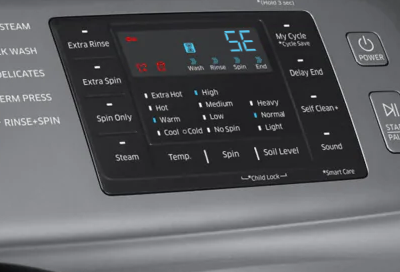
If you own a Samsung washing machine and are facing the error code N2, it means that there is an issue with the water supply. This error code usually appears when there is not enough water entering the machine, or if there is a problem with the water pressure.
Causes of Samsung Washing Machine Error N2
There are several possible causes for the N2 error code on your Samsung washing machine:
- Low water pressure: If the water pressure in your area is low, it can affect the water supply to your washing machine and trigger the error code N2.
- Clogged water inlet valve filter: Over time, the water inlet valve filter can become clogged with debris and restrict the flow of water into the machine.
- Faulty water inlet valve: A faulty water inlet valve may not open properly or may not allow enough water into the machine, resulting in the N2 error code.
- Water supply hose kinked or blocked: If the water supply hose connected to your washing machine is kinked or blocked, it can prevent water from entering the machine.
Troubleshooting and Solutions for Samsung Washing Machine Error N2
If you encounter the N2 error code on your Samsung washing machine, here are some troubleshooting steps you can take:
- Check the water supply: Make sure that the water supply to your washing machine is not interrupted. Ensure that the water faucets are turned on and that there is sufficient water pressure.
- Inspect the water inlet valve filter: Locate the water inlet valve and check if the filter is clogged. If it is, clean it or replace it if necessary.
- Test the water inlet valve: You can test the water inlet valve using a multimeter to check if it is functioning correctly. If it is faulty, consider replacing it.
- Inspect the water supply hose: Ensure that the water supply hose is not kinked or blocked. Straighten any kinks or remove any blockages that may be present.
If these troubleshooting steps do not resolve the N2 error code, it is recommended to consult a professional technician or contact Samsung customer support for further assistance.
Remember to always refer to your Samsung washing machine’s user manual for specific instructions and guidelines.
Causes
There are several potential causes for the N2 error on a Samsung washing machine. These include:
| 1. | Water supply issue: If there is a problem with the water supply, such as low water pressure or a blocked water inlet valve, the machine may display the N2 error. |
| 2. | Drainage issue: If there is a problem with the drainage system, such as a clogged drain hose or a malfunctioning drain pump, the N2 error may occur. |
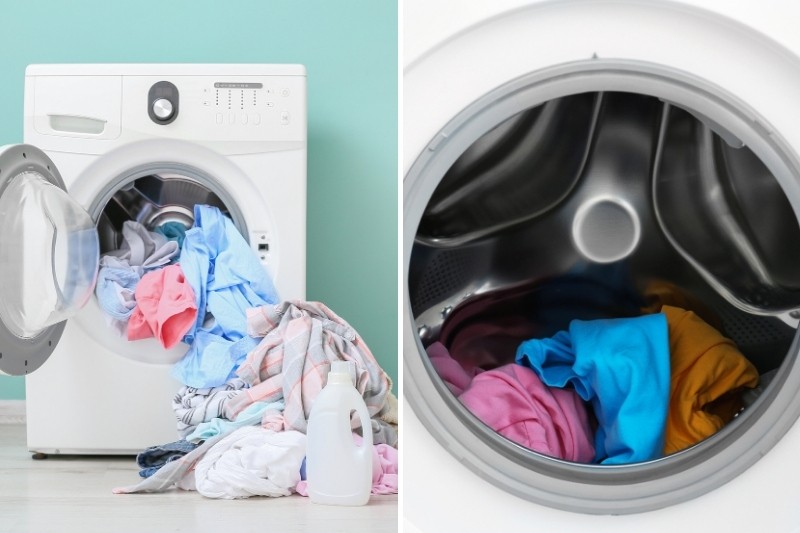
| 3. | Overload: If the washing machine is overloaded with clothes, it can put excessive strain on the motor and trigger the N2 error. |
| 4. | Unbalanced load: If the clothes inside the machine are not distributed evenly, it can cause the drum to become unbalanced and result in the N2 error. |
| 5. | Electrical issues: Faulty wiring, power surges, or problems with the control board can also lead to the N2 error. |
If you encounter the N2 error on your Samsung washing machine, it is recommended to check these potential causes and troubleshoot accordingly. By identifying and resolving the underlying issue, you can get your washing machine back up and running smoothly.
Troubleshooting

If your Samsung washing machine is displaying the N2 error code, you can try the following troubleshooting steps to resolve the issue:
1. Power Cycle the Machine
Start by turning off the washing machine and unplugging it from the power source. Wait for about 10-15 minutes, then plug it back in and turn it on again. This can often reset the machine and clear any temporary error codes.
2. Check the Water Supply
Ensure that the water supply to the washing machine is turned on and that the water pressure is adequate. If the water supply is restricted or the pressure is too low, it can cause the N2 error to occur. Check the water hoses for any kinks or blockages and make sure the water inlet valve is functioning properly.
3. Clean the Filters
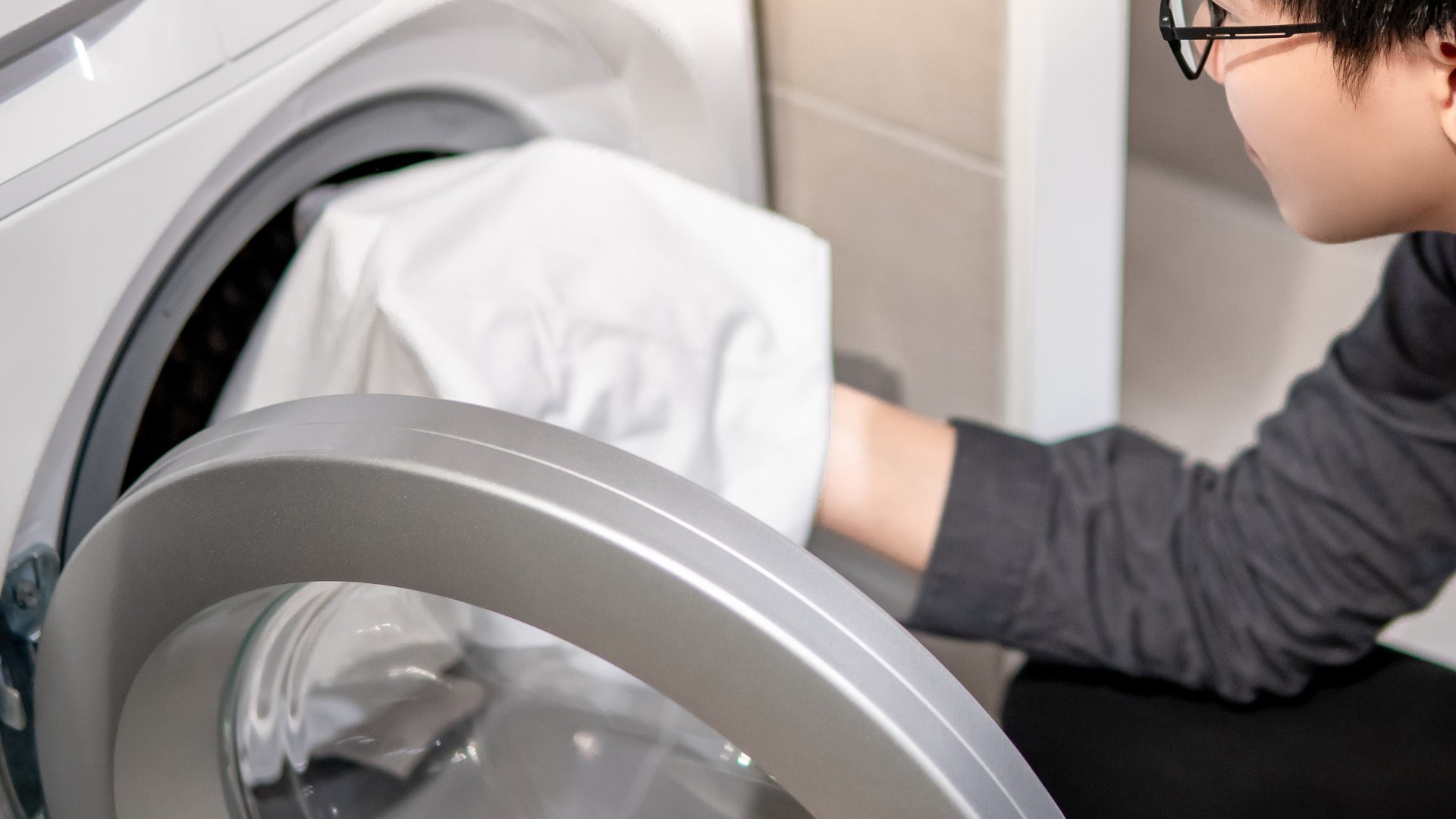
The N2 error code can also be triggered if the filters in the washing machine are clogged or dirty. Locate the filters and clean them thoroughly to remove any debris or lint buildup. Refer to the user manual for specific instructions on how to access and clean the filters for your model.
4. Check the Drain Pump
A faulty drain pump can also cause the N2 error. Check the drain pump for any blockages or obstructions that may be preventing it from draining properly. Clear any debris and ensure that the pump is running smoothly. If the drain pump is damaged or not functioning correctly, it may need to be replaced.
If the above troubleshooting steps do not resolve the N2 error on your Samsung washing machine, it is recommended to contact a qualified service technician for further assistance. They will be able to diagnose the issue and provide a proper solution to get your washing machine back up and running.
| Error Code | Cause | Solution |
|---|---|---|
| N2 | Low water pressure or restricted water supply | – Check and adjust the water supply- Clean water inlet valve- Check water hoses for kinks or blockages |
Solutions
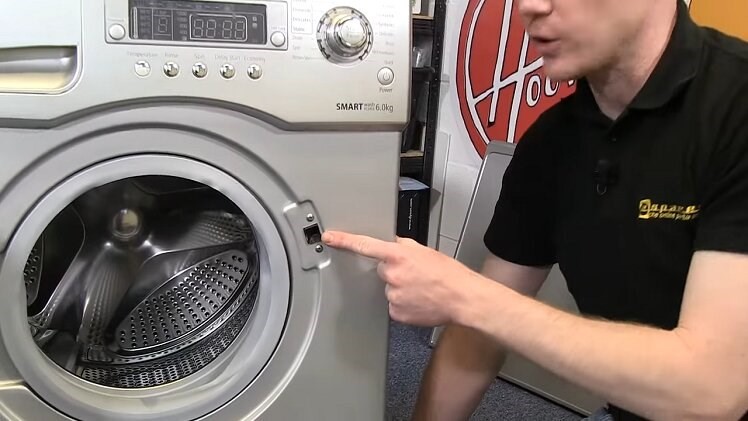
Fixing the N2 error on your Samsung washing machine may require some troubleshooting steps. Here are a few solutions you can try:
1. Check the water supply

Make sure that the water supply to the washing machine is not blocked or turned off. Check the water hoses connected to the machine and ensure that they are not kinked or bent. If the water supply is turned off or blocked, the machine will not be able to fill the drum with water, resulting in the N2 error code.
2. Clean the water inlet filters
The N2 error can also occur if the water inlet filters are clogged with debris or sediment. These filters are located at the water inlet valve, which is usually at the back of the machine. Turn off the water supply to the machine, disconnect the hoses, and clean the filters with a brush or running water. Once the filters are clean, reconnect the hoses and turn on the water supply to see if the error persists.
3. Check the water pressure
If the water pressure is too low, the machine may not be able to fill the drum properly, resulting in the N2 error. Check the water pressure in your home and ensure that it meets the recommended level for your washing machine. If the water pressure is too low, you may need to consult a plumber to address the issue.
4. Reset the machine
In some cases, resetting the machine can clear the N2 error code. To reset your Samsung washing machine, turn it off, unplug it from the power source, wait for a few minutes, and then plug it back in. Turn on the machine and see if the error code disappears.
If none of these solutions work, it may indicate a more serious underlying issue with the machine. In such cases, it is recommended to contact a professional technician or the Samsung customer support for further assistance.
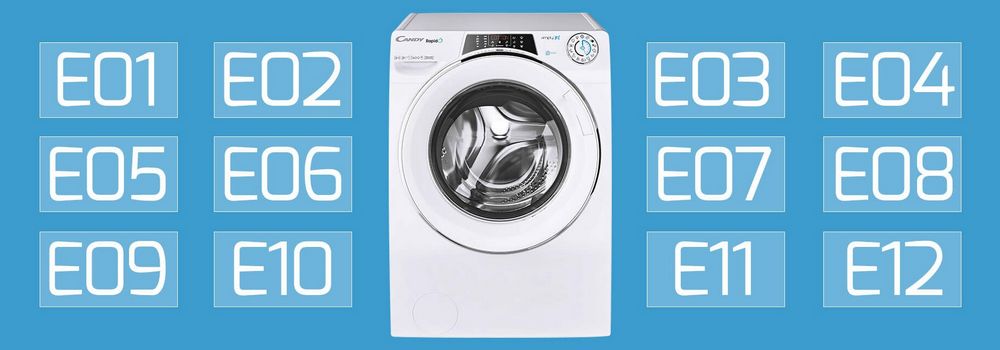
Error Codes
When using a Samsung washing machine, it’s possible to encounter various error codes that indicate a problem with the machine’s operation. These error codes are designed to alert users to specific issues and help identify the necessary troubleshooting steps. Here are some common error codes you may come across:
E1: This code indicates a water inlet issue. It means that the machine is not getting enough water or the water is not flowing properly. Check the water supply and make sure the water inlet valve is not clogged or malfunctioning.
E2: An E2 error code usually indicates a drain problem. This means that the machine is not able to drain the water properly. Check the drain hose for any obstructions and ensure that it is properly connected to a drainpipe. Additionally, inspect the drain pump for any clogs or damage.
E3: The E3 error code is related to the machine’s motor. It indicates a problem with the motor’s operation, such as a malfunction or a wiring issue. It’s best to contact a professional technician to diagnose and fix this problem.
E4: When you see an E4 error code, it means that the machine’s door is not closing properly or the door switch is faulty. Make sure the door is fully closed and latched, and inspect the door switch to see if it needs to be replaced.
E5: An E5 error code suggests a problem with the temperature sensor. It means that the sensor is either faulty or not connected properly. Check the sensor’s wiring and connections, and if needed, replace the sensor.
Note: These error codes are common for Samsung washing machines, but it’s essential to refer to your machine’s user manual for the specific error code explanations and troubleshooting instructions.
If you encounter an error code on your Samsung washing machine, try the recommended troubleshooting steps first. However, if the issue persists or you are unsure about the problem, it is always best to consult a professional technician to diagnose and fix the problem accurately.
Video on the topic
✨ FRONT LOAD WASHER WON’T SPIN — FIXED IN 8 MINUTES ✨
COMMON SAMSUNG WASHING MACHINE ERROR CODES and SOLUTIONS (SUD, 5C, 4C, DC, OC)
Samsung Washing Machine Not Draining – How to Fix
Answers to frequently asked questions
Read more practical tips and expert opinions about modern devices at appliances-news.com. Here you will find answers to questions about any technology.