If you own an Indesit washing machine, you know how convenient and efficient it can be when it comes to getting your laundry done. However, just like any other appliance, it may sometimes encounter issues that require you to stop it immediately. Whether it’s because of a malfunction or a mistake you made, knowing how to quickly stop your Indesit washing machine can save you from potential damage and further inconvenience.
In this article, we will guide you through some quick and easy solutions to stop your Indesit washing machine.
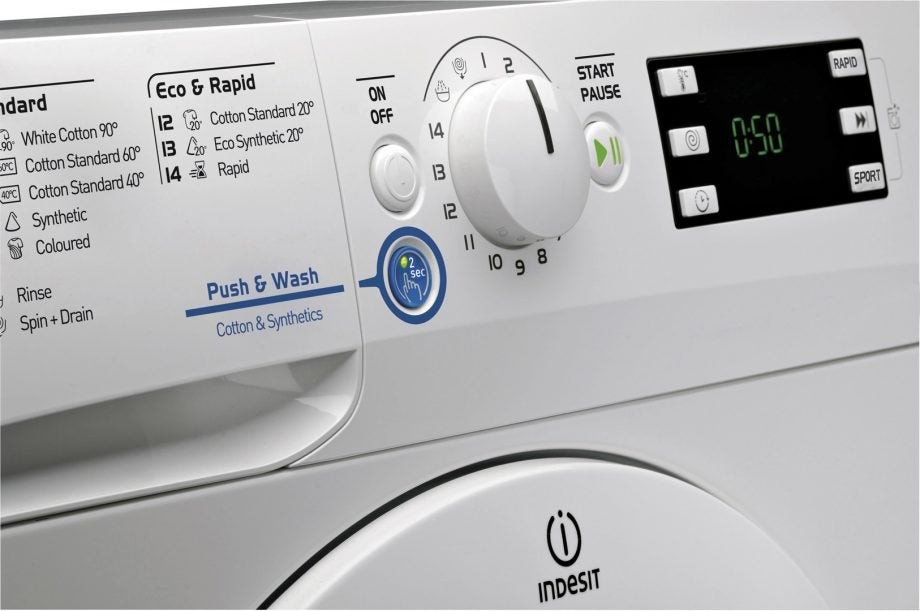
If you notice that your Indesit washing machine is producing an unusual noise or vibrating excessively, the first thing you should do is stop it. This could be an indication of an unbalanced load or a problem with the drum. To stop the machine, locate the control panel and press the “Stop” button. If the noise or vibration persists after restarting, you may need to inspect the load and redistribute the items evenly or contact a professional for further assistance.
Another common issue that may require you to stop your Indesit washing machine is a water leak. If you spot water leaking from the machine, it’s crucial to stop it immediately to prevent any electrical damage or potential flooding. To stop the machine, quickly locate the water supply valve and turn it off. This will cut off the water flow and stop any further leaking. After stopping the machine, you can assess the situation and determine the cause of the leak. It could be a loose hose or a damaged seal, which you may be able to fix yourself or require professional help.
In some cases, you may need to stop your Indesit washing machine because of a technical error or electrical issue. If you see an error code on the display panel or experience a power surge, it’s crucial to stop the machine to prevent any potential damage. To do this, locate the power button or unplug the machine from the electrical outlet. Wait for a few minutes before restarting, as this can help reset the machine and resolve any temporary technical issues. If the error code persists or the power issue continues, it’s recommended to contact Indesit customer support or a qualified technician for assistance.
Knowing how to quickly and effectively stop your Indesit washing machine can help you prevent any further damage, increase its lifespan, and avoid any potential safety hazards. By following the simple solutions outlined in this article, you can confidently address common issues and troubleshoot your Indesit washing machine, ensuring a smooth laundry experience every time.
- Identifying the Problem
- 1. No power
- 2. Error codes
- 3. Strange noises or vibrations
- Checking the Power Supply
- 1. Check the Power Cord
- 2. Test the Outlet
- Inspecting the Door Lock
- Step 1: Unplug the Machine
- Step 2: Locate the Door Lock
- Step 3: Check for Physical Damage or Debris
- Step 4: Test the Door Lock
- Cleaning the Filter
- Step 1: Turn off the washing machine
- Step 2: Locate the filter
- Step 3: Remove the filter
- Step 4: Clean the filter
- Step 5: Reinstall the filter
- Checking for Clogged Drains
- 1. Unplug the Machine
- 2. Locate the Drain Hose
- 3. Inspect for Blockages
- 4. Check the Drain Pump Filter
- 5. Reassemble and Test
- Video on the topic
- #how to wash clothes in #indesit#IWC6103 washing machine just #30 minutes#less washing time
- Nobody Believes But It Really Works!!! Brilliant Kitchen Hacks that will change how you Cook!
- Answers to frequently asked questions
Identifying the Problem
When your Indesit washing machine stops working, it’s important to identify the problem before attempting any fixes. Here are some common issues to look out for:
1. No power
If your washing machine doesn’t turn on at all, start by checking if it’s properly connected to the power outlet. Make sure the power cord is securely plugged in and the outlet is functioning. You can also try plugging another appliance into the same outlet to see if it works. If there’s no power, the issue might be with the electrical supply or the washing machine’s internal wiring.
2. Error codes
If your Indesit washing machine displays an error code, refer to the user manual to understand what it means. The error code could indicate a specific issue, such as a blocked filter, a drainage problem, or an unbalanced load. Understanding the error code will help you narrow down the problem and find a solution.
3. Strange noises or vibrations
If your washing machine is making unusual noises or vibrations, it could be due to several reasons. Check if the machine is level and properly balanced. Unbalanced loads can cause excessive vibrations. Additionally, foreign objects, such as coins or buttons, may be stuck in the drum or pump, causing the noise.
By carefully observing and identifying the problem, you can take the necessary steps to fix your Indesit washing machine and get it back up and running.
Checking the Power Supply
One of the first things you should do when trying to stop an Indesit washing machine is to check the power supply. Sometimes, the machine may not start or turn off if it is not receiving adequate power.
1. Check the Power Cord
- Make sure that the power cord is securely plugged into a functioning power outlet. If the power cord is loose, try plugging it into a different outlet or using a different power cord.
- Inspect the power cord for any visible damage or frayed wires. If you find any, you will need to replace the power cord.
2. Test the Outlet
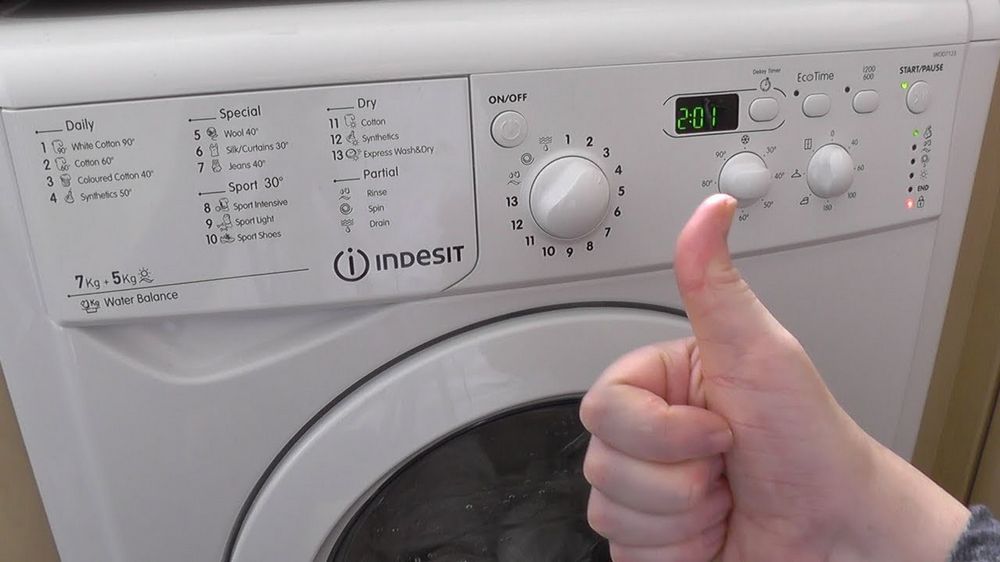
- Plug another electronic device into the same outlet to determine if it is providing power. If the device does not work, the outlet may be faulty, and you will need to contact an electrician to fix the issue.
- If the outlet is functioning properly, check the circuit breaker or fuse box to ensure that there are no tripped breakers or blown fuses. Reset any tripped breakers or replace any blown fuses.
By carefully checking the power supply of your Indesit washing machine, you can determine if that is the cause of the issue and proceed with appropriate troubleshooting steps. Remember to always exercise caution when working with electricity and consider seeking professional help if you are unsure about anything.
Inspecting the Door Lock
If you are experiencing problems with your Indesit washing machine, one potential issue might be a faulty door lock. The door lock plays an essential role in ensuring that the machine can be operated safely and effectively. If the door lock is not functioning correctly, it can cause various issues such as the machine not starting or stopping mid-cycle.
Step 1: Unplug the Machine
Before inspecting the door lock, make sure the washing machine is unplugged from the power source. Safety should always be a top priority when working with electrical appliances.
Step 2: Locate the Door Lock
The door lock is typically located near the front of the washing machine, where the door latches shut. It is a small mechanism that engages with the door catch to keep the door securely closed during operation.
Step 3: Check for Physical Damage or Debris

Inspect the door lock for any signs of physical damage or debris that may be blocking its proper operation. Look for cracks, broken pieces, or any foreign objects that may be obstructing the mechanism. If you notice any issues, it might be necessary to replace the door lock.
Step 4: Test the Door Lock
To test the functionality of the door lock, gently try opening the door when the machine is off. It should be securely locked and resistant to opening. Additionally, try starting a cycle to see if the door lock engages properly. If it fails to lock or unlock as it should, further inspection or professional assistance may be required.
Inspecting the door lock is a simple yet crucial step in troubleshooting problems with your Indesit washing machine. By following these steps, you can determine if the door lock is the cause of the issue and take appropriate action to resolve it.
Cleaning the Filter

If your Indesit washing machine is not functioning properly or if you notice a foul odor coming from it, cleaning the filter could solve the problem. The filter is responsible for capturing debris, lint, and other small particles that may be present in your laundry. Over time, these particles can accumulate and cause blockages, leading to reduced performance and unpleasant odors.
To clean the filter, follow these simple steps:
Step 1: Turn off the washing machine
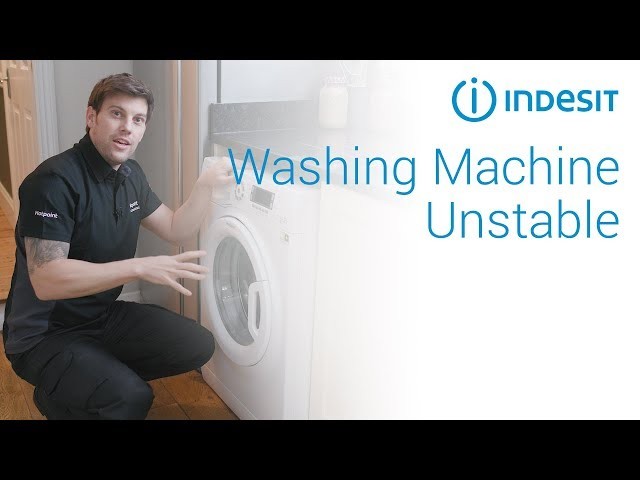
Before you start cleaning the filter, make sure to turn off the washing machine and unplug it from the power source. This will prevent any accidents and ensure your safety.
Step 2: Locate the filter
The filter is usually located at the bottom of the washing machine, behind a small door or panel. Consult your Indesit washing machine’s user manual for the specific location of the filter. Once you have located it, open the door or panel to access the filter.
Step 3: Remove the filter
Gently twist or pull the filter to remove it from its housing. Be careful as there may be some residual water, so it’s a good idea to place a towel or bucket underneath to catch any spills.
Step 4: Clean the filter

Thoroughly clean the filter under running water to remove any dirt, lint, or debris. You can use a soft brush or toothbrush to scrub away stubborn residues. Make sure to clean both the filter and its housing to ensure proper functioning.
Step 5: Reinstall the filter
Once the filter is clean and dry, place it back into its housing and securely tighten it. Make sure it is properly aligned and inserted the right way to avoid any leaks or malfunctions.
Cleaning the filter of your Indesit washing machine on a regular basis, ideally every couple of months, will help maintain its performance and prolong its lifespan. It’s a simple task that can prevent issues and ensure your laundry comes out fresh and clean every time.
| Step | Instructions |
|---|---|
| Step 1 | Turn off the washing machine and unplug it |
| Step 2 | Locate the filter |
| Step 3 | Remove the filter |
| Step 4 | Clean the filter under running water |
| Step 5 | Reinstall the filter |
Checking for Clogged Drains
If your Indesit washing machine isn’t draining properly, a clogged drain could be the culprit. Here are some steps to help you check for and clear any clogs in the drains:
1. Unplug the Machine
Before attempting any maintenance on your washing machine, always unplug it from the power source to ensure safety.
2. Locate the Drain Hose
The drain hose is typically located at the back of the machine. It is connected to the pump and drains the water from the machine.
3. Inspect for Blockages
Check if the drain hose is bent or twisted, as this can restrict water flow and cause clogs. If it appears to be kinked, straighten it out to ensure proper drainage.
Next, detach the drain hose from the machine and place a bucket or basin underneath to catch any water that may come out. Carefully inspect the hose for any visible debris or blockages. Use a flashlight if needed.
If you find any blockages, try using a long flexible brush or pipe cleaner to carefully dislodge and remove the debris.
4. Check the Drain Pump Filter
Some Indesit washing machines have a drain pump filter that may become clogged with lint, coins, or other objects. Consult your machine’s manual to locate the filter and follow the manufacturer’s instructions to clean it.
5. Reassemble and Test

Once you have checked for and cleared any clogs, reattach the drain hose securely to the machine. Make sure there are no leaks or loose connections.
Plug the machine back in and run a short wash cycle to test if the drainage issue has been resolved. If the machine now drains properly, you have successfully cleared the clog.
If the problem persists, it may be a more complex issue that requires professional help. In such cases, it’s best to contact Indesit customer support or a qualified technician for assistance.
Regularly checking and maintaining your washing machine’s drains can help prevent clogs and ensure efficient operation. By following these simple steps, you can keep your Indesit washing machine running smoothly and avoid any unnecessary inconvenience.
Video on the topic
#how to wash clothes in #indesit#IWC6103 washing machine just #30 minutes#less washing time
Nobody Believes But It Really Works!!! Brilliant Kitchen Hacks that will change how you Cook!
Answers to frequently asked questions
Read more practical tips and expert opinions about modern devices at appliances-news.com. Here you will find answers to questions about any technology.