
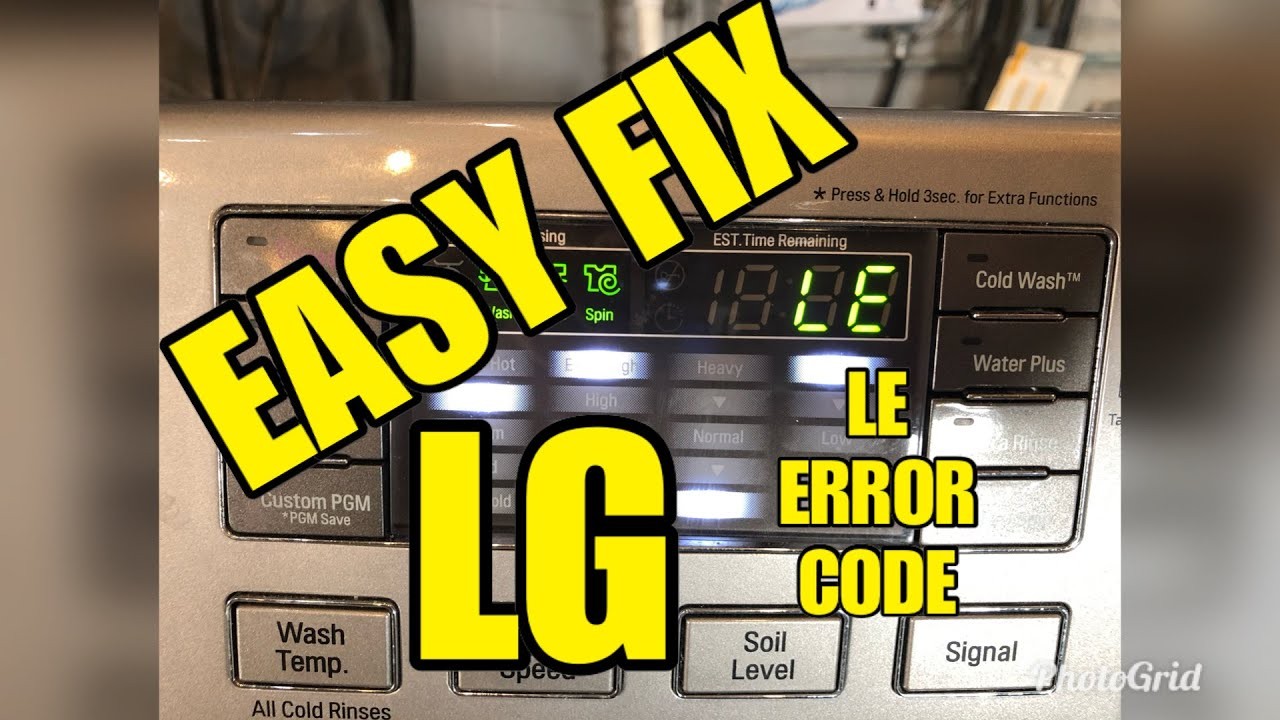
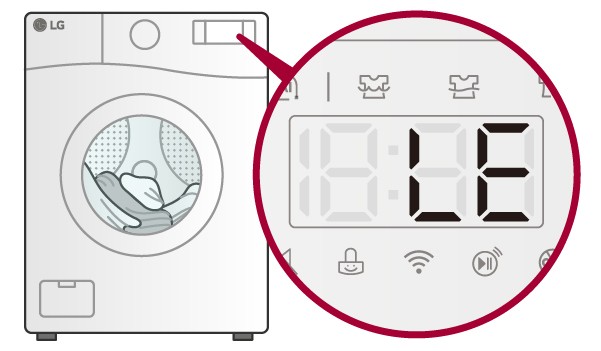
If you own an LG washing machine, you may have encountered the dreaded “LE” error code. This error code indicates a problem with the motor or motor control unit of your machine. Don’t panic! This article will guide you through troubleshooting and fixing the “LE” error, so you can get your machine back up and running in no time.
First, let’s understand what the “LE” error means. The “LE” error code stands for “Locked Motor Error.” It is usually a result of the motor being unable to move, either due to a physical obstruction or an internal problem. When this error occurs, your machine will stop working and display the “LE” code on the control panel.
Before you start fixing the problem, make sure to unplug your machine from the power source. Safety first! Once you’ve done that, check for any visible obstructions that may be preventing the motor from turning. Look for loose items such as coins, small garments, or even loose wiring. Remove any obstructions you find and give the drum a manual spin to see if it moves freely.
If there are no visible obstructions and the drum spins freely, the “LE” error may be due to an internal problem. In this case, you may need to reset the machine. Refer to your user manual for instructions on how to reset your specific model. If resetting doesn’t solve the issue, it’s time to call in professional help. Contact an authorized LG service center or a qualified technician to diagnose and repair the motor or motor control unit.
In conclusion, encountering the “LE” error on your LG washing machine can be frustrating, but don’t worry. By following the troubleshooting steps outlined in this article, you should be able to identify and resolve the issue. If all else fails, seek professional assistance to get your machine back in working order. Happy washing!
- What is the “LE” Error on Your LG Washing Machine?
- The Importance of Troubleshooting the “LE” Error
- Preventing Additional Damage
- Saving Time and Money
- Reducing Frustration
- Check the Load
- Level your Washing Machine
- Inspect the Door Lock Mechanism
- 1. Unplug the Washing Machine
- 2. Locate the Door Lock Mechanism
- 3. Check for Obstructions
- 4. Test the Door Lock
- Video on the topic
- ✨ LG Washing Machine LE Error – (SOLVED) ✨
- LG Top Load “LE” error code fix
- [LG Top Load Washer] – LE Error code on display
- How to fix an LG washing machine with an LE error message
- Answers to frequently asked questions
What is the “LE” Error on Your LG Washing Machine?

The “LE” error on your LG washing machine stands for “Locked Motor Error.” This error occurs when the motor of the washing machine is unable to rotate or is struggling to do so. When the control board detects this issue, it displays the “LE” error on the machine’s display panel.
There are several possible causes for the “LE” error. One common cause is an overloaded machine. If you have stuffed too many clothes into the washing machine, it can put excessive strain on the motor, leading to the “LE” error. Another potential cause is a tangled or twisted clothing item that is preventing the drum from rotating properly. Additionally, a faulty motor, a loose connection, or a damaged sensor can also trigger the “LE” error on your LG washing machine.
In order to troubleshoot and fix the “LE” error, there are several steps you can take. First, ensure that the washing machine is not overloaded and remove any tangled or twisted clothing items. Next, check for loose connections and tighten them if necessary. If none of these solutions work, it may be necessary to replace the motor or the sensor, in which case you may need to contact a professional repair service.
It’s important to address the “LE” error as soon as possible, as continued use of the washing machine with this error can cause further damage to the motor or other components. By following the troubleshooting steps and identifying the root cause of the error, you can resolve the issue and get your LG washing machine back up and running smoothly.
| Possible Causes of “LE” Error | Potential Solutions |
|---|---|
| Overloaded machine | Remove excess clothes |
| Tangled or twisted clothing item | Untangle or remove the item |
| Faulty motor | Replace the motor |
| Loose connection | Tighten connections |
| Damage sensor | Replace the sensor |
The Importance of Troubleshooting the “LE” Error
When you encounter the “LE” error on your LG washing machine, it’s essential to troubleshoot and fix the problem as soon as possible. Ignoring or neglecting the error can lead to further damage and potentially costly repairs. Understanding the importance of troubleshooting can save you time, money, and frustration in the long run.
Preventing Additional Damage
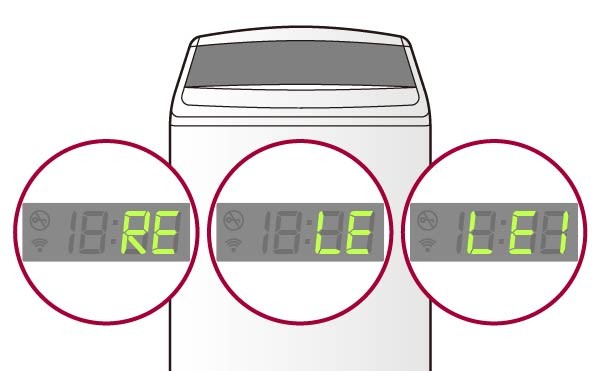
An “LE” error code indicates a problem with the motor on your LG washing machine. Ignoring this error and continuing to use the machine can lead to additional damage to the motor or other components. As a result, what might have been a simple fix initially can turn into a more extensive repair or even the need for a replacement machine.
By troubleshooting the “LE” error early on, you can prevent further damage and address the issue before it worsens. This includes identifying and fixing any underlying causes of the error, such as an overloaded machine or a faulty motor sensor.
Saving Time and Money
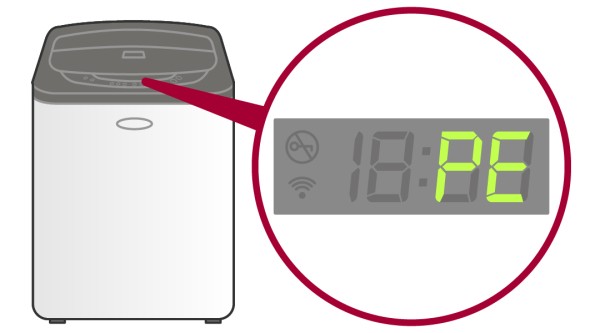
Investing the time to troubleshoot the “LE” error can save you both time and money in the long run. By identifying the issue and fixing it promptly, you can avoid the need for expensive repairs or the cost of purchasing a new washing machine. Troubleshooting can often pinpoint simple solutions that you can handle yourself, saving you the expense of a professional technician.
Additionally, troubleshooting allows you to assess whether or not the error is covered by your warranty. If it is, you can have the repairs done at no cost to you, further saving you money.
Reducing Frustration

Encountering an error code on your washing machine can be frustrating, especially if it interrupts your daily routine. However, by promptly troubleshooting and addressing the “LE” error, you can minimize the frustration and inconvenience it causes.
Understanding the importance of troubleshooting empowers you to take action and resolve the issue on your own terms. By following troubleshooting steps or seeking assistance, you can regain control over your washing machine and get back to your normal routine as quickly as possible.
Conclusion: Troubleshooting the “LE” error on your LG washing machine is crucial to prevent additional damage, save time and money, and reduce frustration. By promptly addressing the issue, you can avoid costly repairs, maintain your warranty coverage, and minimize the inconvenience of a malfunctioning machine.
Check the Load
One of the reasons why you may be experiencing the “LE” error on your LG washing machine is due to an unbalanced or overloaded load. When the load is too heavy or not distributed evenly in the drum, it can cause the washer to become imbalanced and trigger the error code.
To troubleshoot this issue, start by removing some items from the load. It’s important not to overload the washing machine, as this can put excess strain on the motor and drum, leading to imbalances.
If you’re washing large items such as blankets or comforters, try washing them individually instead of several at a time. This will ensure that the load is evenly distributed and reduce the chances of an imbalance occurring.
Additionally, make sure that the load is not tightly packed together. Items should have some room to move around freely during the wash cycle. You may need to remove some items or rearrange them to create a more balanced load.
Level your Washing Machine
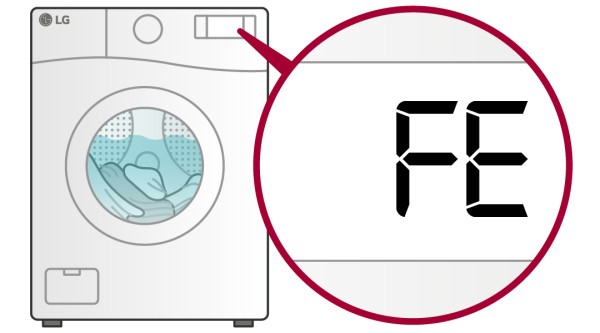
Another step you can take to prevent imbalances and the “LE” error is to ensure that your washing machine is properly leveled. If the washer is not level, it can cause the drum to become unbalanced. Use a level to check that the machine is sitting evenly on the floor.
If you find that the washing machine is not level, adjust the feet accordingly until it is balanced. This can help prevent future issues with imbalances and error codes.
In conclusion, if you’re encountering the “LE” error on your LG washing machine, it’s important to check the load and make sure it is not too heavy or unbalanced. Adjusting the load and leveling the machine can help resolve the issue and ensure that your washing machine functions properly.
Inspect the Door Lock Mechanism
If you are experiencing the “LE” error on your LG washing machine, one possible cause could be a problem with the door lock mechanism. The door lock mechanism is responsible for ensuring that the door is securely closed during the wash cycle, preventing any leaks or accidents.
To inspect the door lock mechanism, follow these steps:
1. Unplug the Washing Machine

Before inspecting any part of the washing machine, it is important to ensure that the power is turned off. Unplug the washing machine from the power source to avoid any electrical accidents.
2. Locate the Door Lock Mechanism
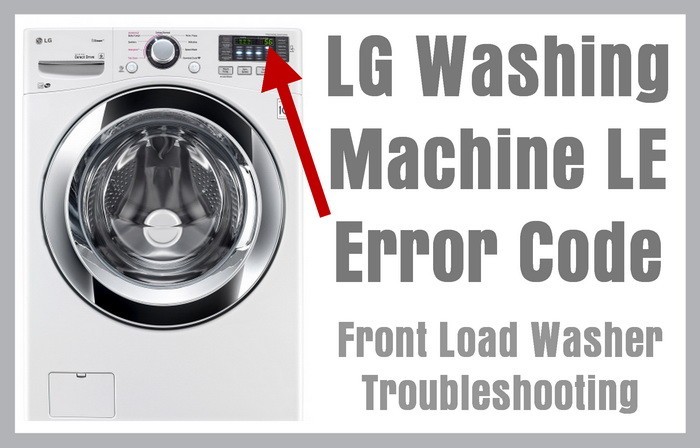
The door lock mechanism is typically located near the door latch. Refer to your LG washing machine’s user manual to find the exact location of the mechanism. It may require removing some panels or covers to access the mechanism.
3. Check for Obstructions
Inspect the door lock mechanism for any obstructions or debris that may be preventing it from functioning properly. Look for lint, clothing fibers, or any other foreign objects that may have gotten stuck in the mechanism. Use a flashlight to get a clear view and carefully remove any obstructions with a pair of tweezers or a small brush.
4. Test the Door Lock
After removing any potential obstructions, test the door lock to ensure it is working correctly. Close the door of the washing machine and try to start a wash cycle. If the door locks securely and the cycle begins without displaying the “LE” error, it indicates that the door lock mechanism is functioning properly.
If you have completed these steps and the “LE” error persists, it is recommended to contact a professional technician or LG customer support for further assistance. They will be able to provide more specific troubleshooting steps or arrange for repairs if needed.
Video on the topic
✨ LG Washing Machine LE Error – (SOLVED) ✨
LG Top Load “LE” error code fix
[LG Top Load Washer] – LE Error code on display
How to fix an LG washing machine with an LE error message
Answers to frequently asked questions
Read more practical tips and expert opinions about modern devices at appliances-news.com. Here you will find answers to questions about any technology.


