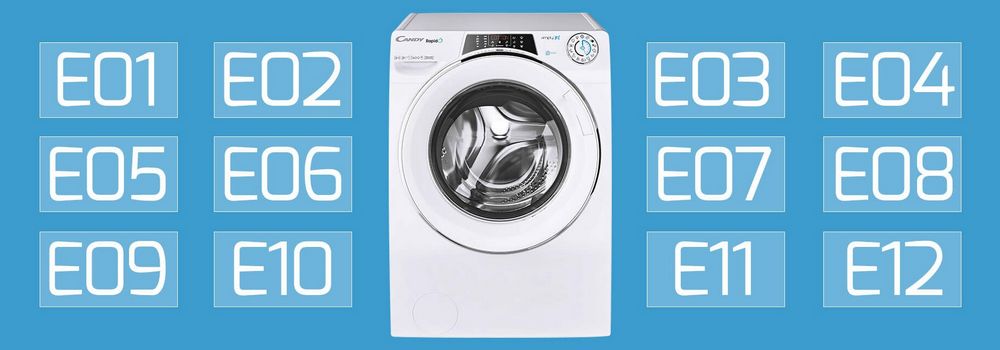
If you are experiencing the F12 error message on your Indesit washing machine, it can be frustrating and worrisome. Thankfully, there are steps you can take to troubleshoot and resolve this issue. This comprehensive guide will walk you through the potential causes of the F12 error code and provide solutions to get your washing machine up and running again.
What does the F12 error code mean?
The F12 error code on your Indesit washing machine indicates a problem with the communication between the control board and the motor. This can be caused by a variety of issues, such as a faulty wiring connection, a malfunctioning control board, or problems with the motor itself. Understanding the underlying cause of the error is crucial in identifying the appropriate solution.
In this troubleshooting guide, we will outline step-by-step instructions to help you diagnose and fix the F12 error on your Indesit washing machine. By following these instructions carefully, you can save time and potentially avoid costly repairs or replacements.
Important safety precautions:
Before attempting any troubleshooting or repairs on your Indesit washing machine, it is essential to prioritize your safety. We recommend disconnecting the appliance from the power supply and ensuring that you have the necessary tools and knowledge to carry out any procedures. If you are unsure or uncomfortable with any step, it is always best to consult a professional technician to avoid any accidents or further damage to your machine.
Now, let’s dive into the troubleshooting process and find out how to fix the F12 error on your Indesit washing machine.
- Error F12 on Indesit Washing Machine
- Possible Causes of Error F12
- Troubleshooting Steps
- Understanding the Error F12 Code
- Possible Causes of the Error F12 Code:
- Troubleshooting Steps:
- Common Causes of the F12 Error
- Troubleshooting Steps for Error F12
- 1. Turn off the machine
- 2. Clean the contacts
- 3. Check the wiring harness
- 4. Reset the control board
- 5. Contact a professional
- Resetting the Indesit Washing Machine
- Professional Help for Error F12
- Preventing Future F12 Errors
- Video on the topic
- Identifying Hotpoint or Indesit Error Codes
- Hotpoint Washing Machine not Draining Water – Fixed
- indesit washing machine how to resolve bilking light
- Identifying a Whirlpool Fault Code
- Hotpoint, Ariston, Indesit on Aquarius models test or service mode Diagnosing faults & Error codes
- Answers to frequently asked questions
Error F12 on Indesit Washing Machine

If you’re experiencing the F12 error on your Indesit washing machine, it means there is a problem with the communication between the control board and the motor. This error code can be frustrating, but there are a few troubleshooting steps you can take to try and resolve the issue.
Possible Causes of Error F12

There are several potential causes for the F12 error on an Indesit washing machine. These include:
- A faulty motor
- A loose connection between the control board and the motor
- A damaged or faulty control board
- An electrical issue
Troubleshooting Steps

Here are some steps you can follow to troubleshoot and potentially fix the F12 error:
- Check the connections: Start by checking the connections between the control board and the motor. Make sure they are secure and not loose. If any connections are loose, tighten them and see if the error persists.
- Check the motor: Inspect the motor and look for any signs of damage or wear. If you notice any issues, such as burning or strange noises, it may be a sign that the motor needs to be replaced.
- Reset the machine: Try resetting the machine by unplugging it from the power source for a few minutes, then plugging it back in. This can sometimes reset any temporary glitches in the system.
- Call a professional: If you’ve tried the above steps and the error persists, it may be best to call a professional repair technician. They will have the knowledge and experience to diagnose and fix the issue.
Note: It’s important to remember that working on electrical appliances can be dangerous, so always exercise caution and, if you’re unsure, it’s best to seek professional help.
In conclusion, the F12 error on an Indesit washing machine typically indicates a problem with the communication between the control board and the motor. By following the troubleshooting steps outlined above, you may be able to resolve the issue and get your washing machine working again.
Understanding the Error F12 Code

The Error F12 code is a common issue that Indesit washing machine owners may encounter. This error code indicates a problem with the water level sensor or pressure switch.
The water level sensor is responsible for detecting and controlling the water level in the machine during a wash cycle. The pressure switch, on the other hand, measures the water pressure and sends a signal to the control board to regulate the water level accordingly.
If the Error F12 code appears on your Indesit washing machine, it means that there is an issue with the water level sensor or pressure switch. This can be caused by a variety of reasons, including a malfunctioning sensor or switch, clogged or blocked water pipes, or an electrical issue.
Possible Causes of the Error F12 Code:

- A faulty water level sensor or pressure switch.
- Clogged or blocked water pipes.
- An electrical problem with the sensor or switch.
To troubleshoot the Error F12 code, you can try the following steps:
Troubleshooting Steps:

- Check if the water pipes are clogged or blocked. Clean them if necessary.
- Inspect the water level sensor and pressure switch for any signs of damage. If they are faulty, they may need to be replaced.
- Make sure the connectors and wires related to the sensor and switch are secure and not loose or damaged.
- Reset the washing machine by unplugging it from the power source for a few minutes and then plugging it back in.
- If the issue persists, it is recommended to contact a professional technician or the Indesit customer support for further assistance.
By understanding the Error F12 code and following the troubleshooting steps, you can effectively diagnose and resolve the issue with your Indesit washing machine.
Common Causes of the F12 Error

The F12 error on an Indesit washing machine indicates a problem with the communication between the control board and the motor. This error can be caused by a number of issues, including:
- Loose or damaged wiring connections between the control board and the motor.
- A faulty control board that is not sending the correct signals to the motor.
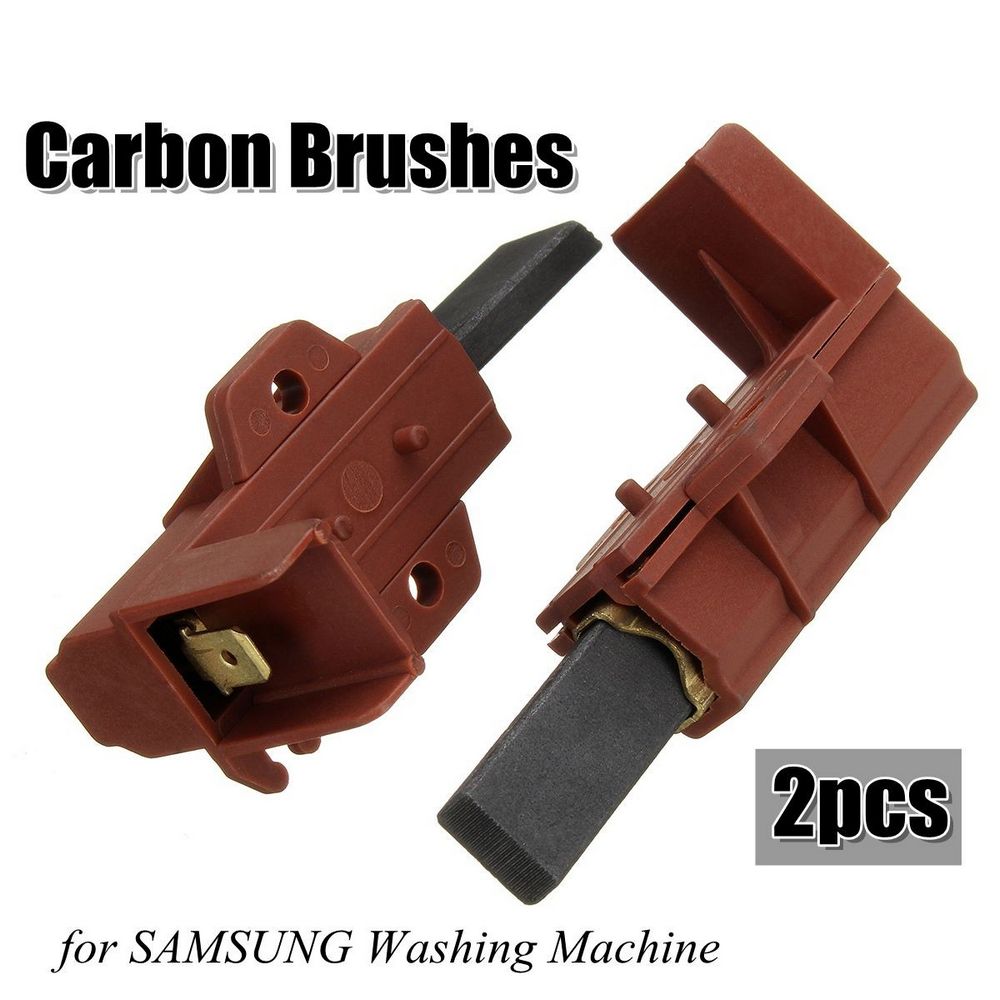
- A malfunctioning motor that is not responding to the control board’s signals.
- An obstruction or jam in the motor that is preventing it from functioning properly.
- A faulty wiring harness or connector that is preventing proper communication between the control board and the motor.
If you are experiencing the F12 error on your Indesit washing machine, it is important to check these common causes and troubleshoot the issue accordingly. By identifying the root cause of the problem, you can then take the necessary steps to fix it and get your washing machine working properly again.
Troubleshooting Steps for Error F12
If your Indesit washing machine is displaying error code F12, it indicates a problem with the communication between the control board and the motor. Follow the troubleshooting steps below to resolve this issue:
1. Turn off the machine

Begin by turning off the machine and unplugging it from the power source. This will help reset the control board and allow for a fresh start.
2. Clean the contacts

The error code F12 can sometimes occur due to dirty or loose connections between the control board and the motor. Use a clean cloth to carefully clean the contacts and ensure they are tight and secure.
3. Check the wiring harness
Inspect the wiring harness that connects the control board to the motor. Look for any signs of damage, such as frayed wires or loose connections. If you find any issues, it may be necessary to repair or replace the wiring harness.
4. Reset the control board

Try resetting the control board by pressing and holding the power button for at least 10 seconds. This can sometimes resolve communication errors and clear the error code F12.
5. Contact a professional

If none of the above steps resolve the issue and the error code F12 continues to appear, it is recommended to contact a professional technician or the manufacturer’s customer service for further assistance. They will be able to diagnose the problem and provide the appropriate solution.
Remember to always prioritize your safety when troubleshooting any electrical appliance. If you are uncertain or uncomfortable with any steps, it is best to seek professional help to avoid any potential harm.
Resetting the Indesit Washing Machine

If your Indesit washing machine is displaying the F12 error code, you may need to reset the machine in order to clear the error and restore normal operation. Here are the steps to reset your Indesit washing machine:
| 1. | Turn off the washing machine by pressing the power button. |
| 2. | Unplug the power cord from the electrical outlet. |
| 3. | Wait for a few minutes to allow the machine to fully power down. |
| 4. | Plug the power cord back into the electrical outlet. |
| 5. | Turn on the washing machine by pressing the power button. |
After following these steps, the F12 error code should be cleared and your Indesit washing machine should be ready to use again. If the error persists, it may indicate a more serious issue with the machine and it is advisable to contact a professional technician for further assistance.
Professional Help for Error F12

If you have followed all the troubleshooting steps mentioned above and are still experiencing the Error F12 on your Indesit washing machine, it may be time to seek professional help. Here are some reasons why consulting a professional technician is the best course of action:
- Expertise: Professional technicians are trained and experienced in dealing with all kinds of washing machine issues, including Error F12. They have the knowledge and expertise to accurately diagnose the problem and provide the most effective solution.
- Specialized Tools: Technicians have access to specialized tools and equipment that may be required to fix the Error F12. These tools are not readily available to the average consumer and can make a significant difference in resolving the issue.
- Warranty Coverage: If your Indesit washing machine is still under warranty, attempting to fix the Error F12 yourself may void the warranty. By seeking professional help, you can ensure that any repairs or replacements are covered by the warranty.
- Time-saving: Trying to troubleshoot and fix the Error F12 on your own can be time-consuming, especially if you are not familiar with the inner workings of the machine. Hiring a professional technician can save you valuable time that can be better spent on other tasks.
- Peace of Mind: By hiring a professional, you can have peace of mind knowing that your washing machine is in capable hands. They will take care of the problem efficiently and effectively, allowing you to get back to your regular laundry routine without any worries.
In conclusion, if you are unable to resolve the Error F12 on your Indesit washing machine using the troubleshooting steps mentioned earlier, it is recommended to consult a professional technician. They have the expertise, specialized tools, and warranty coverage that can make the process smoother and ensure a long-lasting solution. Don’t hesitate to reach out for professional help and get your washing machine back in working order!
Preventing Future F12 Errors
Experiencing an F12 error on your Indesit washing machine can be frustrating, but there are several steps you can take to prevent it from happening again in the future. By following these preventive measures, you can ensure the smooth operation of your washing machine and avoid unnecessary disruptions:
- Regular maintenance: It is essential to keep your washing machine clean and free from any debris or obstructions. Regularly clean the detergent drawer, lint filter, and drum to prevent clogs and reduce the risk of F12 errors.
- Use the right amount of detergent: Using too much detergent can lead to excessive foam, which can cause the washing machine to malfunction and display error codes like F12. Follow the manufacturer’s guidelines and use the recommended amount of detergent for each load.
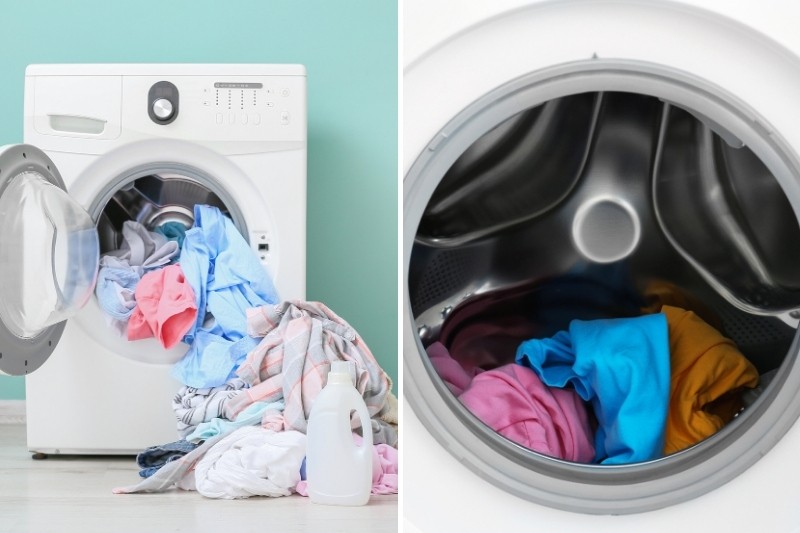
- Balance the load: Unevenly distributed loads can cause the washing machine to vibrate excessively, leading to F12 errors. Make sure to distribute the clothes evenly in the drum before starting the wash cycle and avoid overloading the machine.
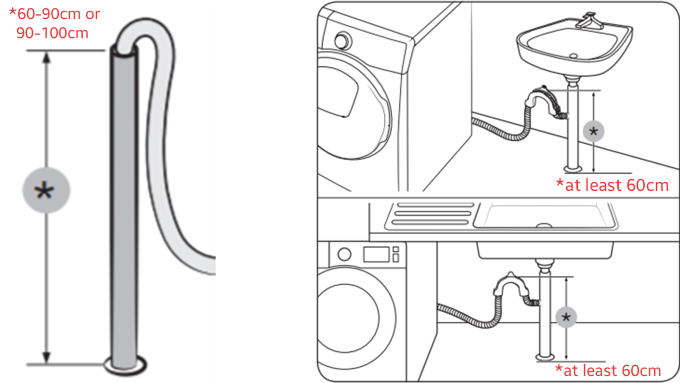
- Check water supply: Ensure that the water supply to your washing machine is consistent and free from any issues. Low water pressure or faulty water supply can trigger F12 errors. Regularly inspect the hoses and connections for any leaks or blockages.
- Avoid power surges: Power surges can damage the electronic components of your washing machine, leading to error codes like F12. Use a surge protector or voltage stabilizer to protect your appliance from sudden voltage fluctuations.
- Call for professional help: If you are unable to resolve the F12 error on your own or if it persists despite your troubleshooting attempts, it is advisable to seek professional assistance. Qualified technicians will be able to diagnose the issue accurately and provide the necessary repairs.
By following these preventive measures, you can minimize the chances of encountering an F12 error on your Indesit washing machine. Implementing these steps will not only ensure the efficient functioning of your appliance but also extend its lifespan.
Video on the topic
Identifying Hotpoint or Indesit Error Codes
Hotpoint Washing Machine not Draining Water – Fixed
indesit washing machine how to resolve bilking light
Identifying a Whirlpool Fault Code
Hotpoint, Ariston, Indesit on Aquarius models test or service mode Diagnosing faults & Error codes
Answers to frequently asked questions
Read more practical tips and expert opinions about modern devices at appliances-news.com. Here you will find answers to questions about any technology.